Payments approved in the system and banks reconciled every week
We look at where each payment starts, who approves it and how long reconciliation takes, and what to change before adding tools.
34 questions, result at the end, free of charge.

Treasury system: definition and use
It manages bank accounts, bulk supplier payments, collections, bank reconciliation, exchange rates and the cash forecast.
In mid-sized companies it usually lives inside the ERP. Specialist platforms come in when there are many banks, countries or companies.

Who it is for and when it does not fit
A good fit for
- Treasury teams paying suppliers from several bank portals
- Companies reconciling banks at month-end in spreadsheets
- Operations with accounts in soles and dollars and supplier advances
- Managers who need a reliable cash-flow forecast
Not a fit when
- There is a single bank account with few transactions a month
- The need is funding: that is a job for a financial adviser
- You need surplus investment or derivatives: that requires a specialised treasury system
Cost of manual bank reconciliation
Every payment keyed in and every unidentified item adds hours nobody measures. Work out the cost with your own figures.
Example: two treasury staff at S/ 28 an hour. Replace the values with yours.
The estimate shows what the manual task costs today. It is not a savings promise.
Statements, reconciliation and batch payments
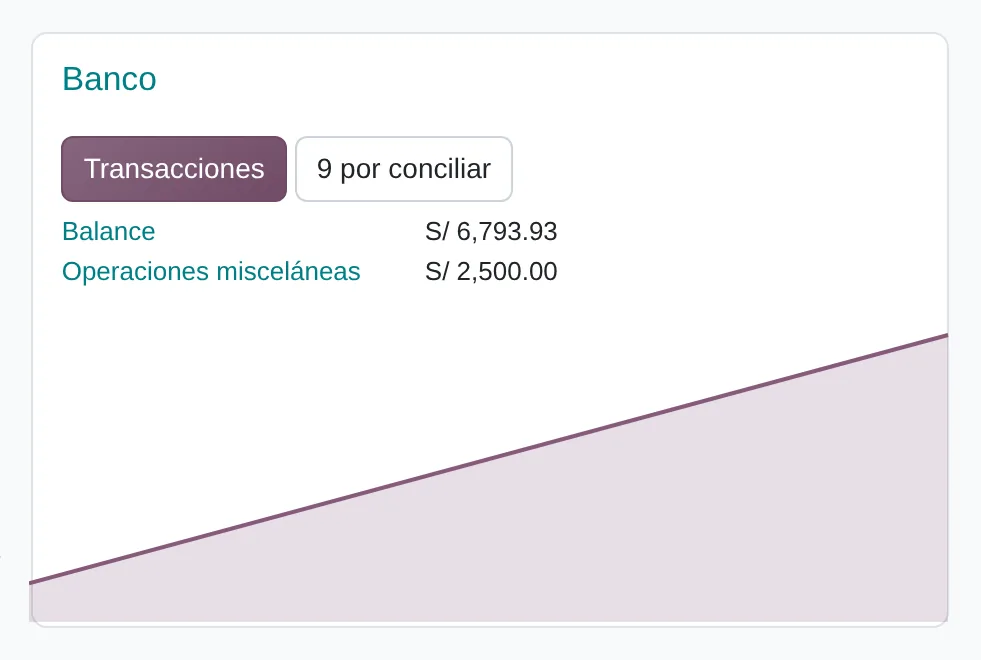
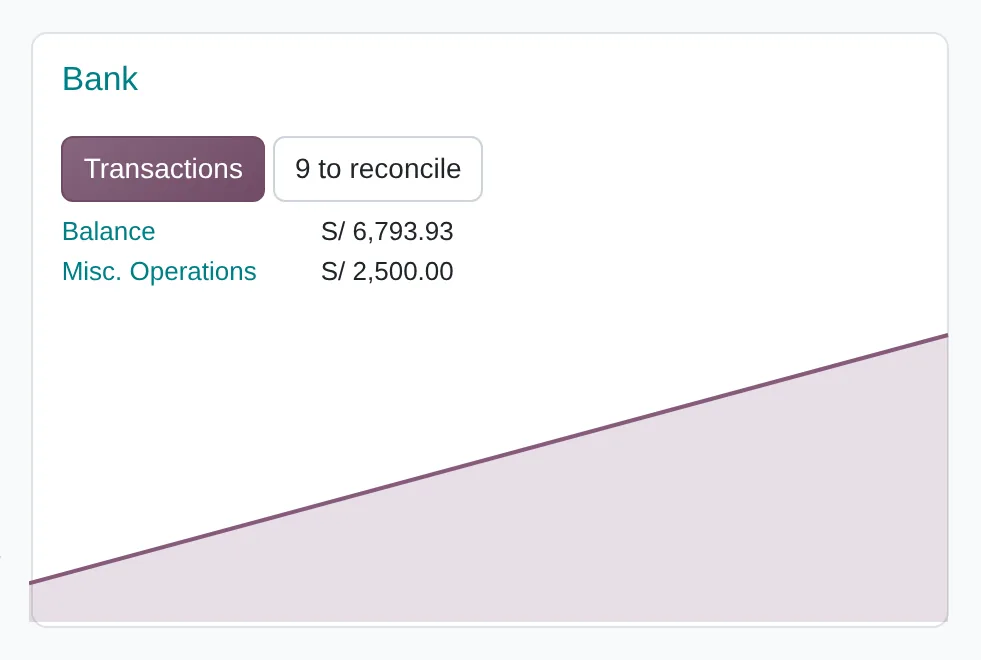
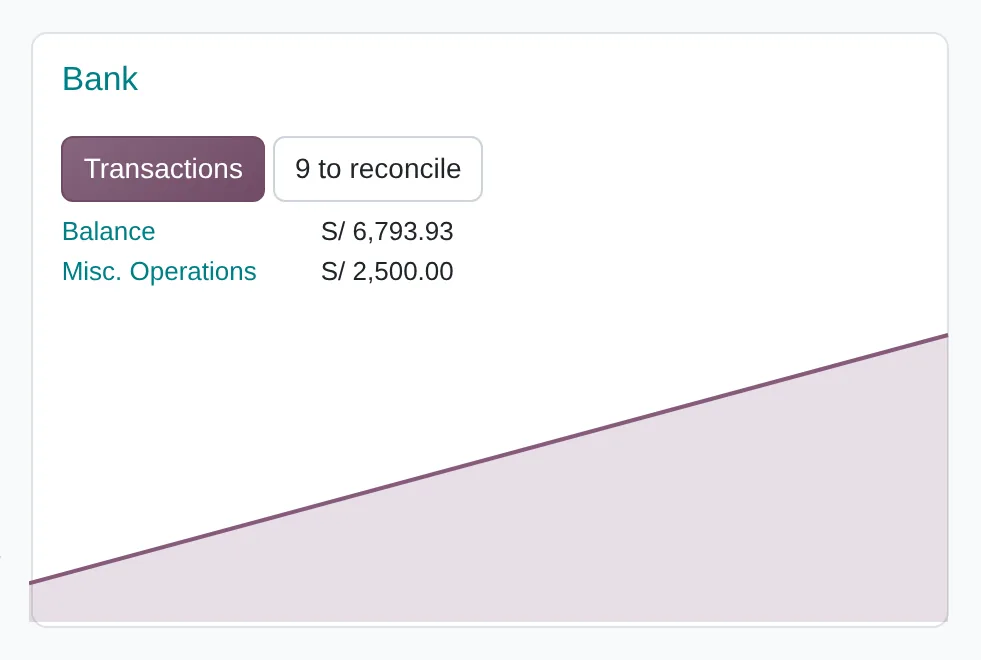
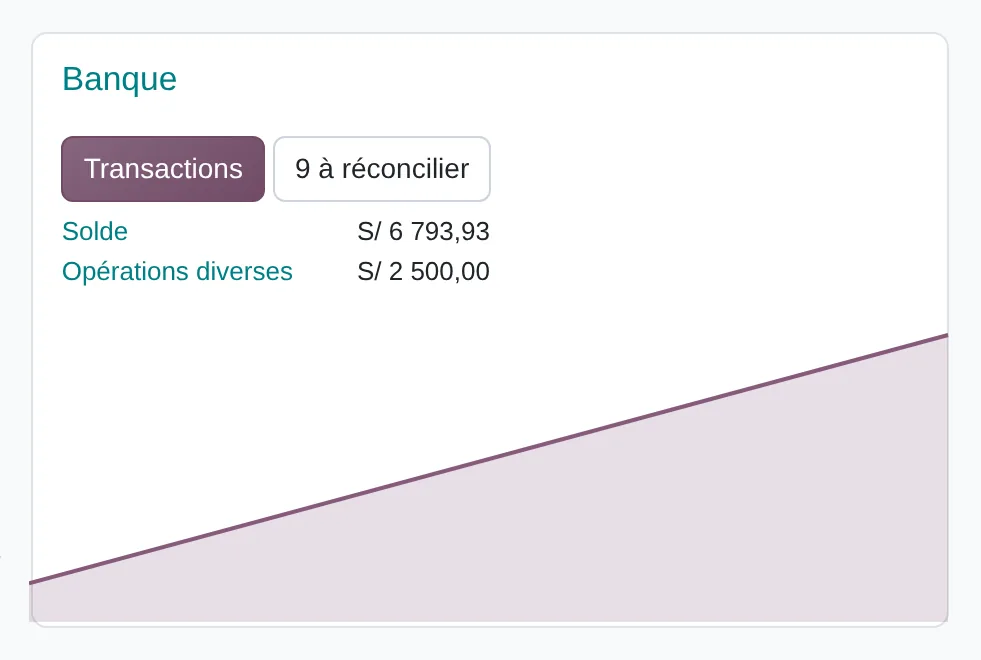
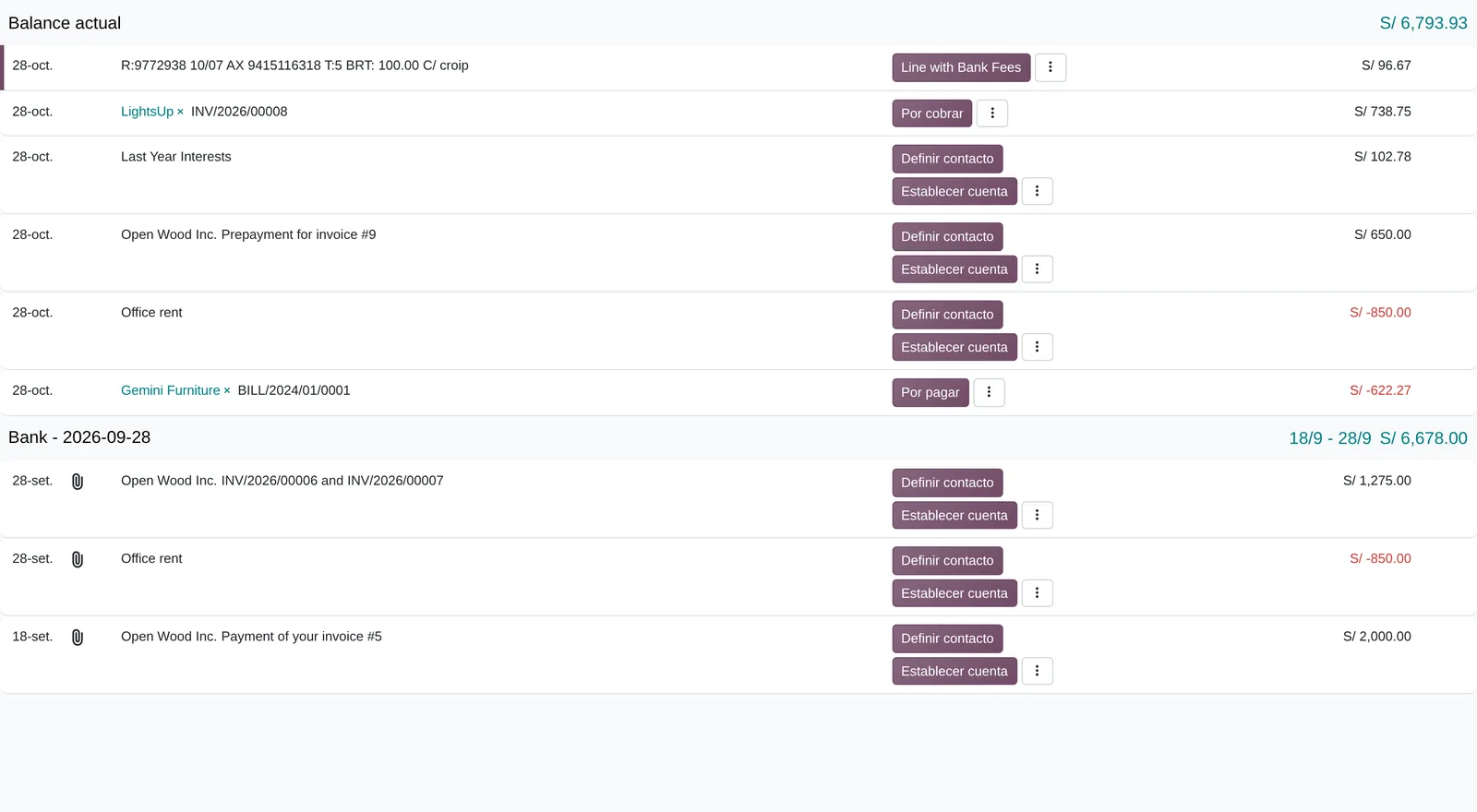
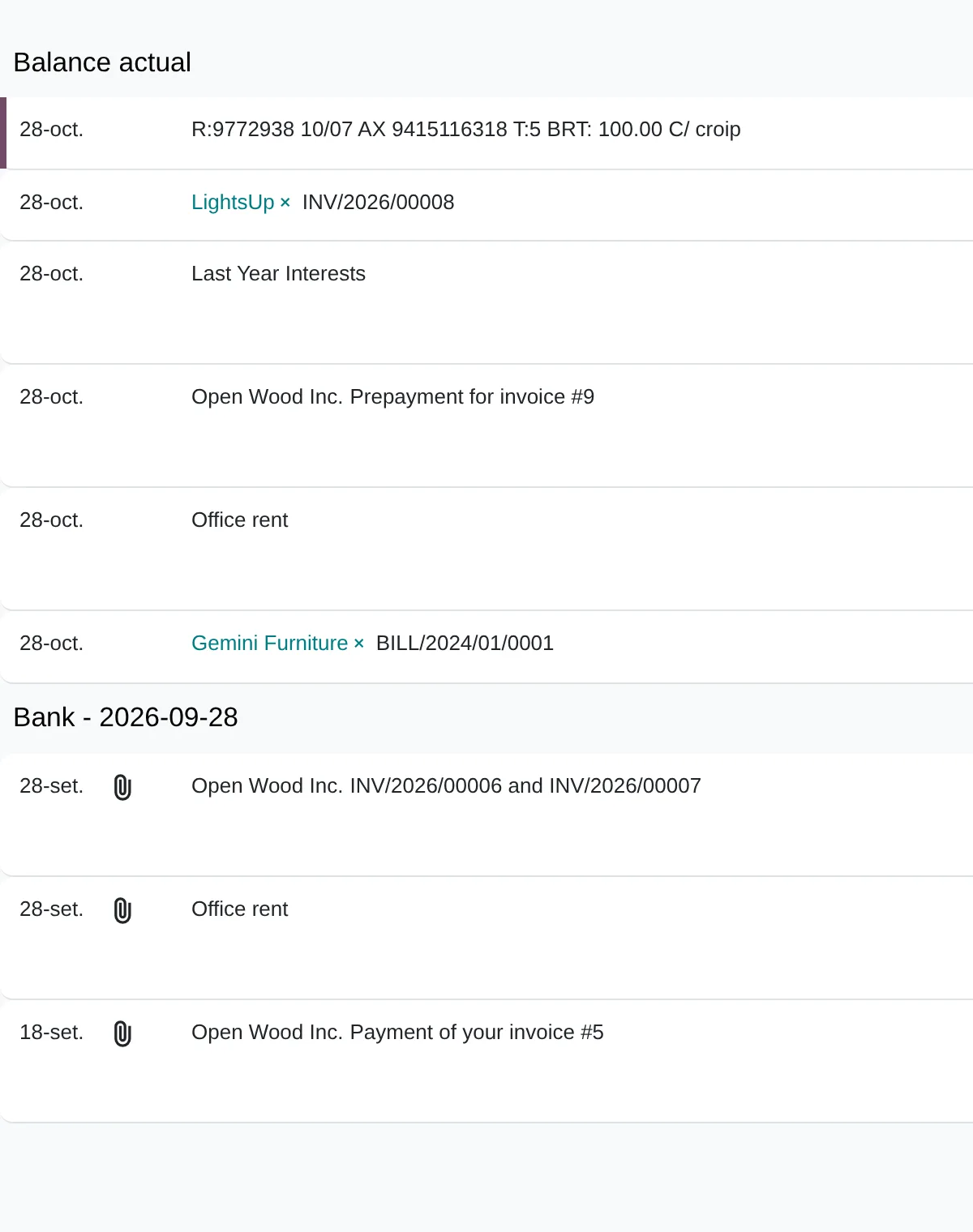
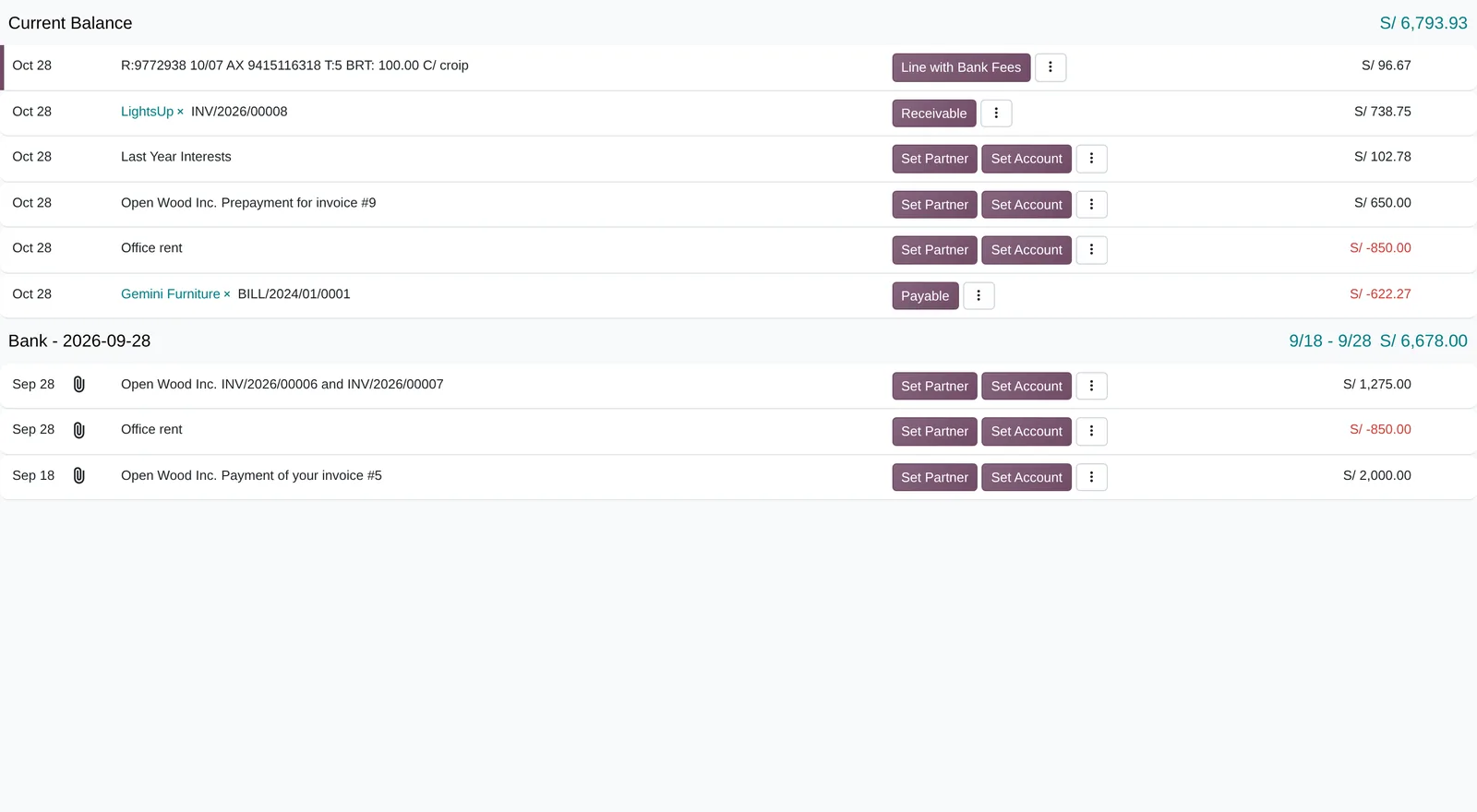
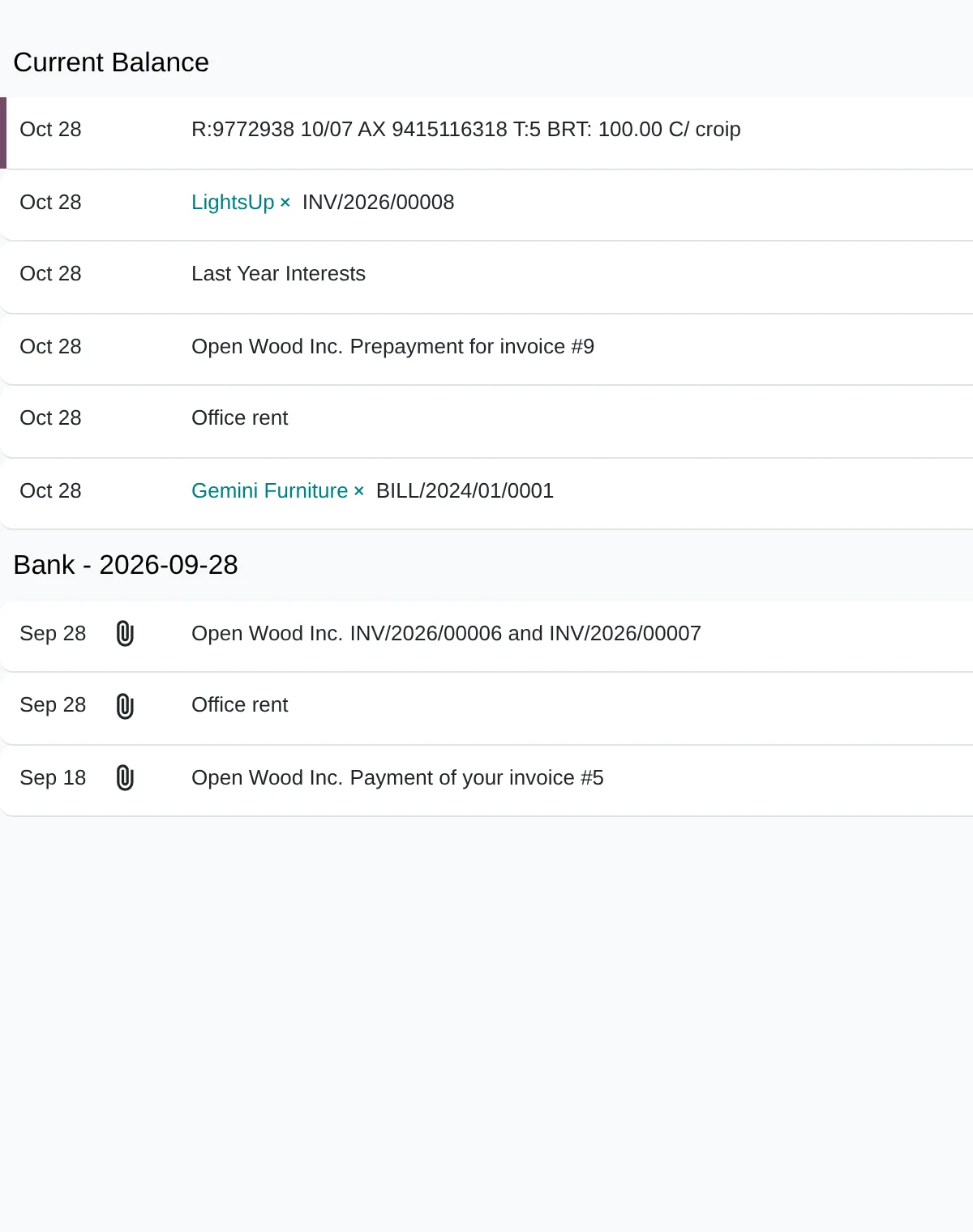
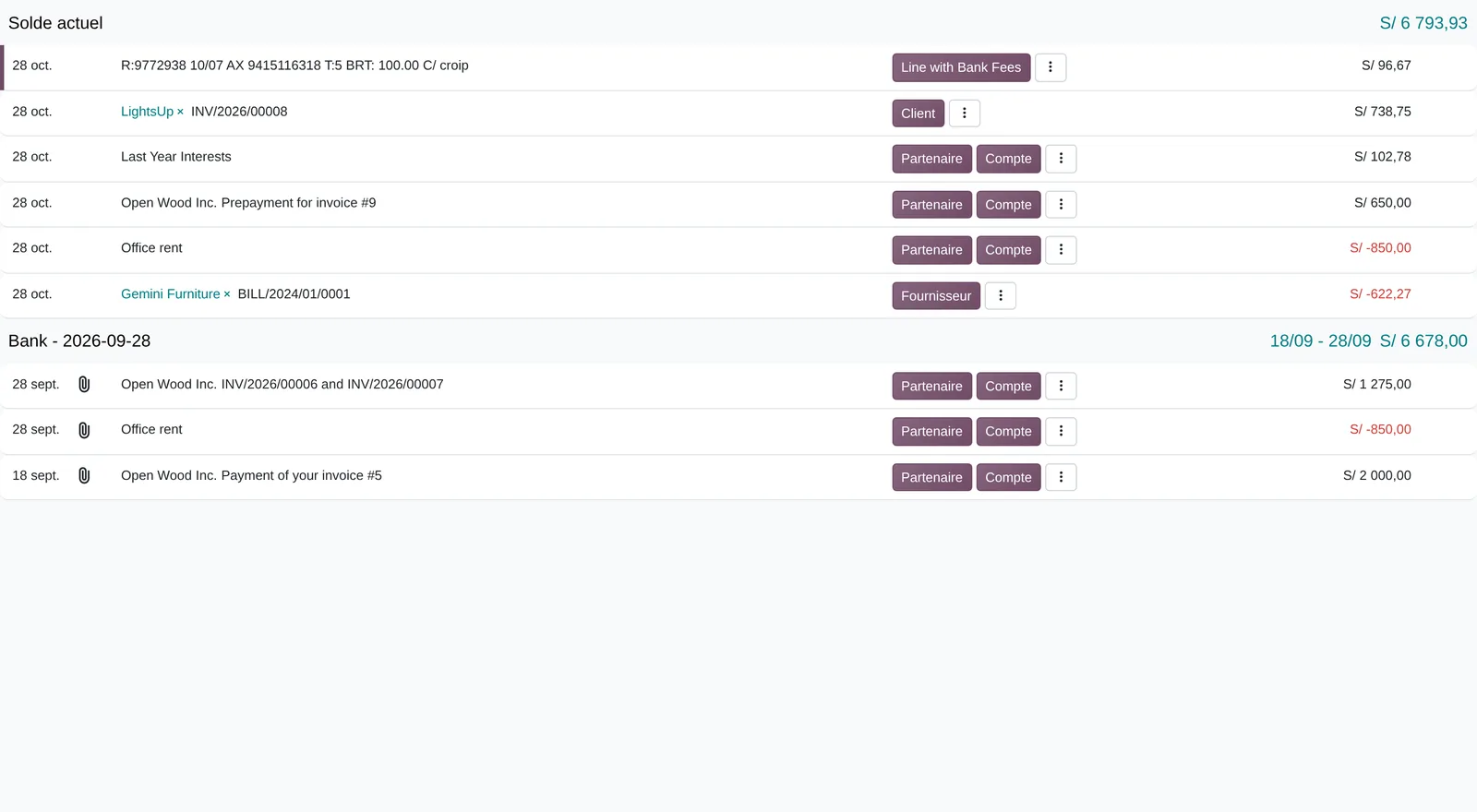
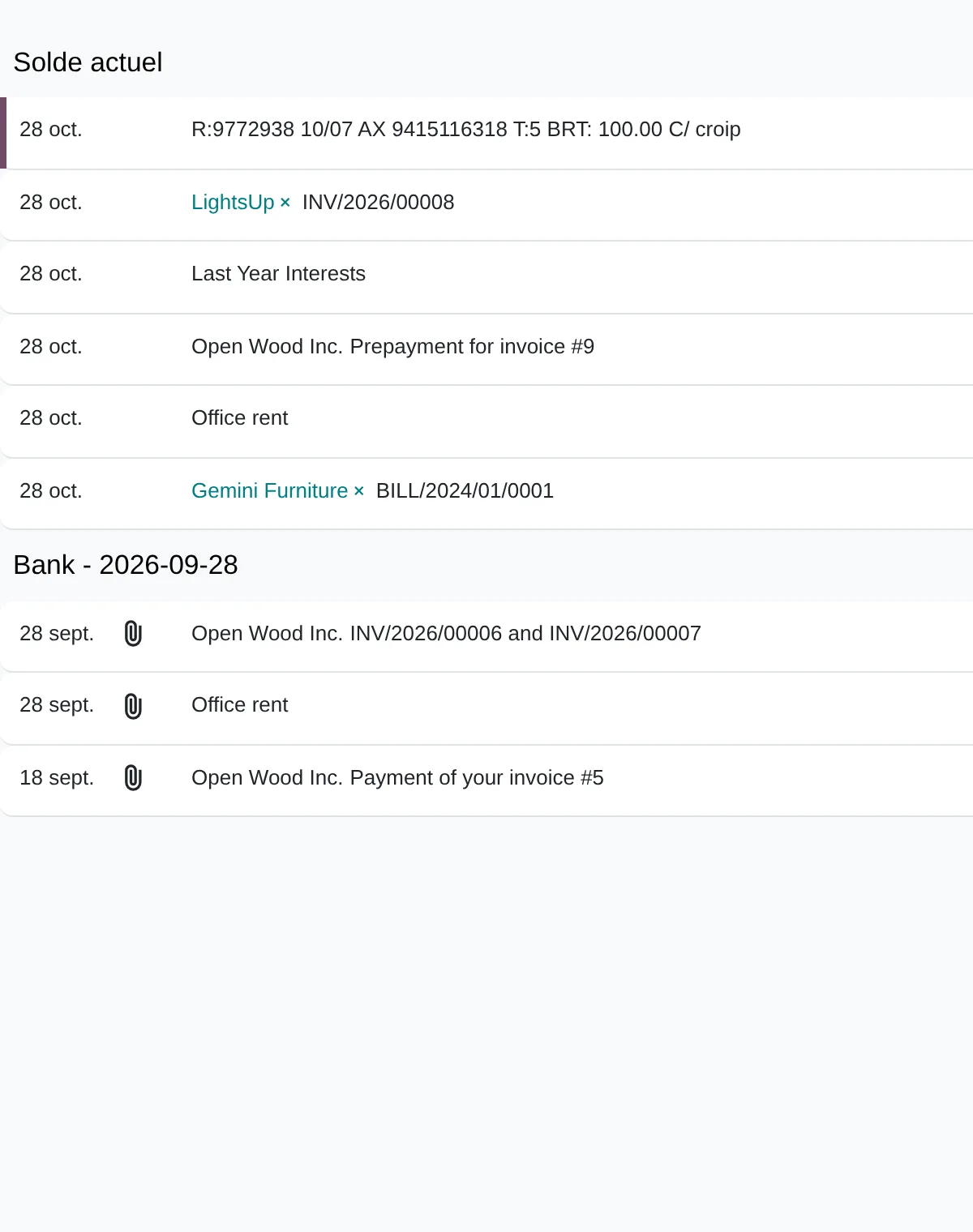
In Odoo 20 the Accounting Dashboard shows each bank’s Balance and a «to reconcile» button with the pending transactions. Each statement line is reconciled against invoices, payments or a reconciliation model.
Supplier payments are grouped in Batch Payments and the payment stays In Payment until the bank confirms it and the bill becomes Paid.
Payment states
- Not Paid
- In Payment
- Paid
- Line reconciled
- Items to reconcile
- Book balance
The method applied to treasury and payments
Diego Muñoz leads every assessment: process and data first, then the tool, in short phases you approve.
Following a payment
We follow a payment from the approved invoice to the bank receipt and its reconciliation, with who acts at each step.
Control review
We check signatures, limits by amount, who changes supplier bank details and how evidence is kept.
Banks and formats
We list banks, accounts and file formats available for payments and statements, and validate them with a test batch.
Plan with one indicator
We propose phases tied to one indicator, such as days to reconcile the bank.
Deliverables
- Map of the payment and collection cycle with its controls
- Approval matrix by amount and separation of duties
- Bank formats validated with a test batch
- Cash forecast model built from scheduled receipts and payments
Prerequisites and outputs
Prerequisites
- Bank accounts by company, currency and journal
- Bank statement format (CSV, OFX or CAMT) or online sync
- Vendor bills posted with a due date
- SPOT account at Banco de la Nación
- Payment approval rules by amount
Outputs: payments, reconciliations and cash flow
- Reconciled lines with their entry
- Payment batch to upload to the bank
- Realised exchange difference entries
- Cash flow analysis and aged payables
- Book bank balance against statement balance
Key settings
Standard Odoo 20 settings that change how the process behaves. They are set during the configuration phase, based on the assessment answers.
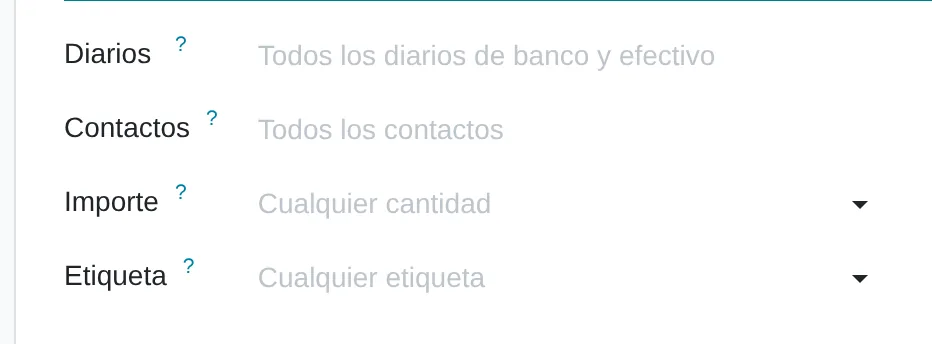
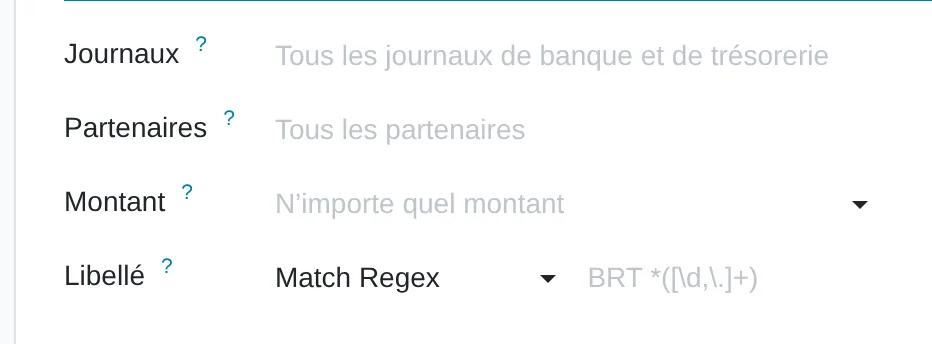
Reconciliation models
Where Accounting › Configuration › Reconciliation Models
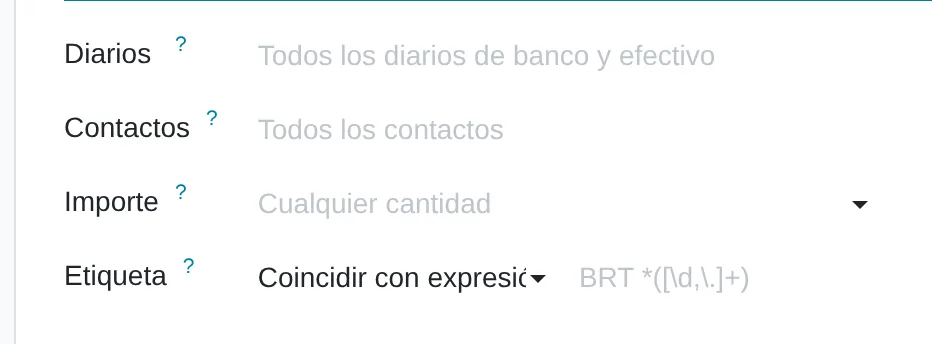
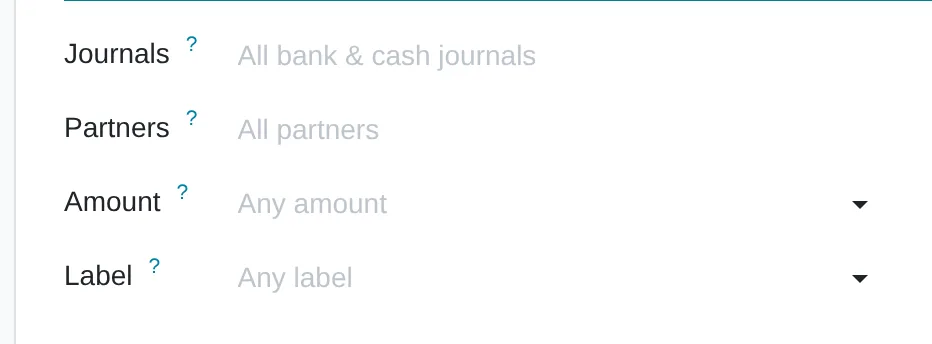
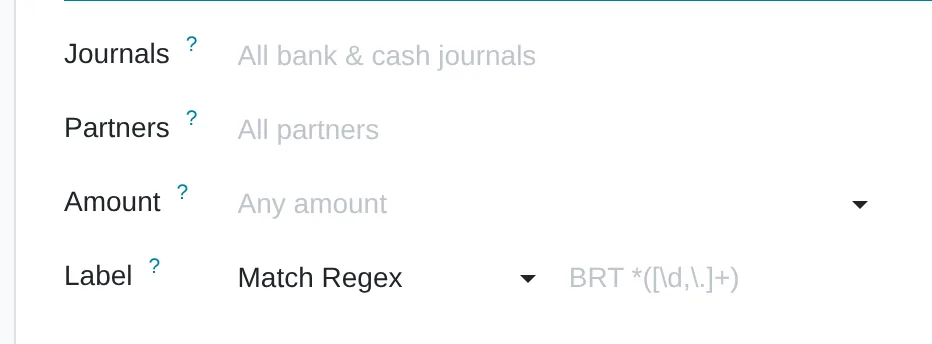
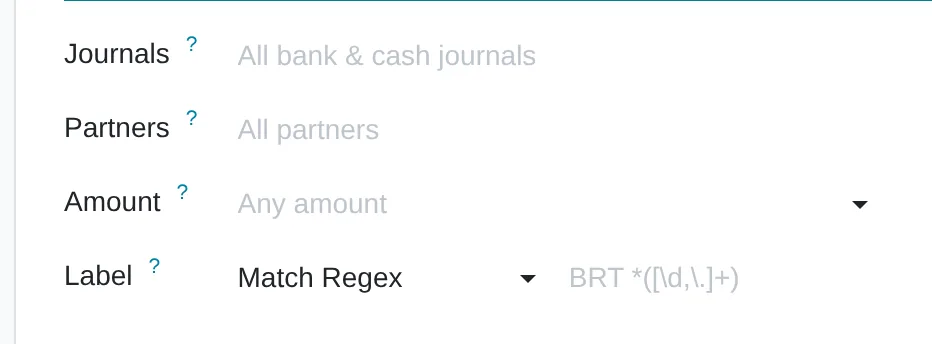
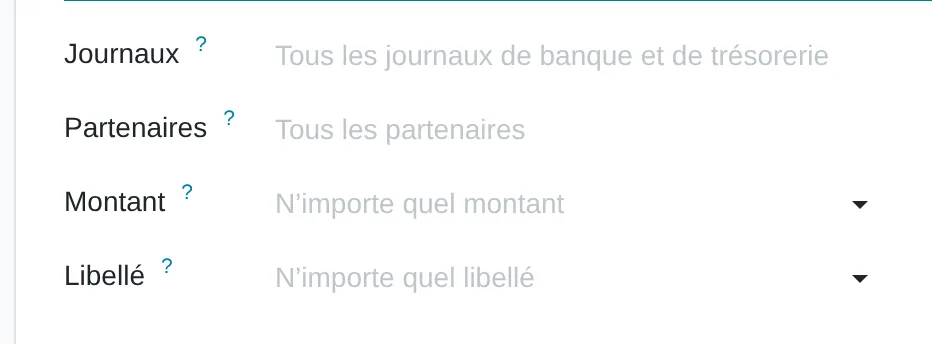
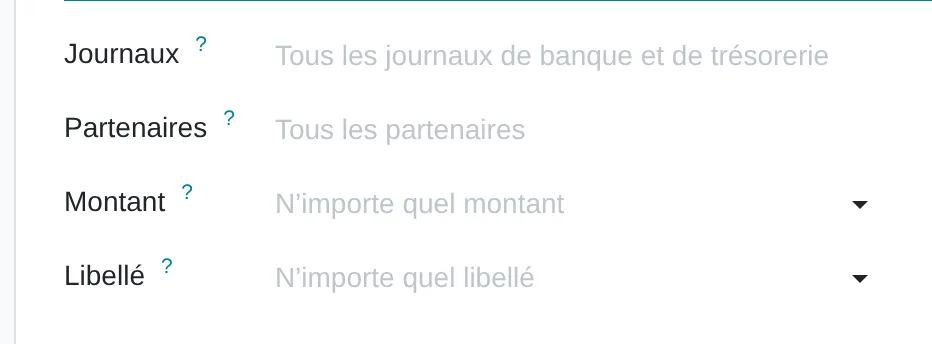
Rules by journal, amount, partner and statement label. The label condition accepts text or a regular expression.
Batch payments
Where Settings › Accounting › Vendor Payments
Groups the week’s payments into one batch: one bank movement and one reconciliation.
Payment tolerance
Where Reconciliation model of type matching rule
Accepts small differences, such as bank fees, and posts them to the counterpart account.
What almost nobody uses
Standard features that come installed and are rarely configured. Each one shows where it sits in the menu and in the source code.
Amount read from the bank label
Where Reconciliation model › Counterpart Items › Amount Type «From label»
A regular expression pulls the fee or tax amount out of the statement text and builds the exact counterpart.
Code
account/models/account_reconcile_model.py:29Automatic reconciliation by rule
Where Reconciliation model › Automate button
With the trigger set to Automated, statement lines that meet the rule are validated without opening the reconciliation screen.
Code
account/models/account_reconcile_model.py:109Next activity on reconciliation
Where Reconciliation model › Next Activity
Leaves a task for whoever must request the voucher for a bank charge. The follow-up does not depend on the treasurer’s memory.
Code
account/models/account_reconcile_model.py:117
Assessment dimensions
This analysis reviews payment scheduling and approval, supplier accounts, bulk payment, SPOT deposits and withholdings, bank reconciliation and projected cash flow. The questions describe what treasury does each week today, from the approved invoice to the bank receipt.
What you receive
When you finish you receive a level per dimension of your treasury and the gaps ordered by priority. Each gap states the first action you can verify in the following week's payment schedule.
17 scored questions and 12 context questions (type of operation, size, current system). Context questions are not scored: they let us read the result against similar operations.
Market options
Most mid-sized companies handle treasury inside the ERP. A separate platform is assessed when there are many banks, countries or companies.
Odoo
Odoo Accounting with batch payments, statements, reconciliation rules, advances and exchange differences, plus bulk payment files per bank.
Odoo 20 technical modules
account_accountantaccount_batch_paymentl10n_account_withholding_tax
We implement it.
Other options
Treasury management and cash forecasting platforms that connect with several banks and with the ERP.
- Kyriba
- SAP Treasury
- GTreasury
- Trovata
- Agicap
Treasury systems and ERPs with a banking module; in no order of preference.
Selection criteria
- Reading your banks’ statements without reformatting
- Payment file accepted by the bank in a test
- SPOT and withholdings applied in the same payment
- Daily rather than monthly reconciliation
Limits of the standard product
Payment file in each Peruvian bank’s format
How it is handledThe standard product exports batches; each bank’s own layout is built with a clean add-on
Online bank sync with local banks
How it is handledIt depends on the provider’s coverage; otherwise the statement is imported
Cash flow with scenarios
How it is handledIt is built from budget and due dates; complex scenarios call for a planning tool
Peruvian localisation
- SPOT: deposit, certificate and application to the bill
- VAT withholding when paying suppliers
- SUNAT buying and selling exchange rates
- Financial transactions tax (ITF) on bank lines
From assessment to implementation
Payment control review
Signatures, limits, supplier bank detail changes and evidence.
Implementation with Odoo
Batch payments, bank files, statements, reconciliation, advances and SPOT deductions.
Cash forecast
Forecast from the system’s receipts and payments, reviewed weekly.
Selection and integration
If you need a separate treasury platform, we compare options and connect it to the ERP.

I implement treasury with Odoo: batch payments, bulk payment files, bank statements and reconciliation, advances, exchange differences and SPOT deductions. For specialist treasury platforms, I compare options and assess their integration with the ERP.
Systems that connect with treasury and payments
Treasury pays what accounting recorded and returns the reconciled payment; the cash forecast feeds planning. The links lead to each system’s assessment.
Before you start
It depends on the bank and the service you have. We review the available file formats and connections and test them with a real batch.
Yes, if one person prepares and releases payments today. The proposal separates both roles and sets limits by amount that you define.
Yes. Each company pays from its own accounts and loans between companies are recorded when they happen, not at the close.
The online assessment and the 30-minute review are free. Later work is quoted by phase.
Only Diego Muñoz, to prepare the review. They are not shared with third parties.
Start with the online assessment
At the end you see your level and where to start. If you like, we review it in a 30-minute video call with Diego Muñoz.
WhatsApp +51 919 488 260 · damunoz@dmunozgroup.com