Requests and approvals with a visible stage, owner and deadline
I redesign the process with the people who run it, move it into an approval workflow connected to your ERP and measure where each case stalls.
36questions on stages, approvers and lead times, in 8 minutes
Stages, owners, rules and approvals in one flow
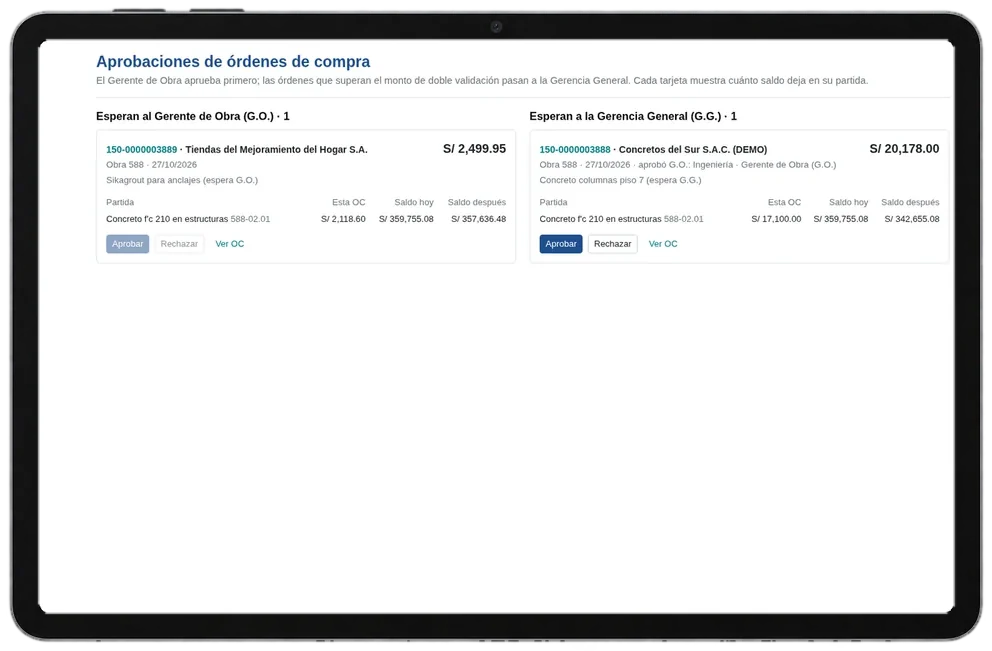
A business process management (BPM) system models a process with its stages, owners, rules and approvals, and records which stage each case is in and how long it spends there.
Purchasing, expenses, contracts and HR requests are the most common processes. The order matters: the redesigned process first, the tool second.
Signs your company needs one
- Approvals are requested by email or WhatsApp
- Nobody knows which stage a case is in or who has it
- A process has parallel or optional stages the system does not support
- Changing an approval rule requires development
- Time per stage is not measured
- The real process differs from the documented one
BPM: who it is for and when it does not fit
A good fit for
- Companies where purchases, expenses or discounts are approved by email or WhatsApp
- Administration managers who cannot tell what stage a request is at
- Audit or internal control teams that need who approved what and when

Not a fit when
- The process changes every month and there is no agreement yet on how it should work
- A single person approves everything: the bottleneck is organisational, not a tooling issue
- A corporate BPM suite is expected for a process that Odoo Approvals already covers
The cost of staying as you are
Stalled cases
A request waiting for a signature without anyone knowing delays the purchase, payment or hire.
Time spent asking
“Has it been approved yet?” eats hours of requesters and coordinators.
Approvals without a trail
Without a record, an audit or complaint forces you to rebuild who approved what from emails and chats.
How I assess BPM in four steps
The workflow is built on the redesigned process, not the current one, and goes live with time per stage already measured.
I map the real process
With the people who run it: stages, shortcuts, exceptions and where each case waits.
I redesign it
An approval matrix by amount and risk, and approvals that add no control are removed.
I configure and connect it
A flow in the tool, a form per case type and automatic creation in the ERP.
I measure the timings
Time per stage, stalled cases and approvals outside the system.
What your company provides for the process and workflow management project
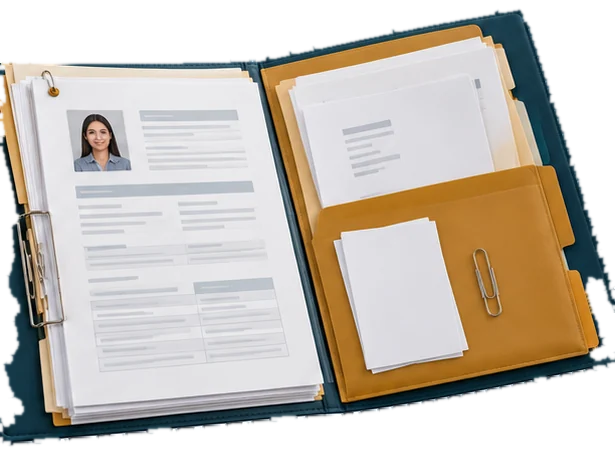
The people who run the process
A session with requesters and approvers to map how it is done today, not how the manual says.
Amount and approver policy
Limits by role, cost centre or expense type, approved by management.
Recent real cases
Requests from the last quarter, including rejected ones and those approved outside the rules.
A process owner
Who decides rule changes after go-live.
From assessment to implementation
Process redesign
Current and target maps, approval matrix and a prioritised requirements list.
Workflows in Odoo or another tool
Approvals, forms, deadlines and alerts, with rules the business can change.
Connection and measurement
Automatic creation in the ERP and a time-per-stage dashboard.

Diego Muñoz
I implement approval workflows: I map and redesign the process with the people who run it, configure it in Odoo (Approvals, Studio and automated actions) or another workflow tool, connect it to the ERP and leave time per stage measured.
I implement this type of system
Take the assessmentMarket options
Between Odoo Approvals and a BPM suite, modelling of long processes, third-party integration and cost per user all change.
Odoo Approvals and Studio
Odoo covers approvals by request type, Studio to add stages and fields without coding, and automated actions for alerts and deadlines. It is a direct option when the ERP is Odoo and flows cover purchasing, expenses or internal requests.
Other platforms I assess
- Camunda
- Pega
- Appian
- Bizagi
- Microsoft Power Automate
- Nintex
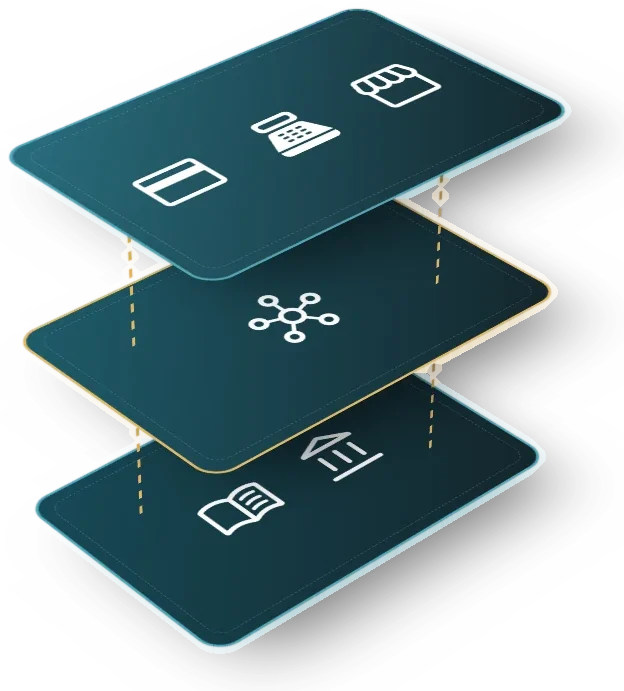
Selection criteria
- Path complexity: linear, conditional or parallel
- Whether the business can change rules without development
- Connection to the ERP and other systems
- Built-in time-per-stage measurement
- Licensing per approving or operating user
BPM: limits and alternatives
Long-running processes across companies
Case files with many external parties and legal deadlines usually call for a BPM suite; there I assess and help you choose.
Rules with no owner
If nobody approves the amount policy, the workflow reproduces today’s argument inside the system.
Studio and upgrades
What is built with Studio carries over in Odoo upgrades, but each version change is tested first on a copy.

Which other systems it connects to

Enterprise resource planning
The approved case creates the order, payment or record without re-keying.
See the systemE-procurement
Purchase requests and orders with approval by amount.
See the systemSpend and expense management
Expenses and reimbursements with approval and budget in view.
See the systemElectronic signature and digital certificates
Signature of the final document within the same flow.
See the systemDocument and enterprise content management
Each case’s documents stored and versioned.
See the systemRobotic process automation
Screen tasks within the flow when a system has no API.
See the system36 questions and 8 minutes to see where to start
This assessment reviews how your requisitions, change orders and approvals move, from the request until the ERP executes it. The questions describe observable situations in the flow map, the case file, approvals, timing and the control matrix.
Scored dimensions
- Flow map and actual process. It looks at whether each flow has written stages, owners and decision rules, whether it matches what is done on site and whether rule changes are approved and tested.
- Case file and status. It looks at whether each case starts from a complete form, keeps documents and comments in one place and whether the requester can see its stage and current holder.
- Approval and ERP execution. It looks at whether approvals happen inside the tool, whether the approver sees the remaining budget before deciding and whether approved items are executed and confirmed in the ERP without retyping.
- Stage times and escalation. It looks at whether each stage's duration is measured, whether a stalled case escalates automatically when its deadline passes and whether each approver has a backup who approves in the system.
- Approval matrix and audit trail. It looks at whether approval levels depend on amount and risk, whether the system stops someone approving their own request and whether a record shows who approved and with what information.
What you receive
At the end you receive your workflow level across five dimensions and the gaps ranked by weight. Each gap comes with a first action your team can verify.
18 scored questions and 13 context questions (type of operation, size, current system). Context questions are not scored: they let us read the result against similar operations.
Free of charge. Only Diego Muñoz sees your answers.

Before you start
No. Automating a process without redesigning it is the best-known risk: it repeats the mess faster. I first map and simplify it with the people who run it.
With one that has volume, clear rules and visible pain, such as purchasing or expenses. A first working flow becomes the model for the next ones.
Yes, that is a design requirement. Rules live in configuration, with a process owner who changes them and a record of each change.
The online assessment and the 30-minute review with Diego are free and carry no commitment.
Only Diego Muñoz sees them, to prepare the review. They are not shared with third parties or used for bulk mailings.
Review your BPM case with Diego in 30 minutes
Diego Muñoz replies in person, on Lima time. If you have taken the assessment, he comes with your answers already read.

WhatsApp +51 919 488 260 · damunoz@dmunozgroup.com