Electronic books that come out of the system without editing the TXT
We trace every PLE error and every SIRE difference to its source and fix it there: in contacts, accounts and entries.
34 questions, result at the end, free of charge.

PLE and SIRE: definition and use
PLE is SUNAT’s electronic books programme: purchase and sales registers, journal, ledger and other books that the company files in fixed-format files.
SIRE proposes the sales and purchase registers from e-invoices. The company accepts or adjusts them, and what it files must match its accounts.
Who it is for and when it does not fit
A good fit for
- Companies required to keep electronic books in PLE or SIRE
- Accountants who fix system-generated files in a text editor
- Teams that cannot match the SIRE proposal with their purchase register
- Companies that pay a third party to build the books
Not a fit when
- The company is under a regime with no mandatory electronic books
- The errors come from the accounting records: the accounting assessment comes first
- The outside firm produces the books with its own system and there is no plan to bring them in-house

Cost of fixing TXT files every month
Fixing a TXT takes hours and comes back next month if the source data does not change. Work out the cost with your own figures.
Example: one accounting analyst spending eight hours a week on the books. Replace the values with yours.
The estimate shows what the manual task costs today. It is not a savings promise.
General Ledger, SIRE registers and TXT export
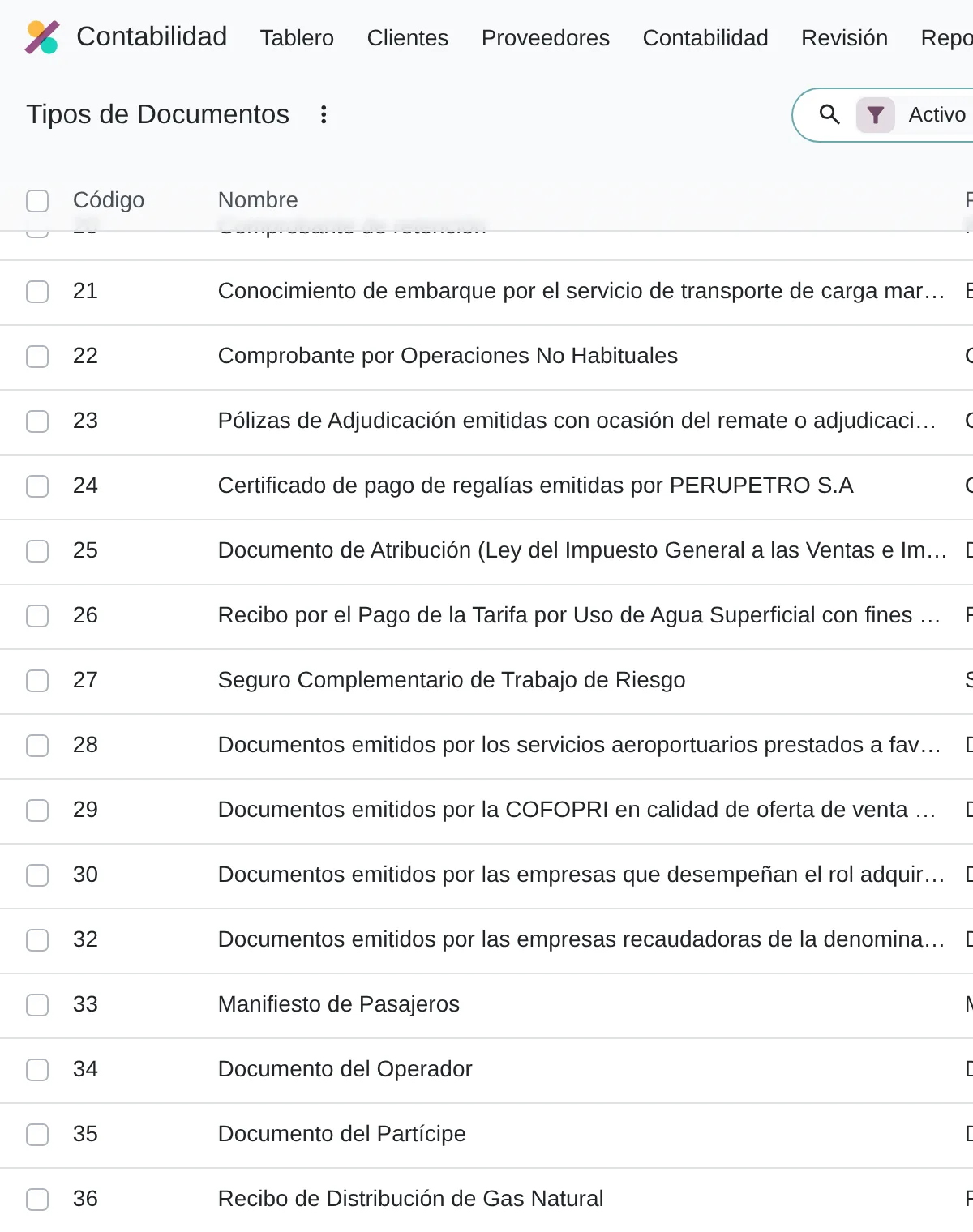
In Odoo 20 the General Ledger action menu offers the PLE 5.1, PLE 5.3 and PLE 6.1 TXT exports. Cash and bank export formats 1.1 and 1.2.
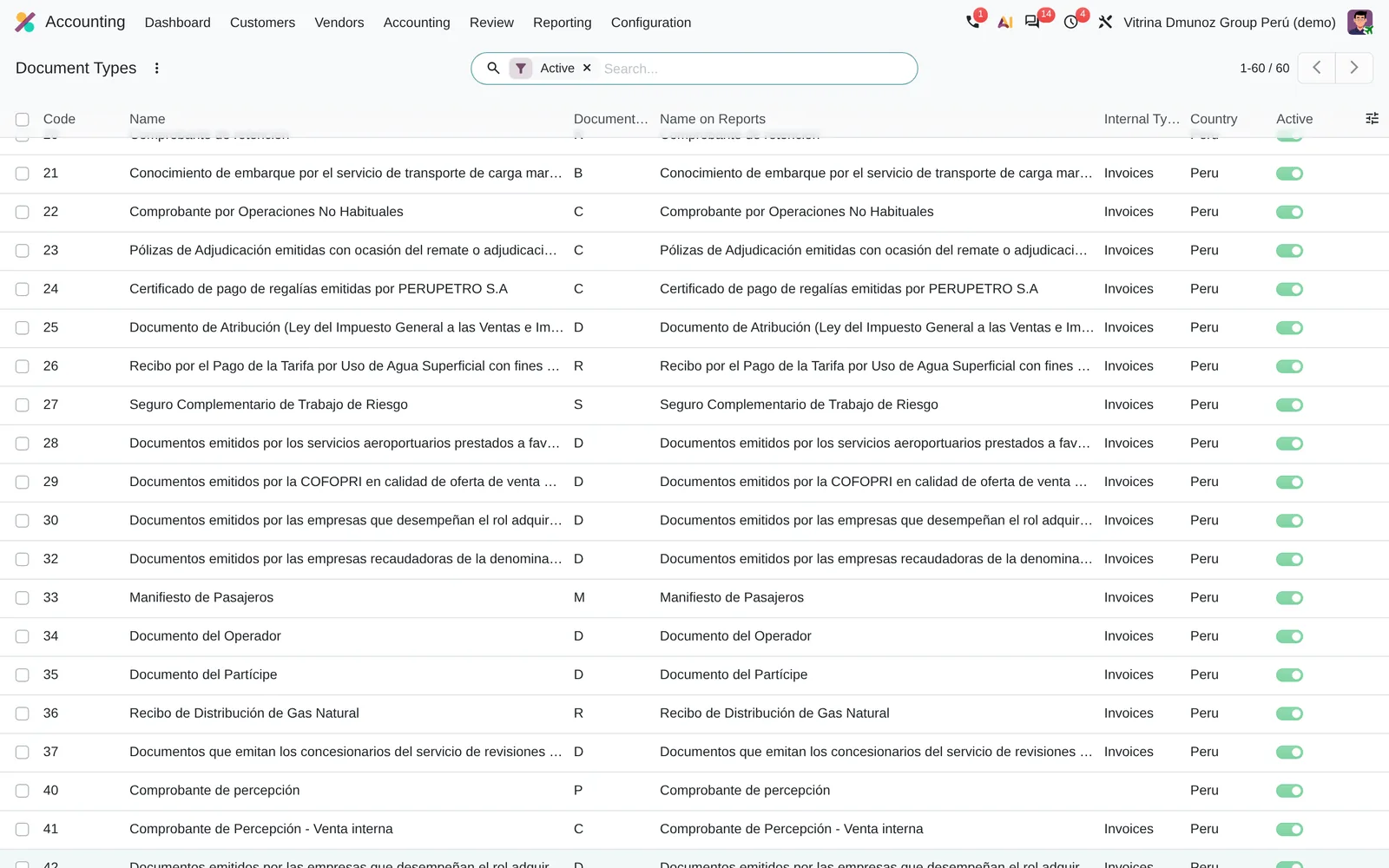
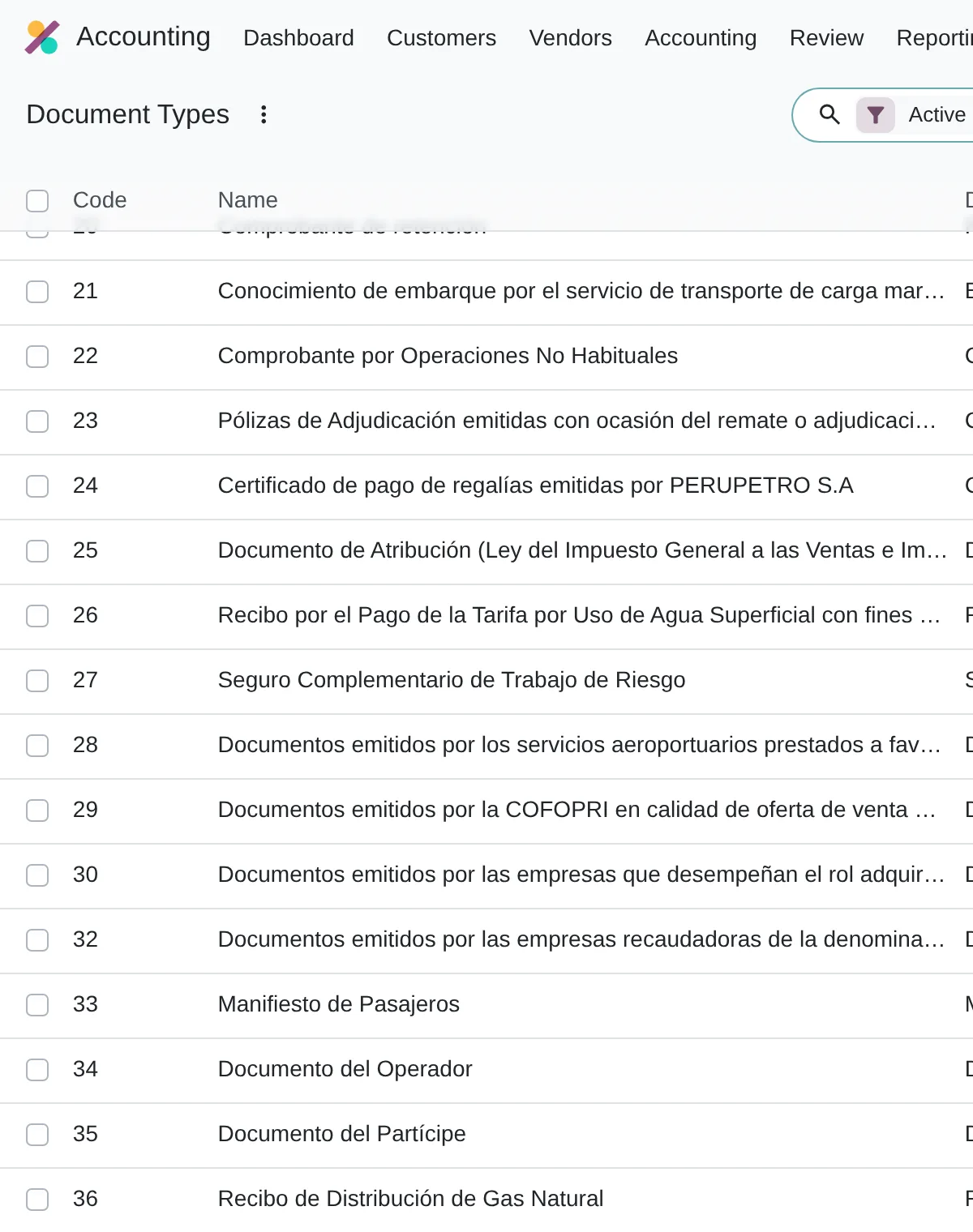
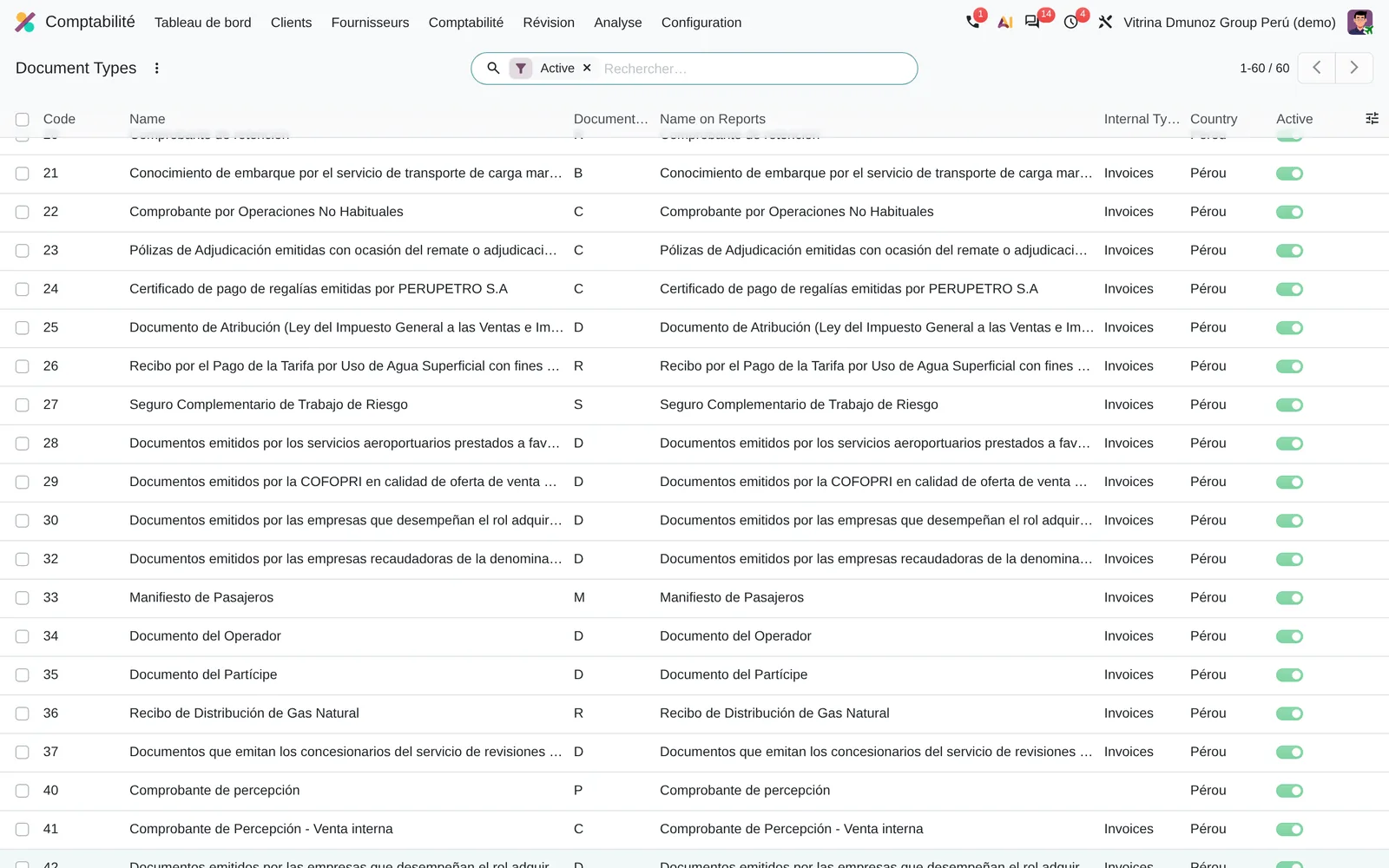
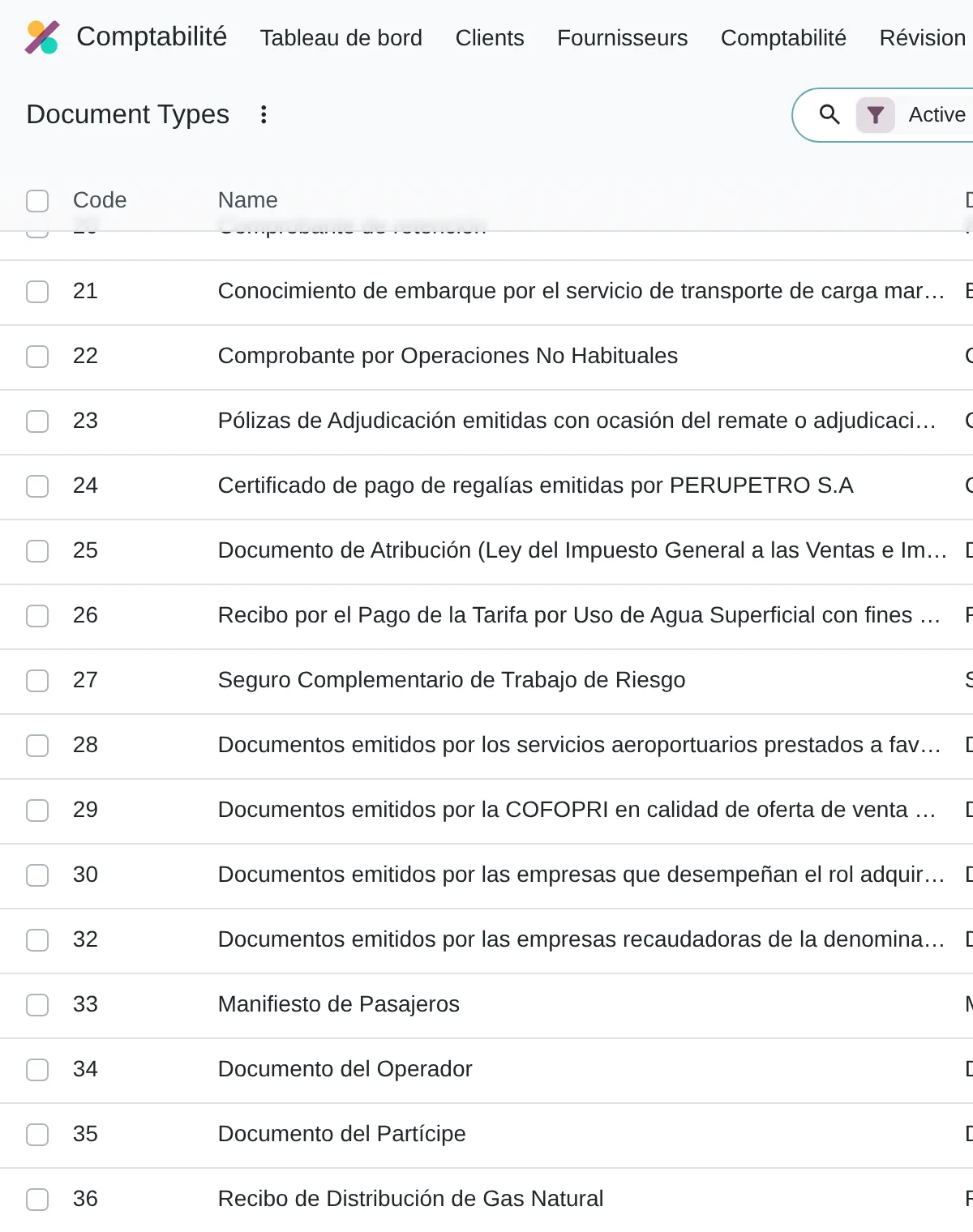
Under Tax Report you choose the RCE Purchase Register 8.4, RCE Non-domiciled 8.5 and RVIE Sales Register 14.4 reports that feed SIRE. Each line comes from the Document Type, the series and the contact’s RUC.
Period book states
- Posted entries
- Period report
- PLE TXT or SIRE proposal
- Period locked
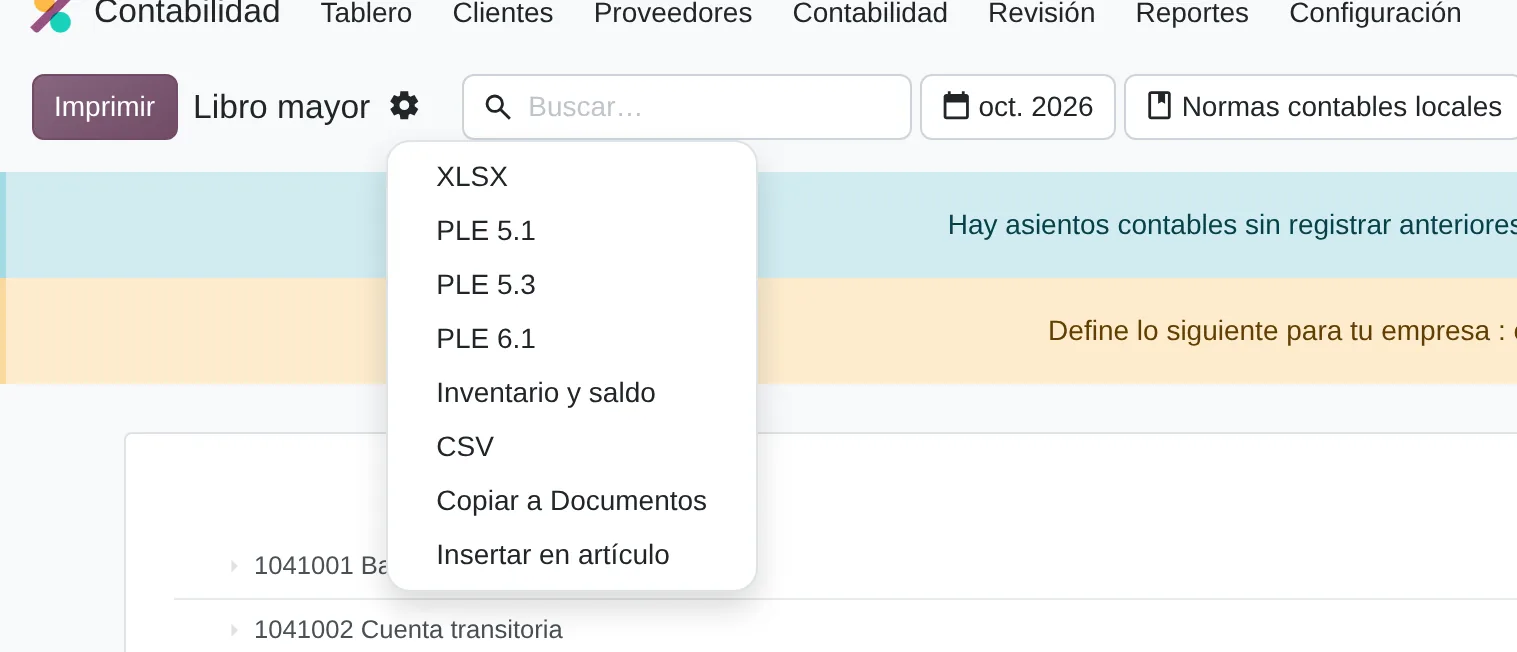
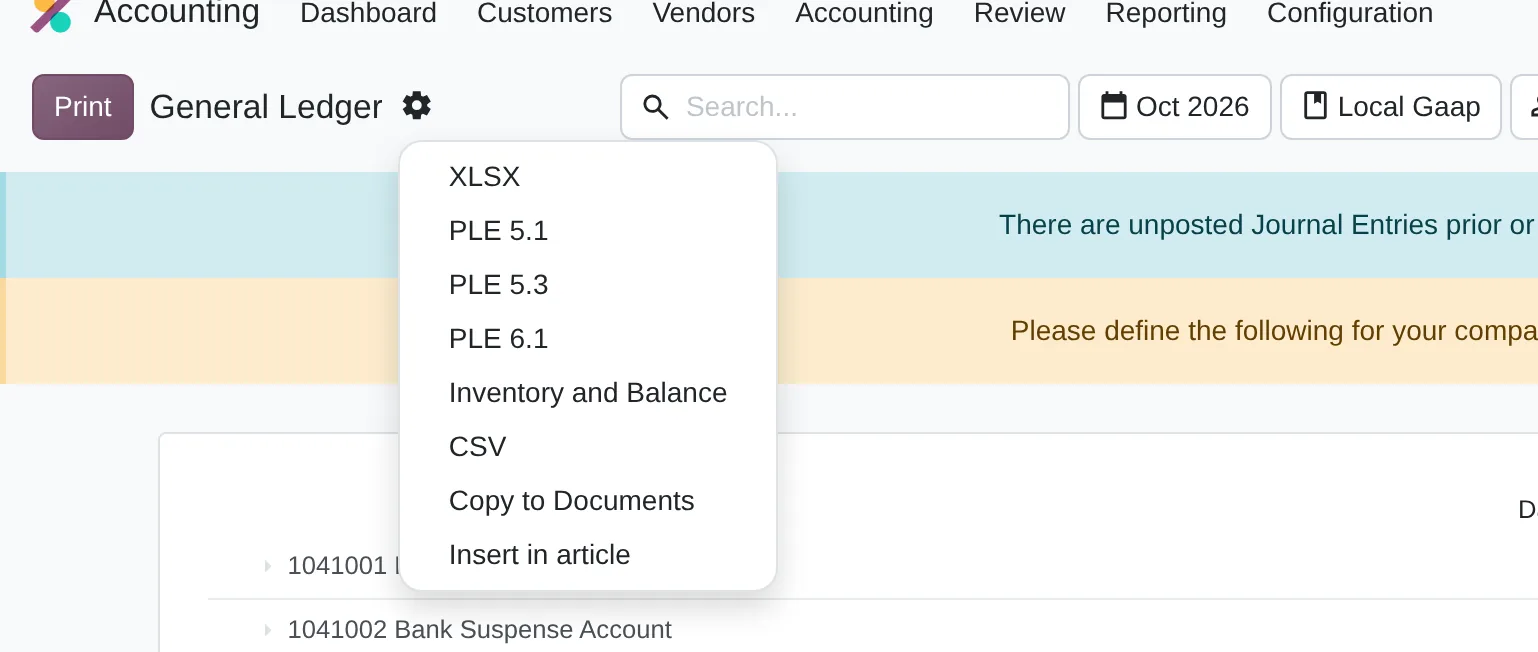
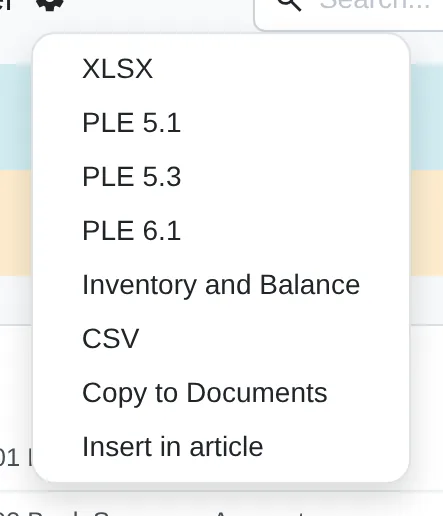
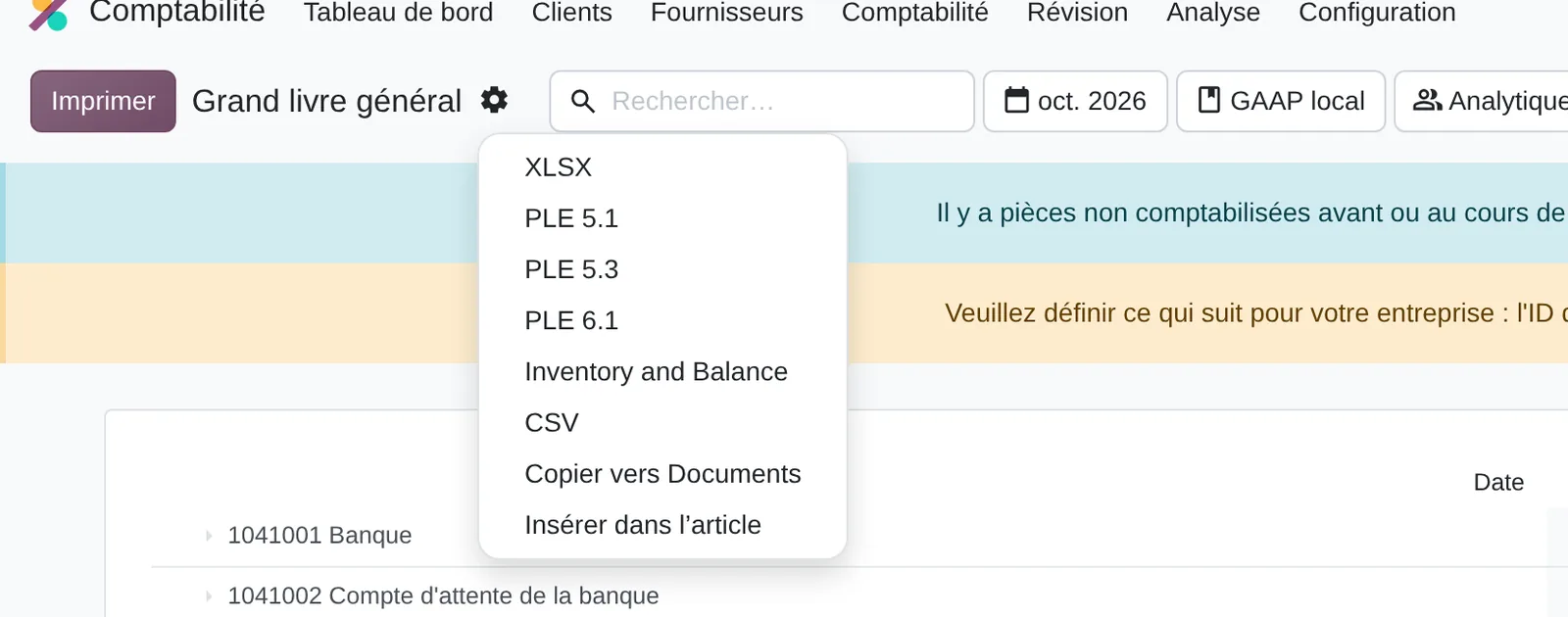
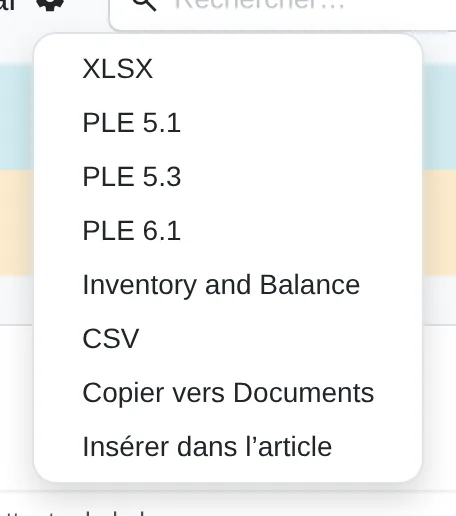
- Export menu
The method applied to preparing the electronic books
Diego Muñoz leads every assessment: process and data first, then the tool, in short phases you approve.
Errors from a real month
We generate the books for a closed month and list every validator error and every SIRE difference.
Source of each error
We trace each error to its source data: contact, unflagged account, description or wrongly recorded document.
Fix at the source
We fix the data and the setup, then regenerate until the validator passes without editing the file.
Monthly procedure
We leave an internal date, a SUNAT cross-check, period locking and the indicator of books filed without correction.
Deliverables
- List of the month’s errors with their source data
- Contacts and accounts cleaned up and flagged
- Monthly procedure with internal date and SUNAT cross-check
- Indicator of books filed without correction
Prerequisites and outputs
Prerequisites
- Period entries posted and reconciled
- Accounts tagged with their code and type for format 5.3
- Contacts with correct ID type and RUC or DNI
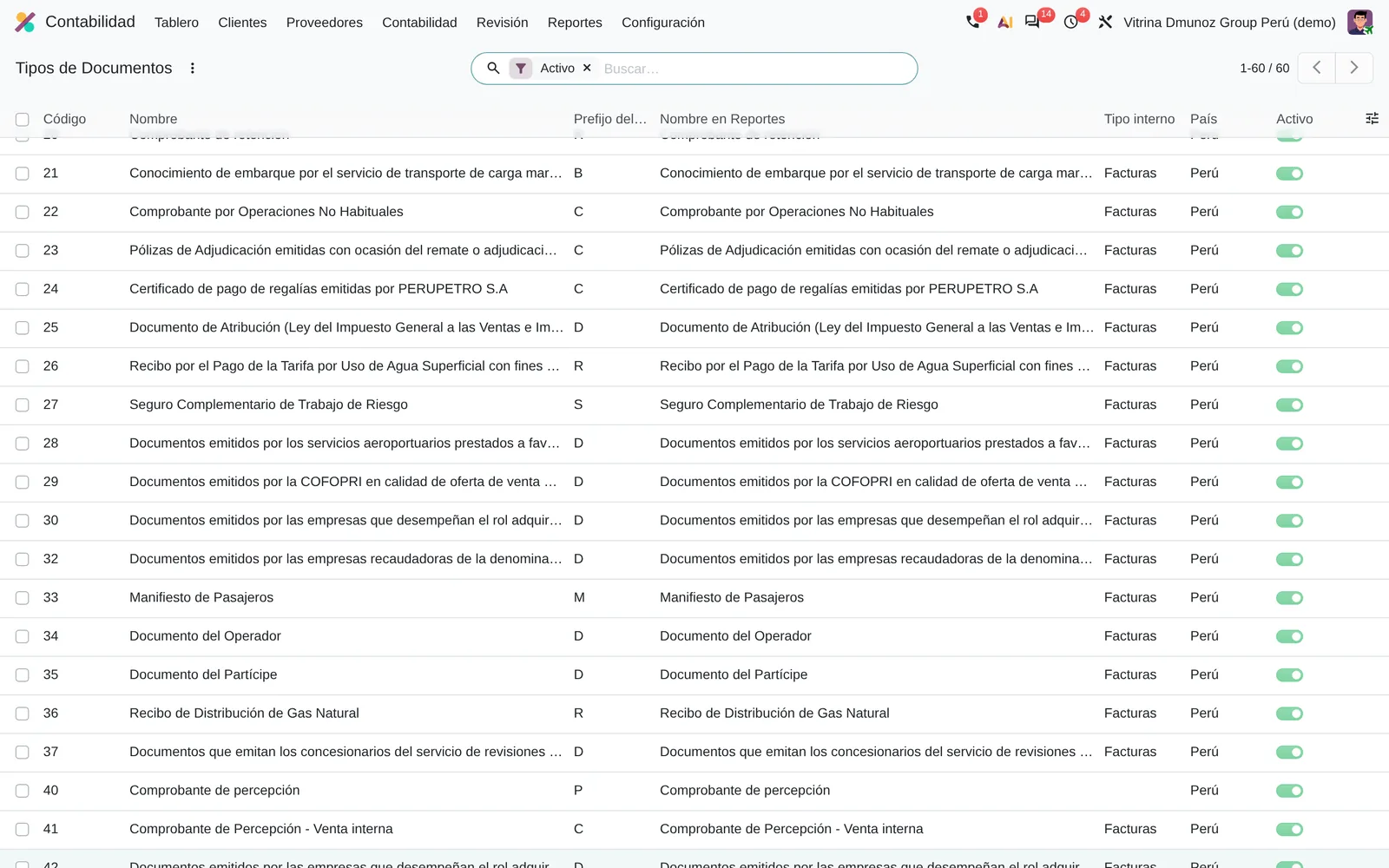
- Document Type and series on every vendor bill
- Descriptions without the format’s separator character
Outputs: PLE TXT files and SIRE reconciliation
- PLE 5.1 Journal and 5.3 Chart of accounts TXT
- PLE 6.1 General Ledger TXT
- PLE 1.1 Cash and 1.2 Bank TXT
- RCE 8.4, 8.5 and RVIE 14.4 registers for SIRE
- List of differences between the SUNAT proposal and the register
Key settings
Standard Odoo 20 settings that change how the process behaves. They are set during the configuration phase, based on the assessment answers.
Purchase document type
Where Vendor bill › Document Type
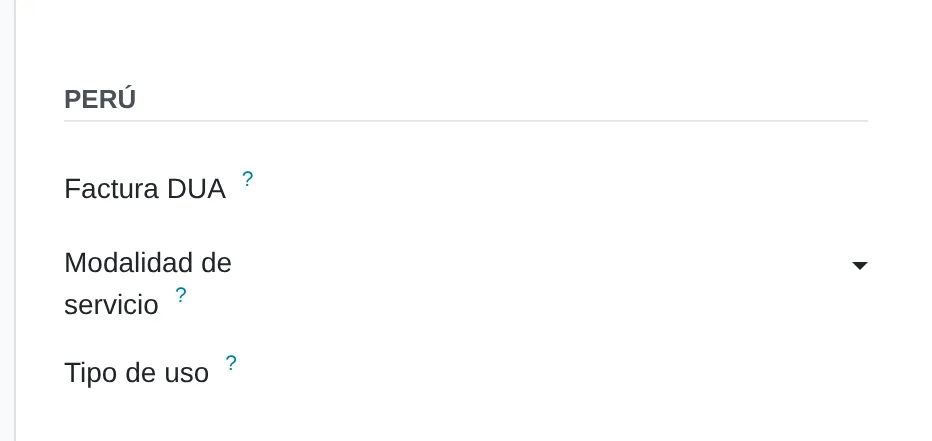
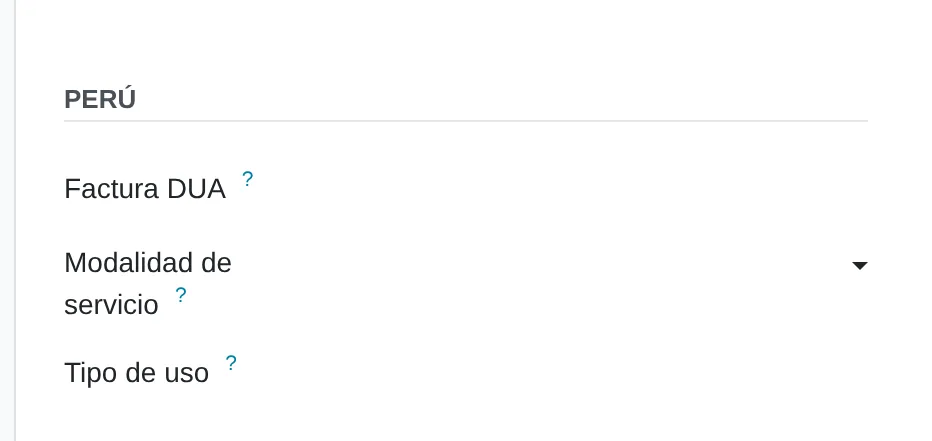
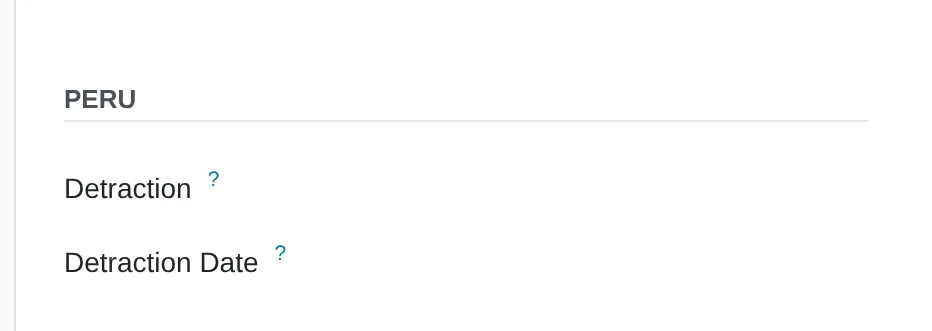
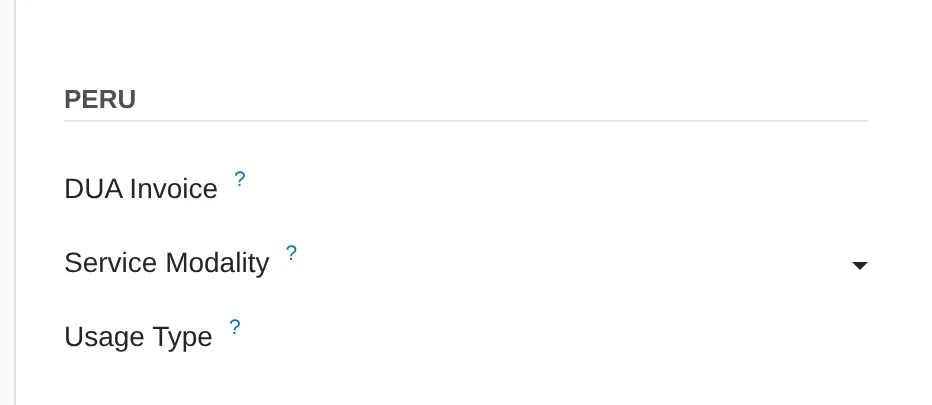
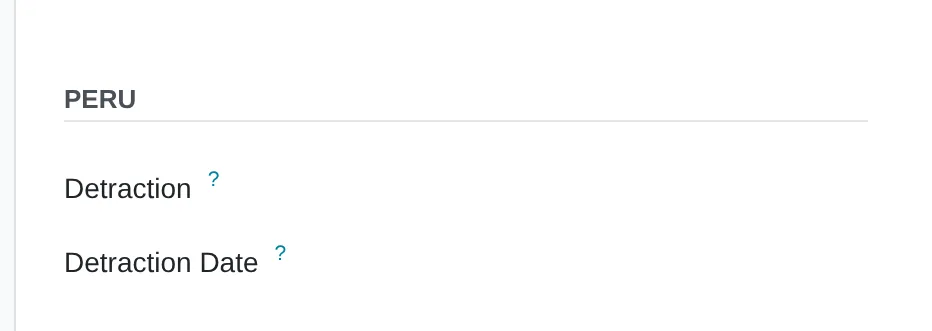
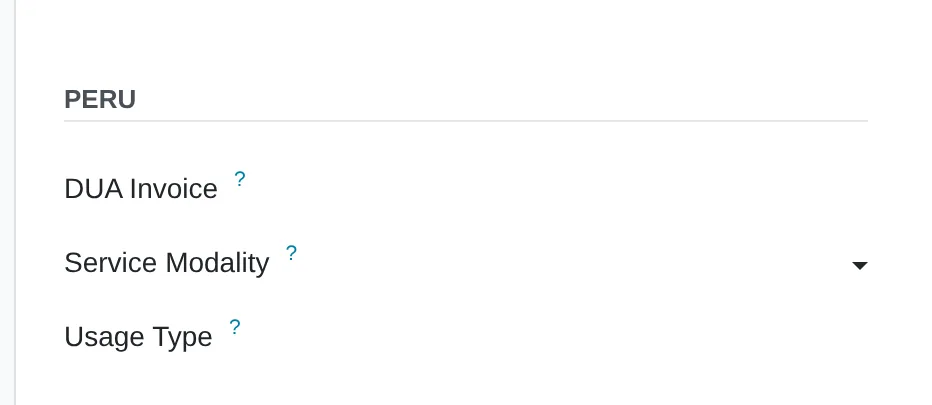
A local invoice (01) asks for the SPOT certificate number and date. A non-domiciled voucher (91) asks for the customs declaration, service modality and usage type for register 8.2.
Chart of accounts type for PLE
Where Settings › Accounting › Peruvian Electronic Invoicing › PLE Reports
States in book 5.3 whether the company uses the general business chart, the revised chart or an SBS chart.
Tax return lock
Where Accounting › Accounting › Lock Dates
Once filed, the period accepts no new postings and the filed book matches the ledger.


What almost nobody uses
Standard features that come installed and are rarely configured. Each one shows where it sits in the menu and in the source code.
General Ledger export options
Where Accounting › Reporting › General Ledger › gear icon
The same report exports the TXT files 5.1, 5.3 and 6.1 for the filtered period, without another program.
Code
l10n_pe_reports/models/account_general_ledger.pyUsage types for the non-domiciled register
Where Accounting › Configuration › PLE Usage Types
SUNAT table 31 comes preloaded. It is picked on the purchase and appears in 8.2 without editing the TXT.
Code
l10n_pe_reports/models/account_ple_usage.py:9SPOT certificate on the purchase
Where Vendor bill › Other Info › Peru
Certificate number and date go together: Odoo does not accept one without the other, and the purchase register reads them from there.
Code
l10n_pe_reports/models/account_move.py:10
Assessment dimensions
This analysis reviews how SIRE purchase and sales registers and PLE books are prepared: contact data, tax classification, file generation, SUNAT matching and period lock. The questions describe what the team does each month today, from recording the document to the filing receipt.
What you receive
When you finish you receive a level per dimension and the gaps in your books ordered by priority. Each gap states the first correction you can verify in the next month's filing.
17 scored questions and 12 context questions (type of operation, size, current system). Context questions are not scored: they let us read the result against similar operations.
Market options
The books can come from the ERP or from a local accounting package. What matters is that they come from the same records as the accounts.
Odoo
Odoo with Peruvian localisation and PLE and SIRE modules: books are generated from the entries, with accounts and contacts configured.
Odoo 20 technical modules
l10n_pe_reportsl10n_pe_reports_stockaccount_reports
We implement it.
Other options
SUNAT’s free programmes (PLE and SIRE) and local accounting packages that generate the files for lower-volume companies.
- PLE de SUNAT
- SIRE de SUNAT
- Starsoft
- Concar
- Contasis
Book generators and ERPs with Peruvian localisation; in no order of preference.
Selection criteria
- Files that pass the SUNAT validator unedited
- SIRE matching with a real month of purchases
- Each line traceable back to its entry
- Updates when SUNAT changes the format
Limits of the standard product
Direct upload to the SIRE portal
How it is handledThe standard product creates the file; submission is done on the portal or through an API integration
Full inventory and balance books
How it is handledPart is covered by l10n_pe_reports_stock; the rest with configured reports
Historical data loaded without Document Type
How it is handledThey are fixed in bulk before exporting; the file inherits whatever the entry holds
Peruvian localisation
- PLE in TXT format under current SUNAT resolutions
- SIRE for purchase and sales registers
- Non-domiciled (91) and customs DUA (50) documents
- PLE transaction type on the entry
From assessment to implementation
Review of a real month
Validator errors and SIRE differences traced to their source data.
Implementation with Odoo
Setup of books, accounts and contacts in the Peruvian localisation, tested on real months.
Data clean-up
Contacts with correct RUC and ID numbers and accounts flagged for each book.
Testing before a migration
Comparison of the new generator with the old one on the same months.

I implement electronic books with Odoo and its Peruvian localisation: purchase and sales registers, journal, ledger and SIRE matching, with the account and contact setup the formats require. If your books come from another system, I trace where the errors start.
Systems that connect with preparing the electronic books
The book takes issued e-documents, recorded purchases and the period’s entries. The links lead to each system’s assessment.
Before you start
No. The accountant still reviews and files. The difference is that they receive books that come out of the system without manual fixes.
The generator is updated and tested on a real month before filing, so the change shows up in the test and not in the return.
Yes. We start with the one that has the most errors and replicate the corrected setup in the others.
The online assessment and the 30-minute review are free. Later work is quoted by phase.
Only Diego Muñoz, to prepare the review. They are not shared with third parties.
Start with the online assessment
At the end you see your level and where to start. If you like, we review it in a 30-minute video call with Diego Muñoz.
WhatsApp +51 919 488 260 · damunoz@dmunozgroup.com