Electronic invoices that come straight from the sale and do not bounce back
We find where your rejections come from, how many times a sale is keyed in and what to change in data, rules or system.
34 questions, result at the end, free of charge.
E-invoicing: definition and use
It is the system that issues digitally signed invoices, receipts, credit and debit notes, and dispatch guides, validated by an OSE and by SUNAT.
When it is well integrated, each document is created from the sale or shipment, and the system checks its status without anyone logging into a portal.
Who it is for and when it does not fit
A good fit for
- Companies that issue invoices and receipts from the ERP and validate them through an OSE
- Teams that key in twice: on the issuer portal and in the system
- Businesses with frequent credit notes, debit notes and delivery guides
- Companies about to change OSE or ERP version
Not a fit when
- You issue fewer than ten documents a month: the free SUNAT portal may be enough
- All sales go through a point of sale with its own issuer already integrated with accounting
- Rejections come from bad master data: it is fixed before changing issuer

Cost of rejected e-invoices
Every rejection means a note, a call to the customer and a portal check. Work out the cost with your own figures.
Example: two billing assistants at S/ 22 an hour. Replace the values with yours.
The estimate shows what the manual task costs today. It is not a savings promise.
Document, document type and SUNAT status
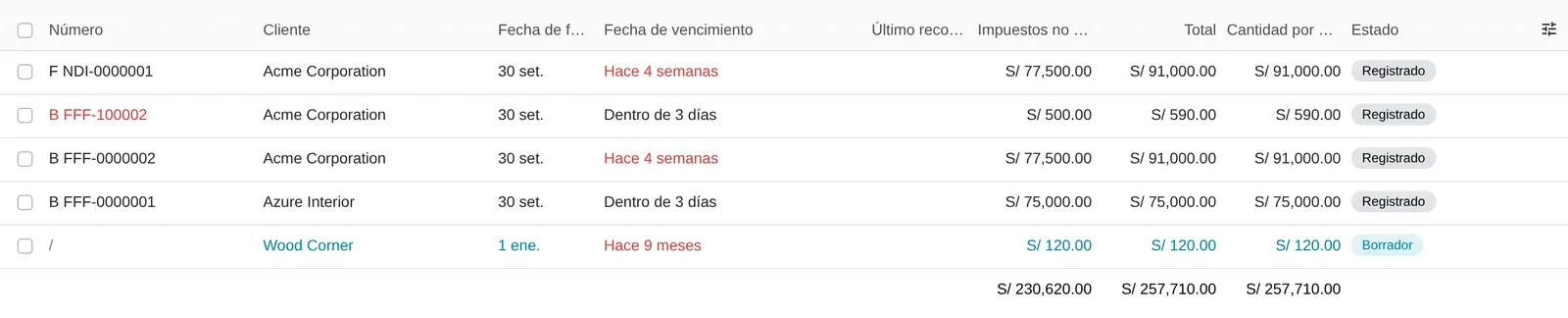
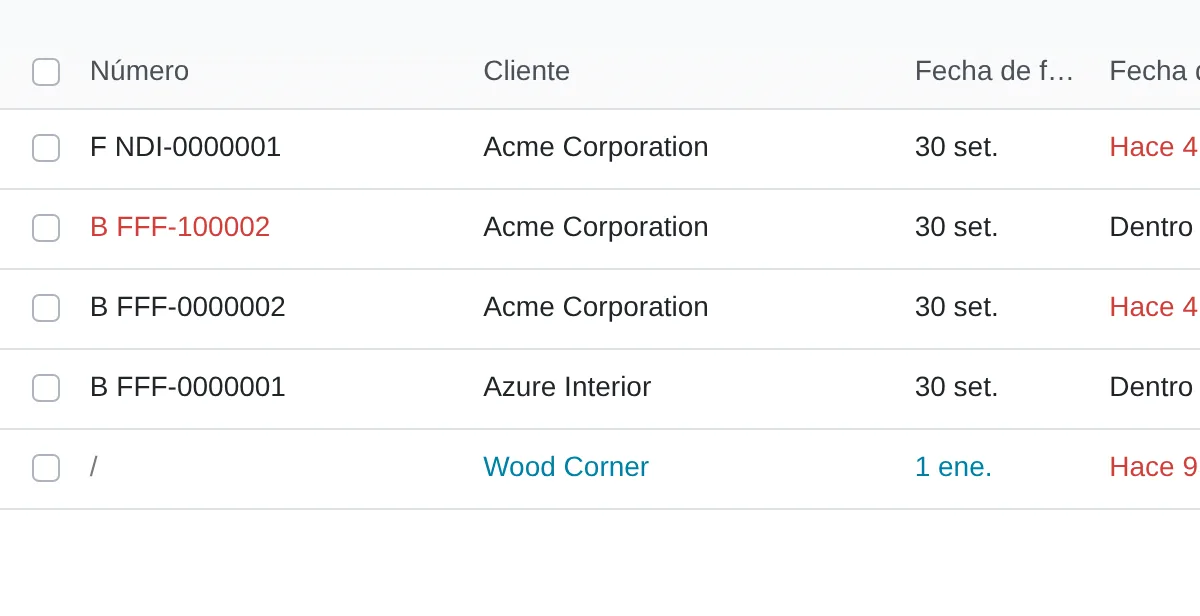
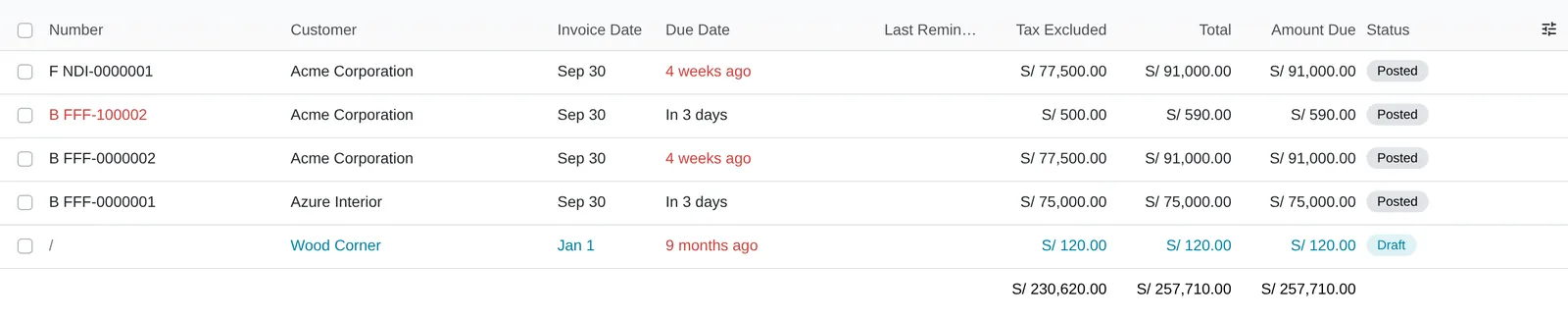
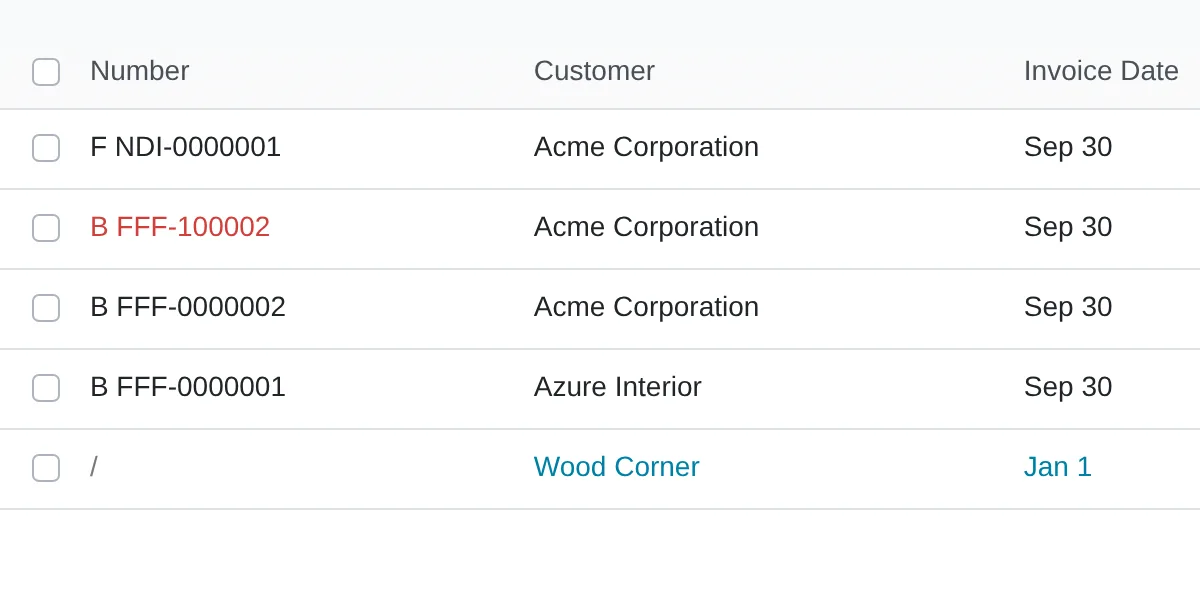
In Odoo 20 the invoice carries the Document Type field, for example (01) Invoice, (03) Receipt, (07) Credit note or (08) Debit note, and the Operation Type, such as [0101] Internal sale. The series comes from the journal.
Once posted, the Electronic invoicing field moves from To Send to Sent when the OSE returns the receipt (CDR). Voiding goes through To Cancel and Cancelled, with the reason in the Peruvian e-invoicing tab.
E-document states with SUNAT
- Draft
- Posted · To Send
- Sent (CDR)
- To Cancel · Cancelled
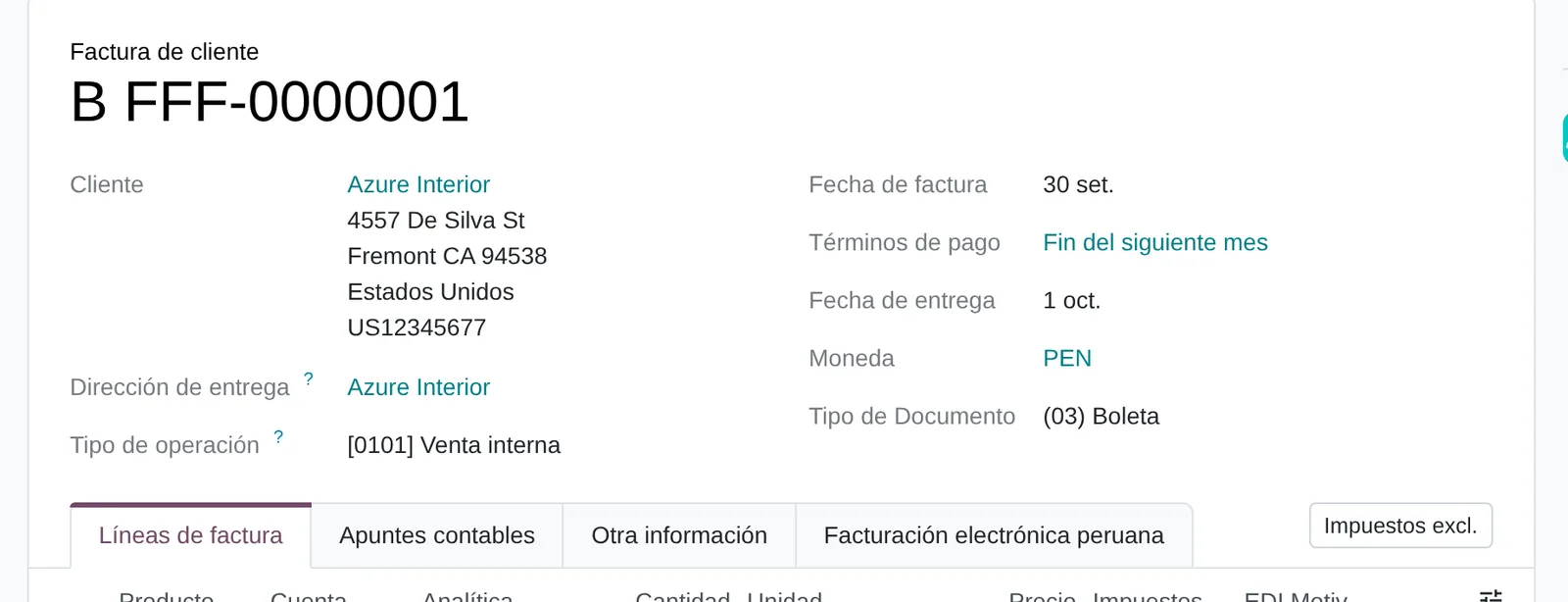
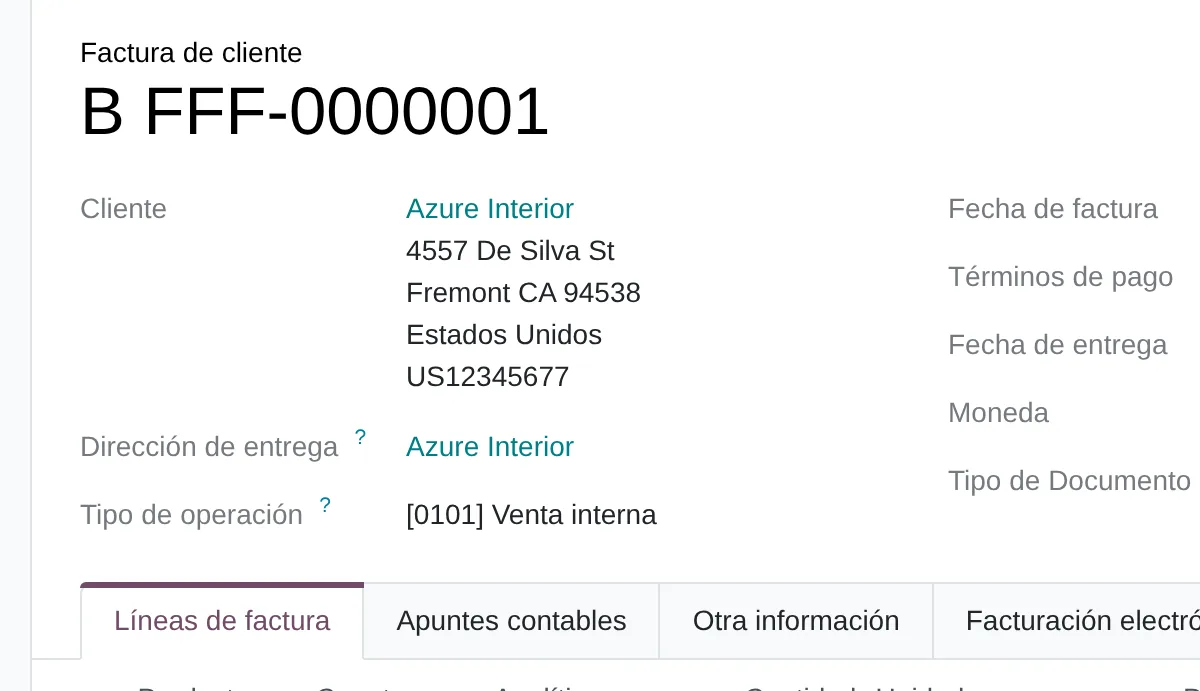
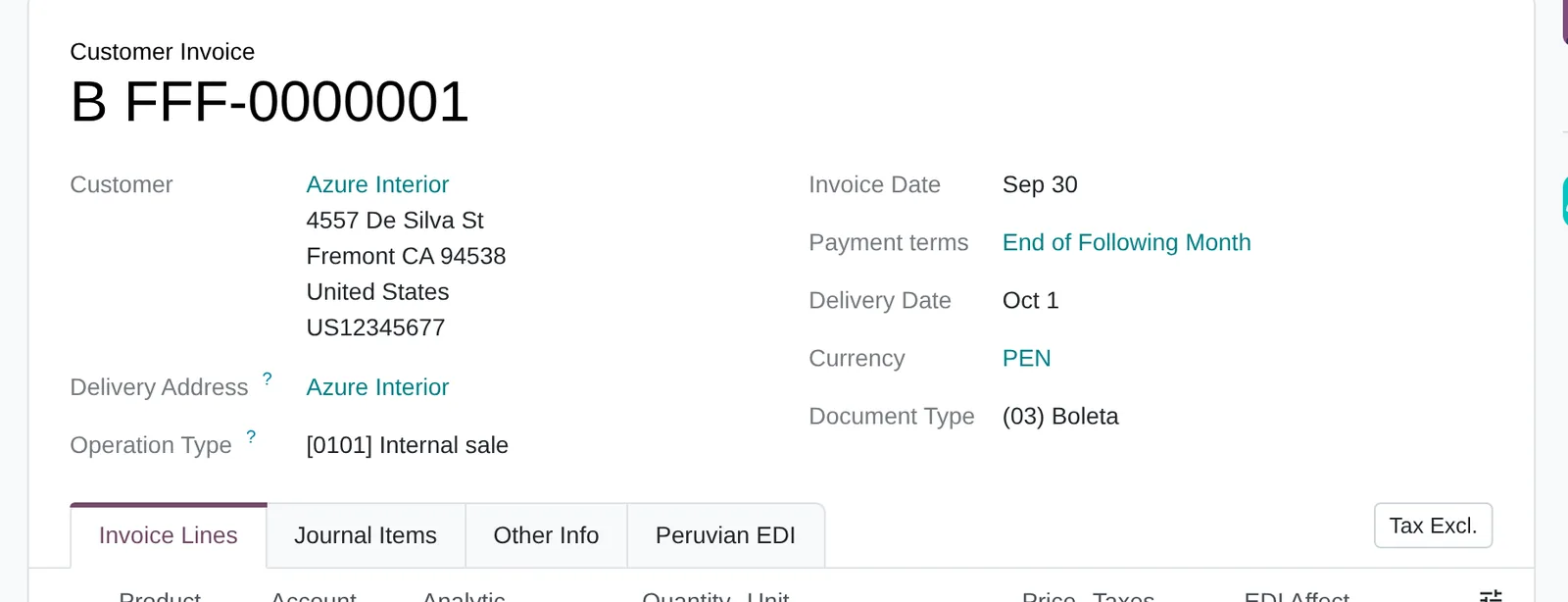
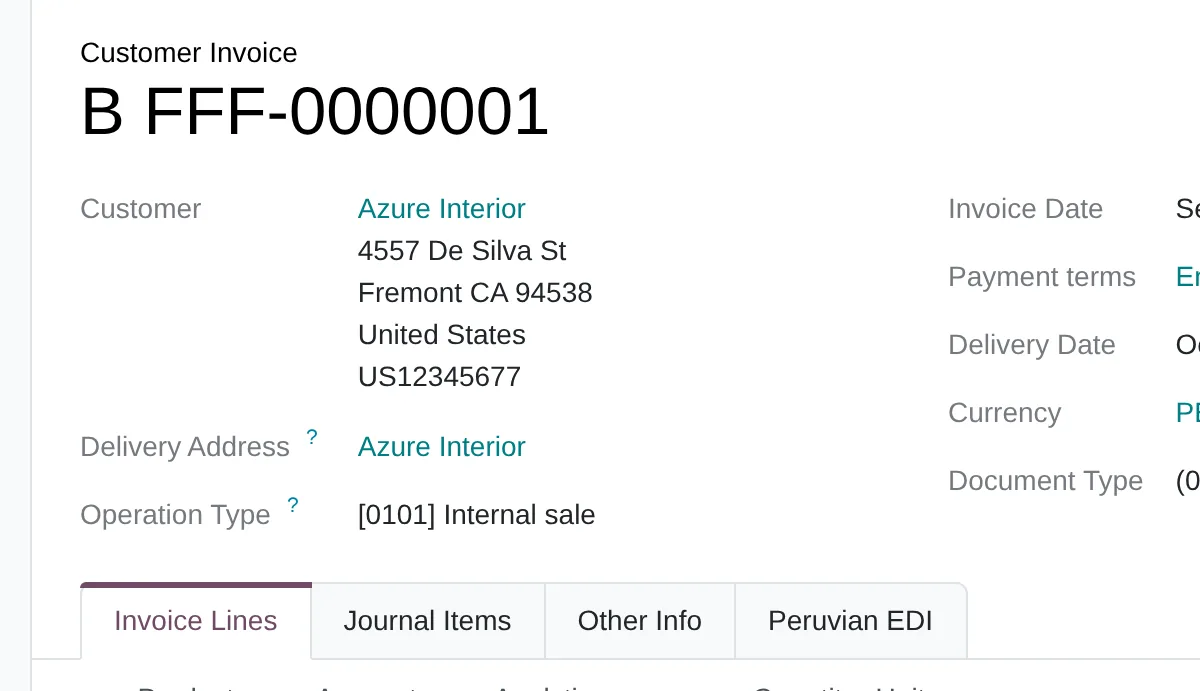
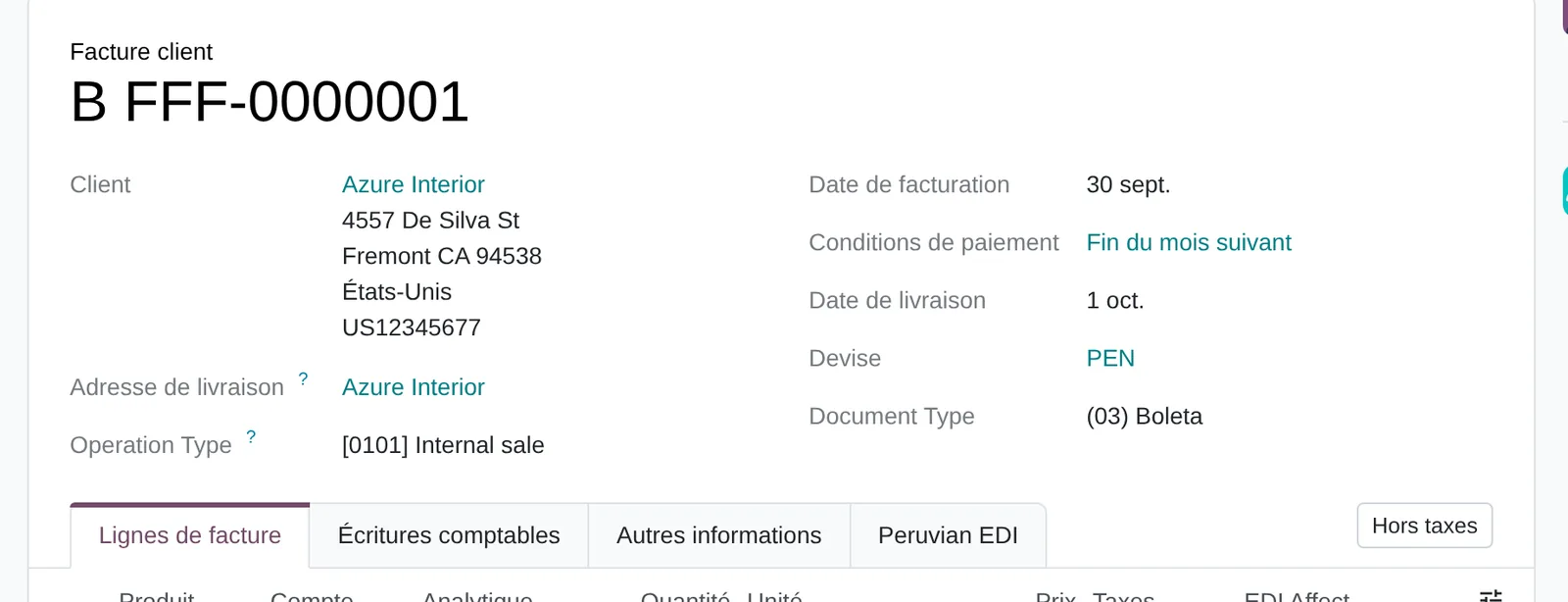
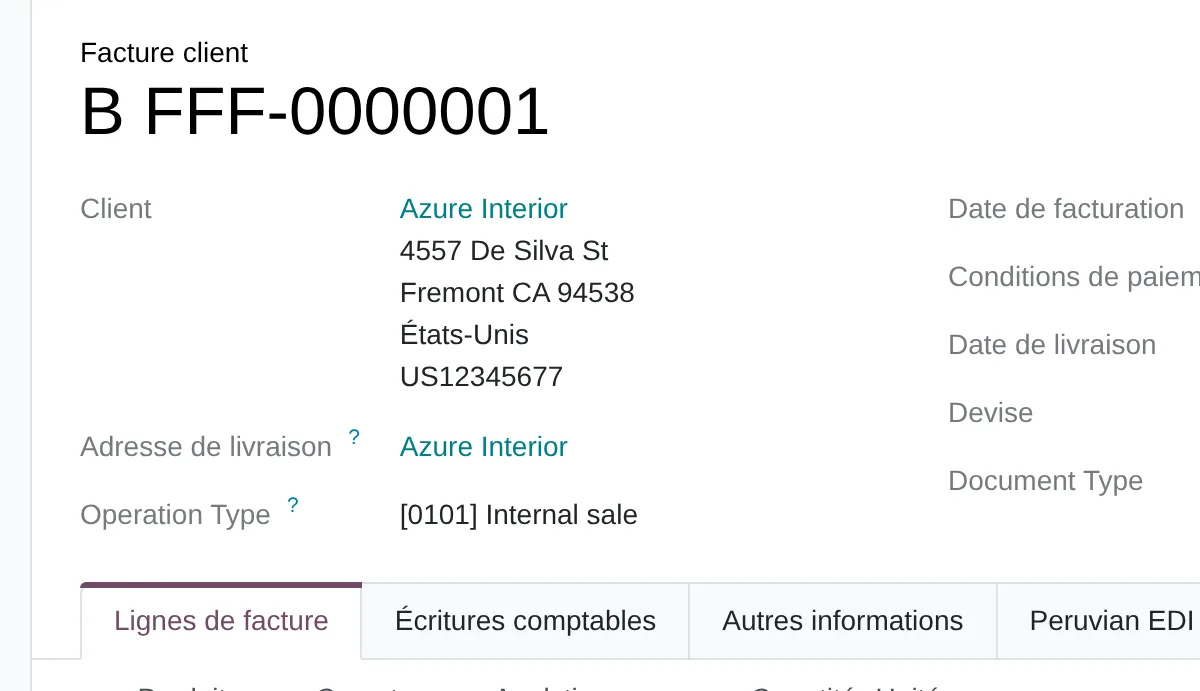
- SUNAT document type
- Operation type
- OSE submission data
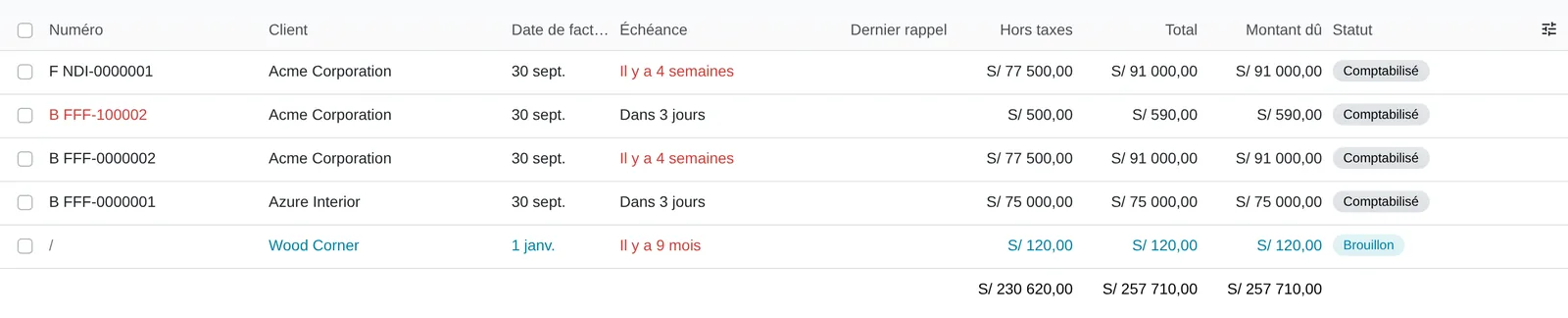
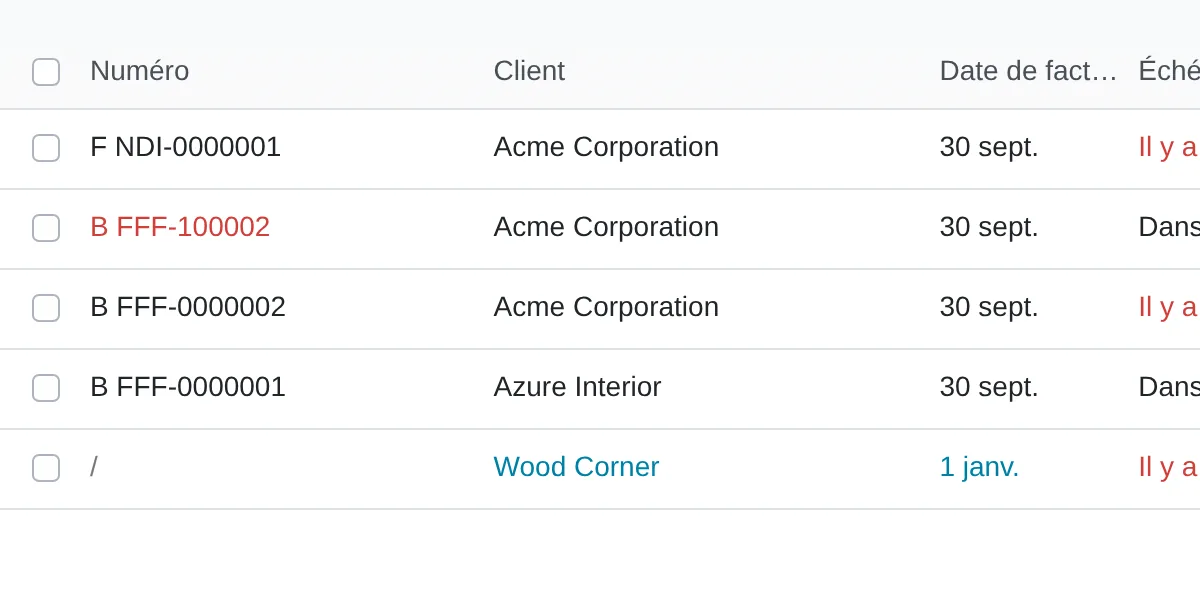
- Number with series
The method applied to issuing electronic invoices and receipts
Diego Muñoz leads every assessment: process and data first, then the tool, in short phases you approve.
Sample of rejections
We take recent rejections and warnings and group them by reason and by source data.
From sale to document
We follow a sale, a note and a dispatch guide from entry to SUNAT acceptance, counting every time data is keyed in.
Full-case testing
We test the failing cases in a test environment: notes by reason, voids, guides with carrier data and cancellations.
Plan with one indicator
We propose the changes to data, rules or system, tied to the rejection rate measured before and after.
Deliverables
- Rejections grouped by reason and by master record
- Map of re-keying between sale and document
- Test set covering notes, voids and dispatch guides
- Change plan with owners and dates
Prerequisites and outputs
Prerequisites
- Valid digital certificate loaded under Configuration › Peru › Certificates
- Contract with an OSE or Odoo’s IAP service, with a secondary SOL user
- Authorised series per journal and document type
- Customers with a valid RUC or DNI and ubigeo for delivery guides
- Products with VAT treatment code and SUNAT unit
Outputs: e-documents, CDRs and rejection reports
- Signed XML and CDR attached to every document
- Printed PDF version with QR code
- Sales journal entry at the same time
- Voiding notice and notes linked to the original document
- Electronic delivery guide from the inventory delivery
Key settings
Standard Odoo 20 settings that change how the process behaves. They are set during the configuration phase, based on the assessment answers.
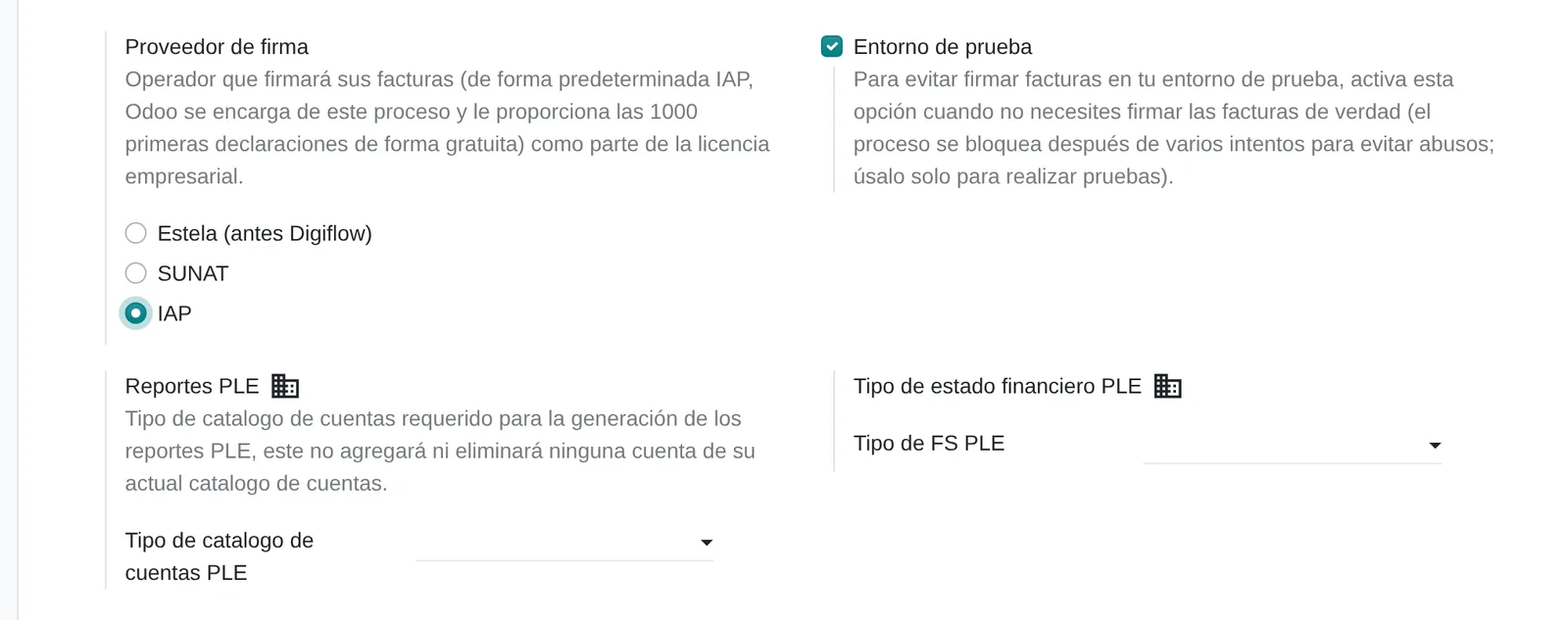
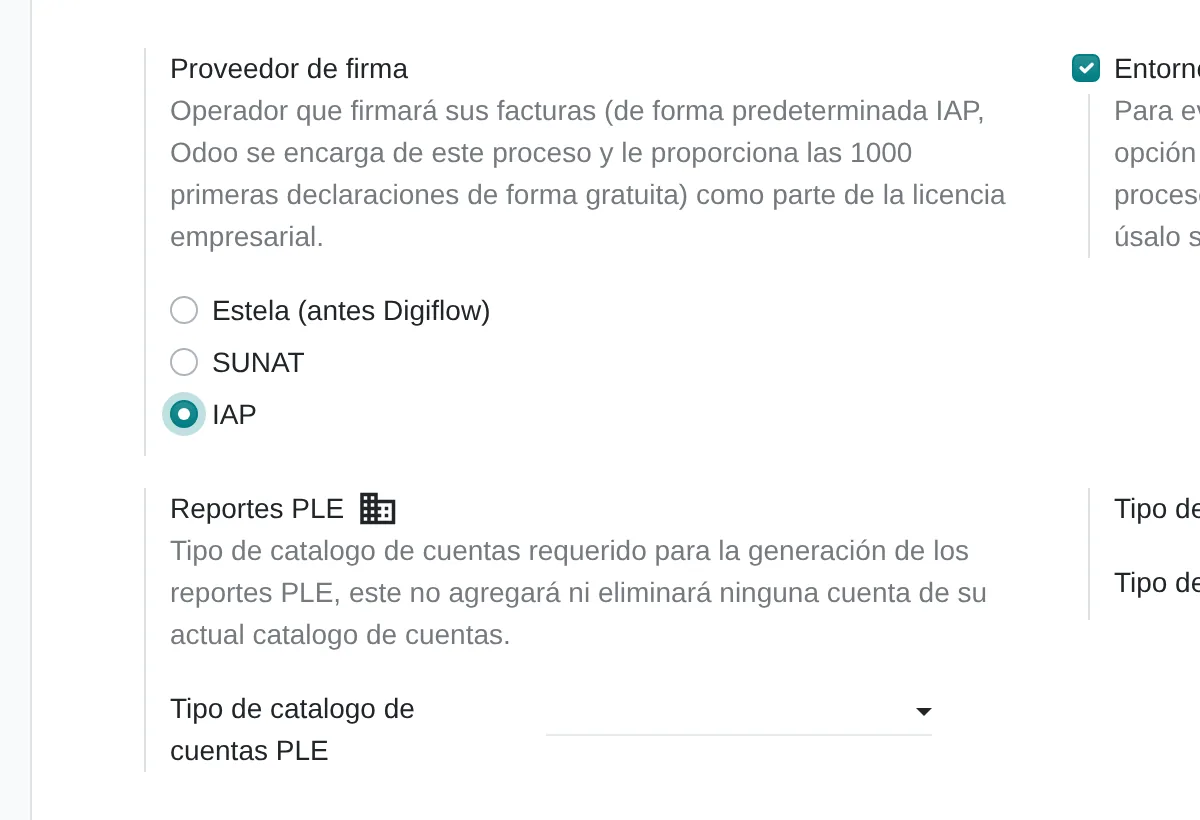
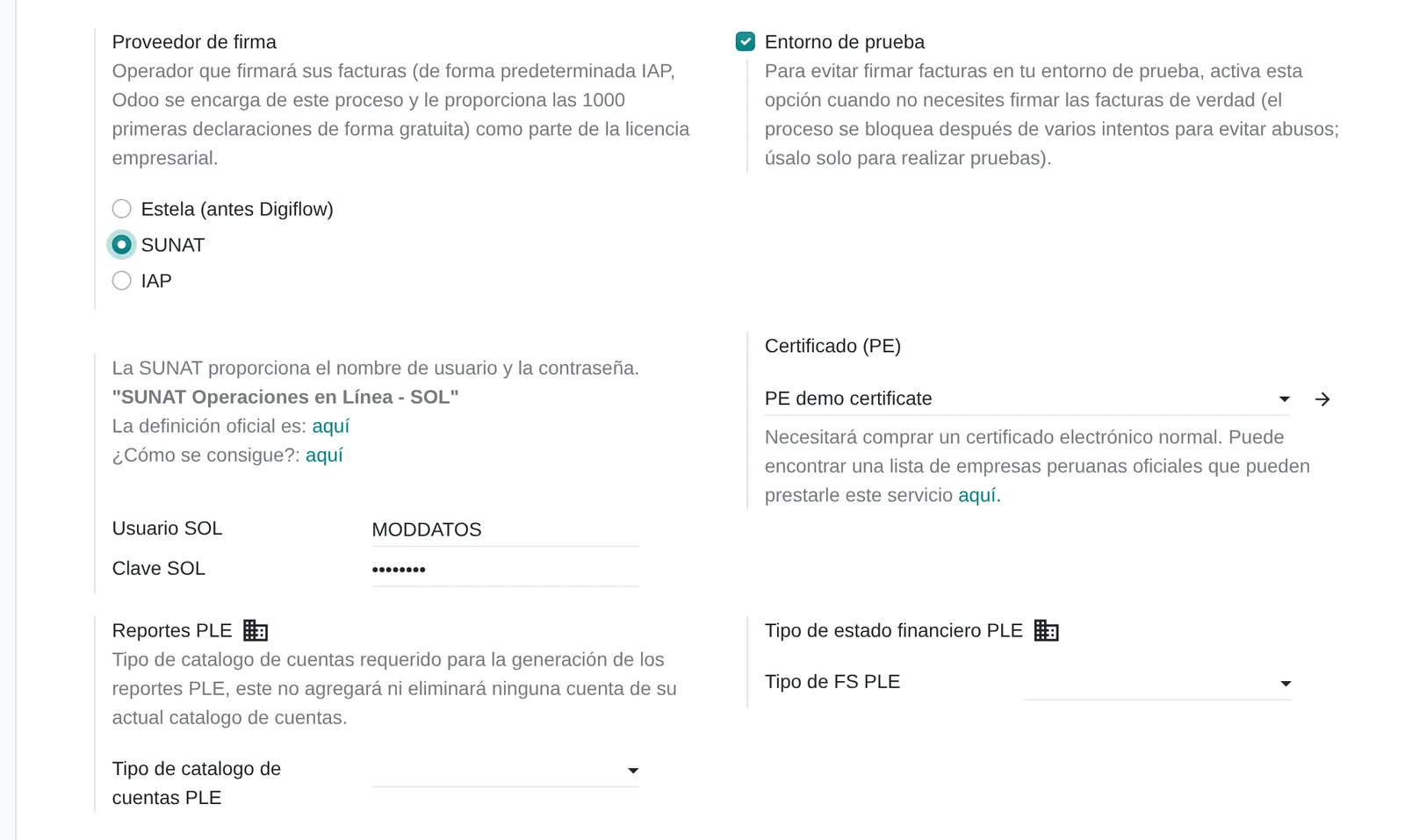
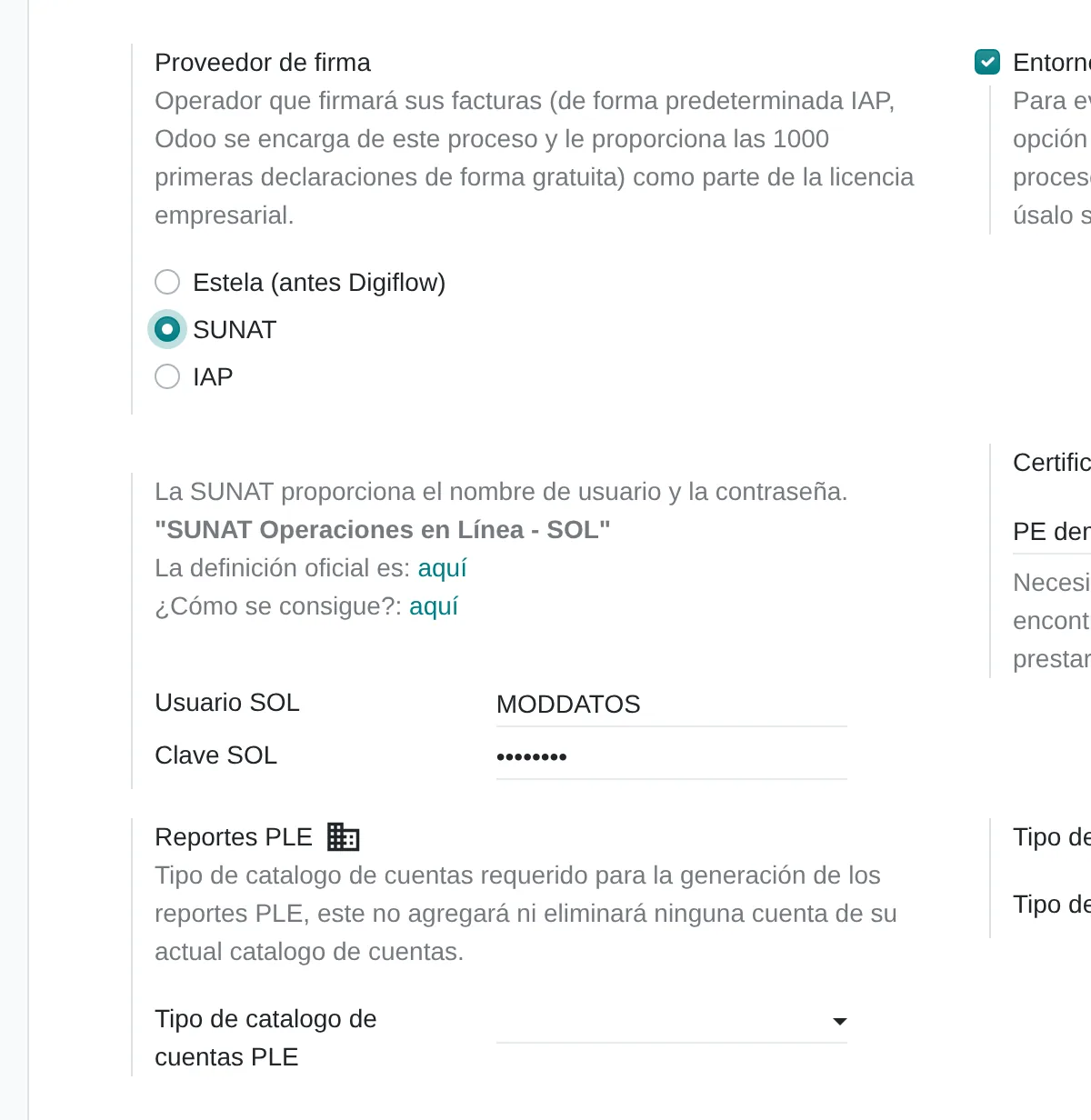
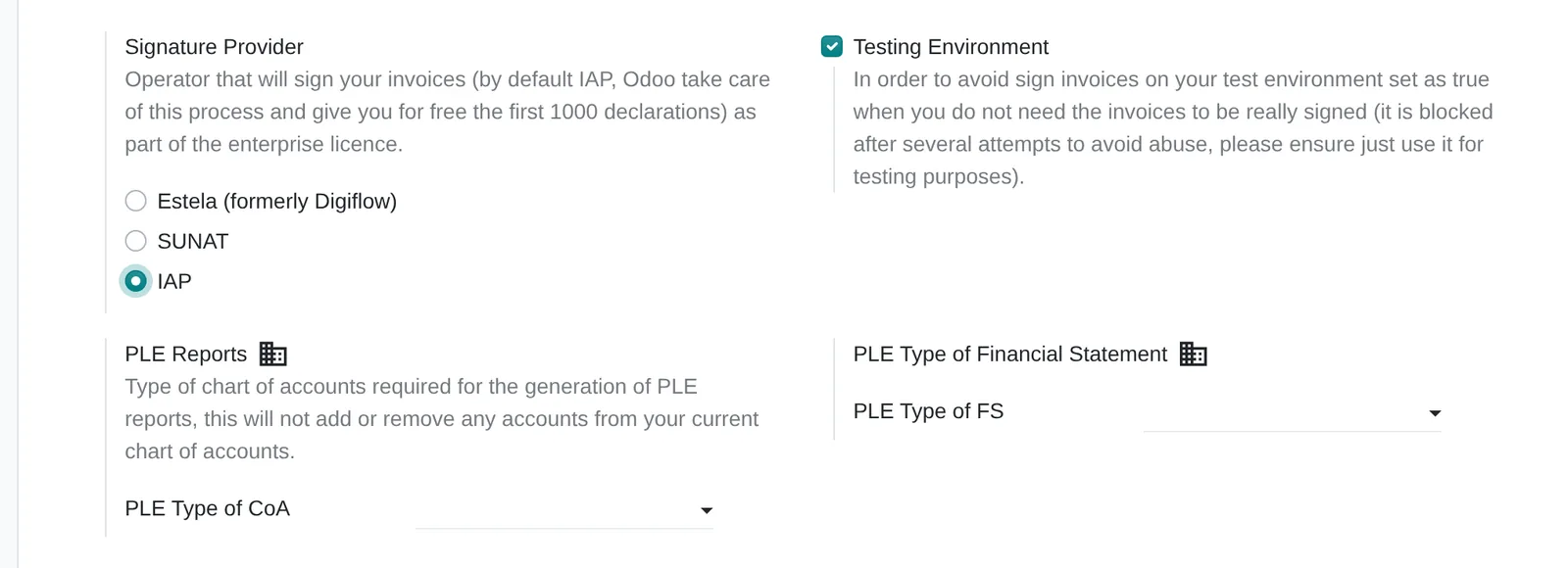
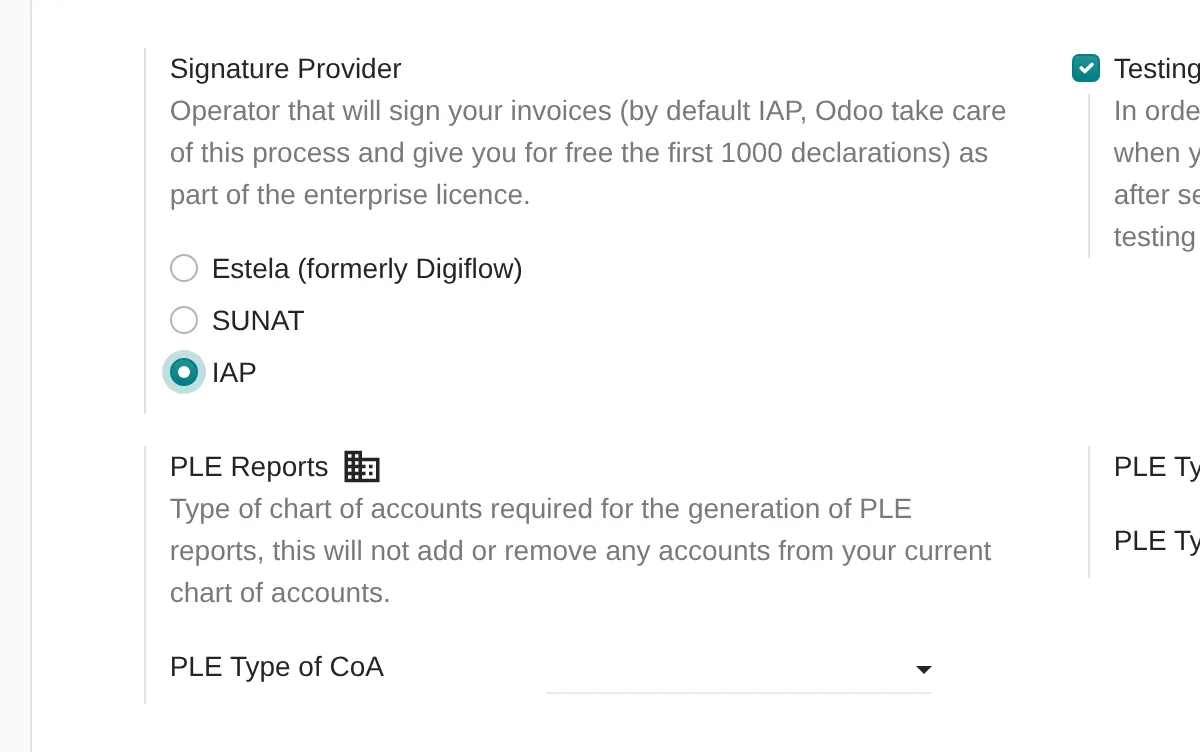
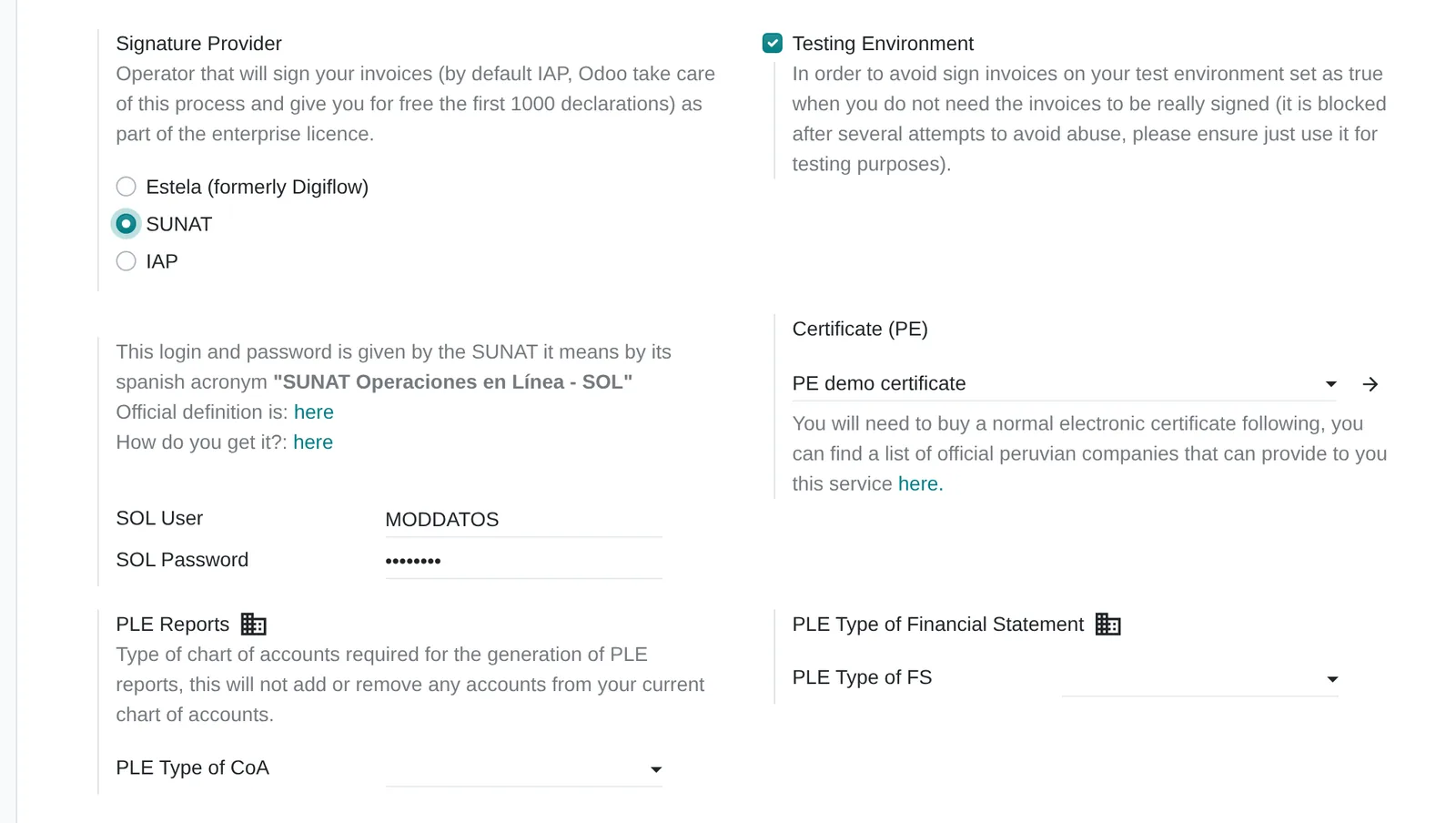
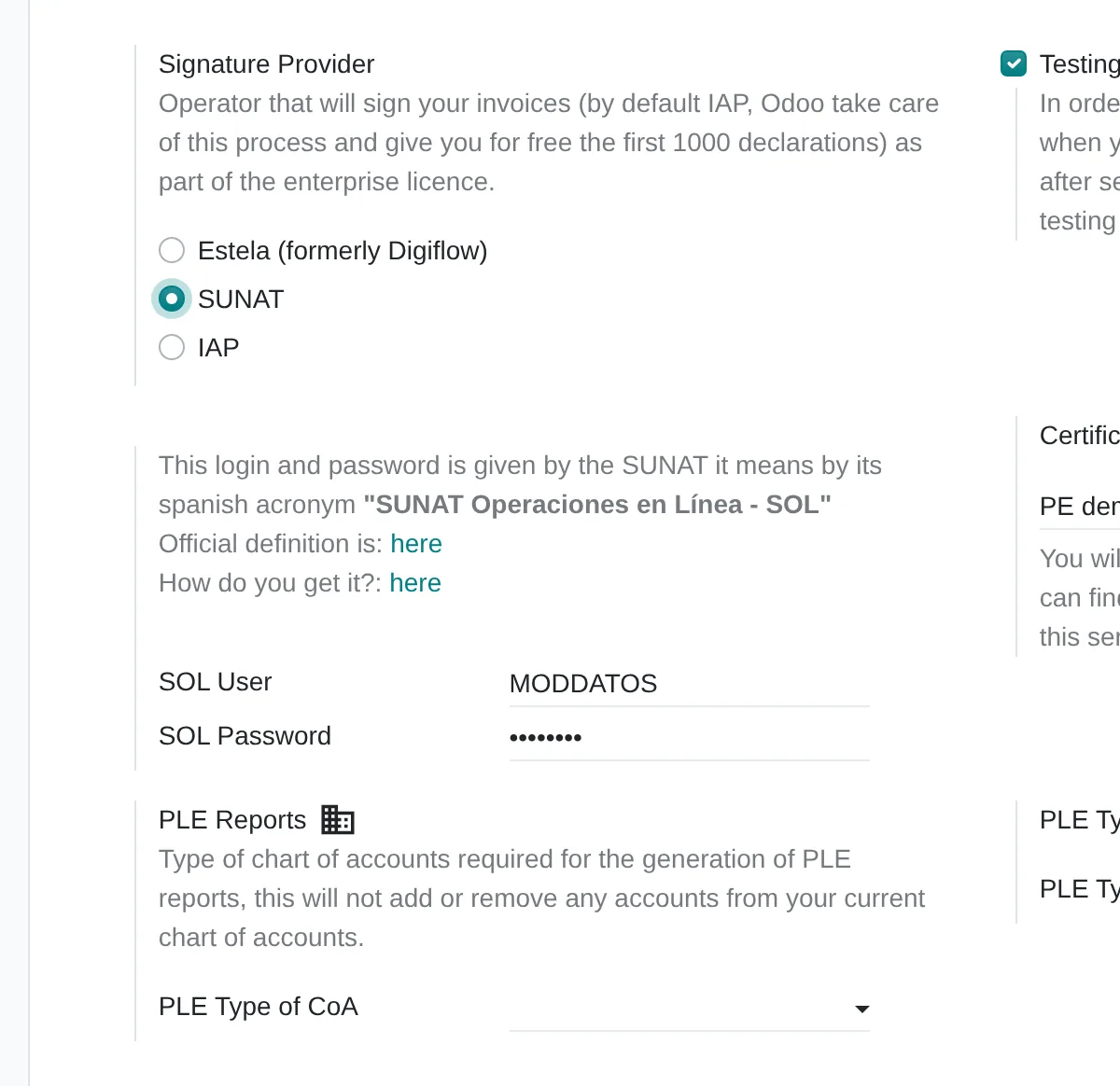
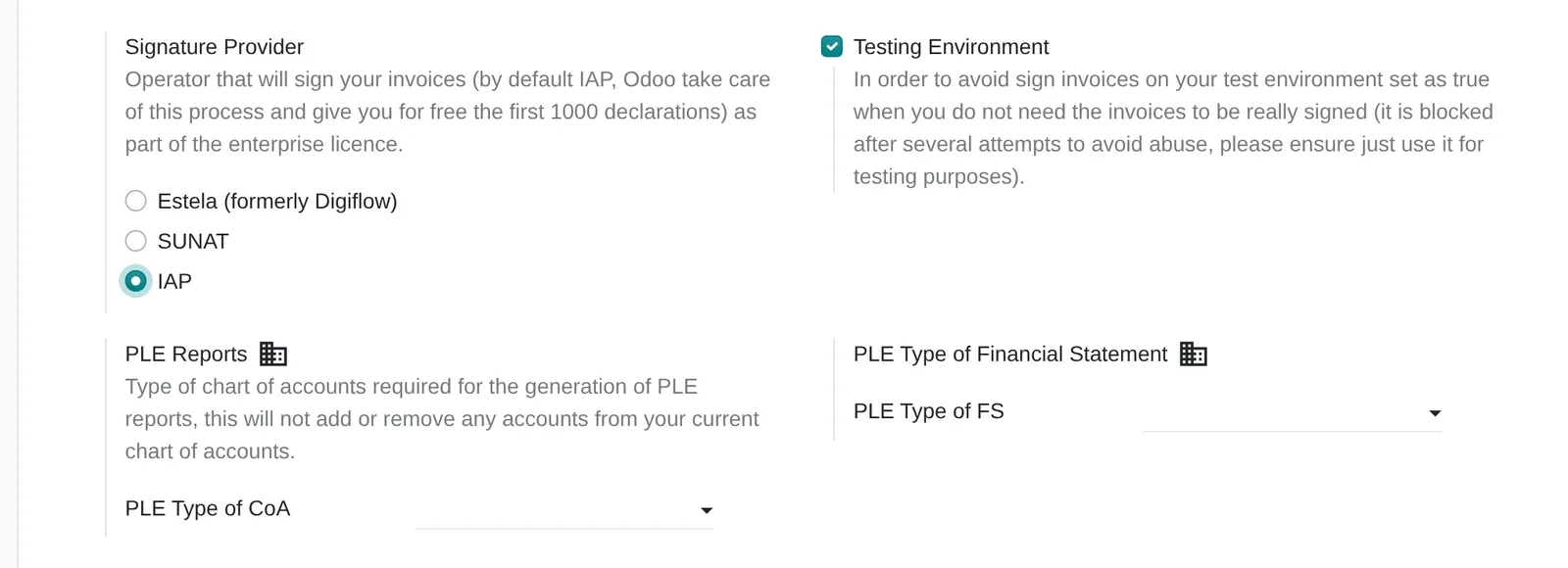
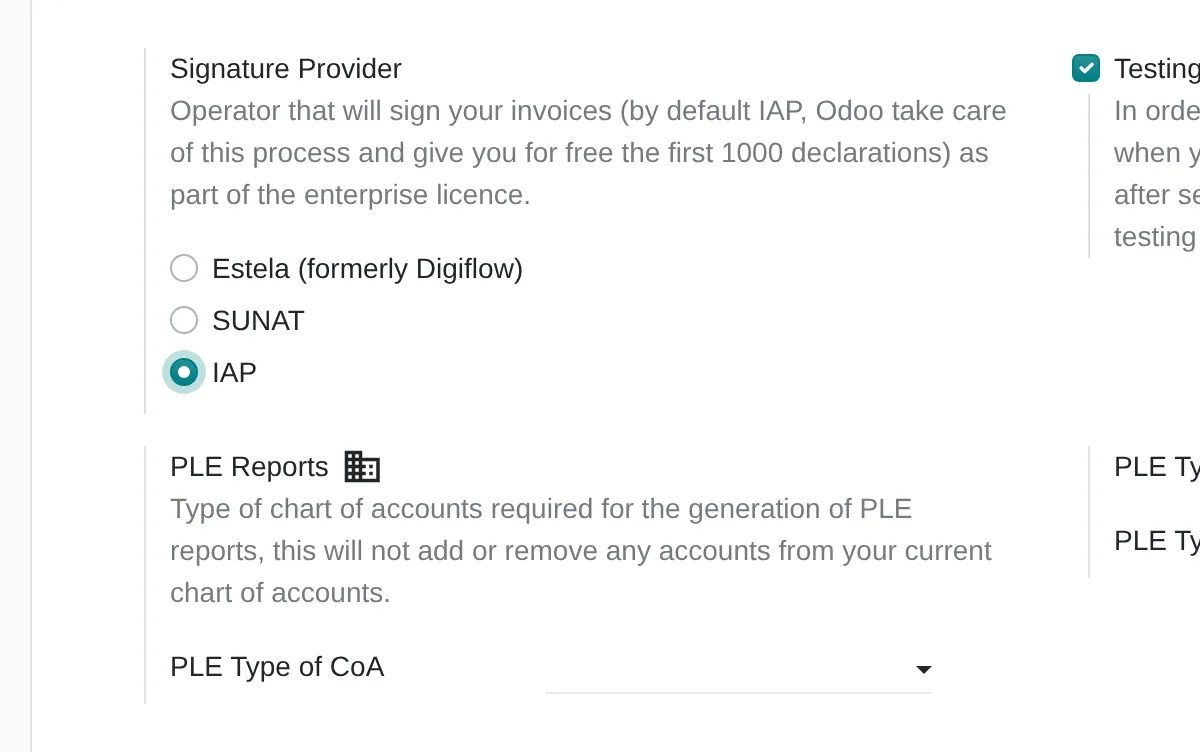
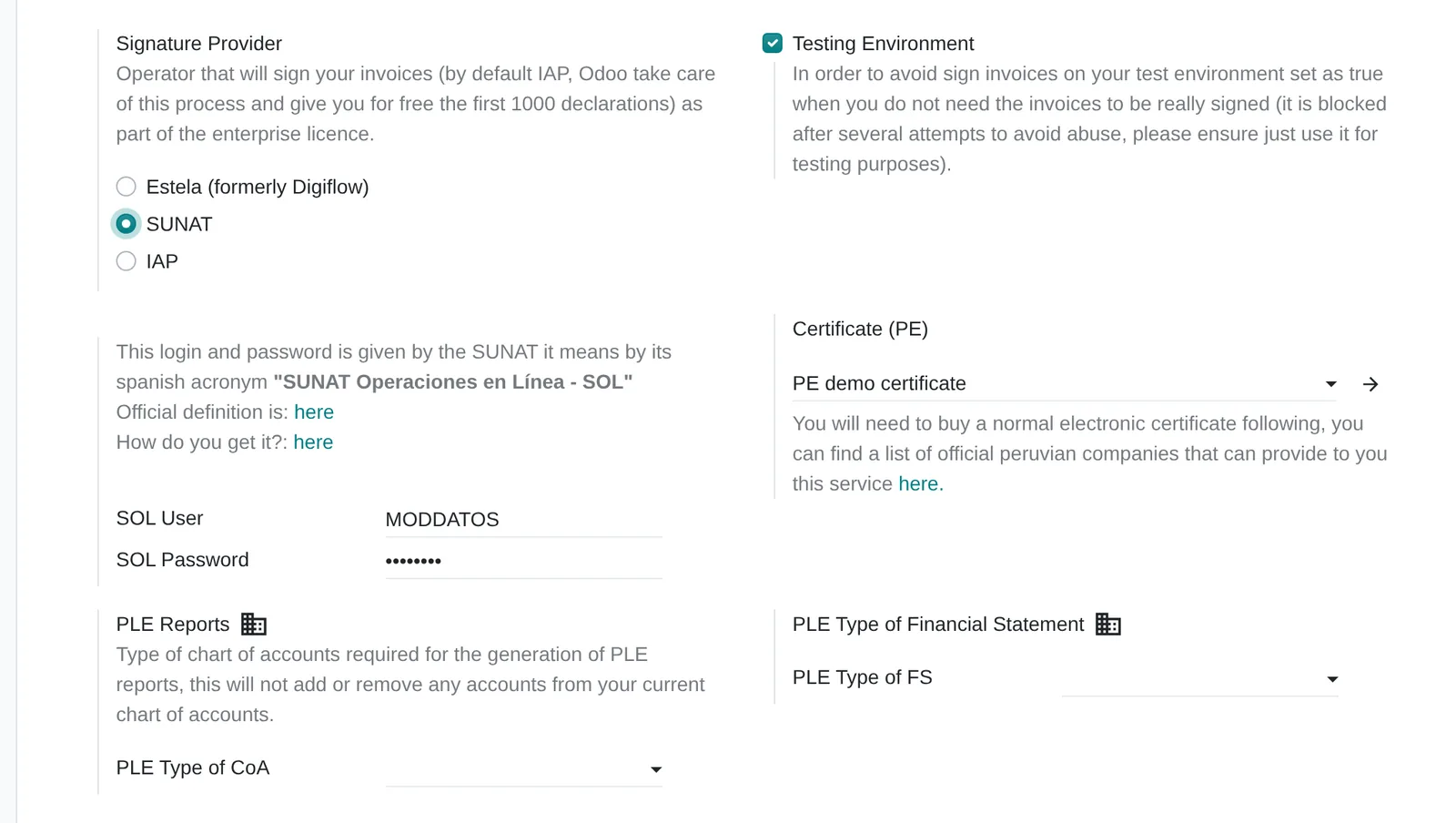
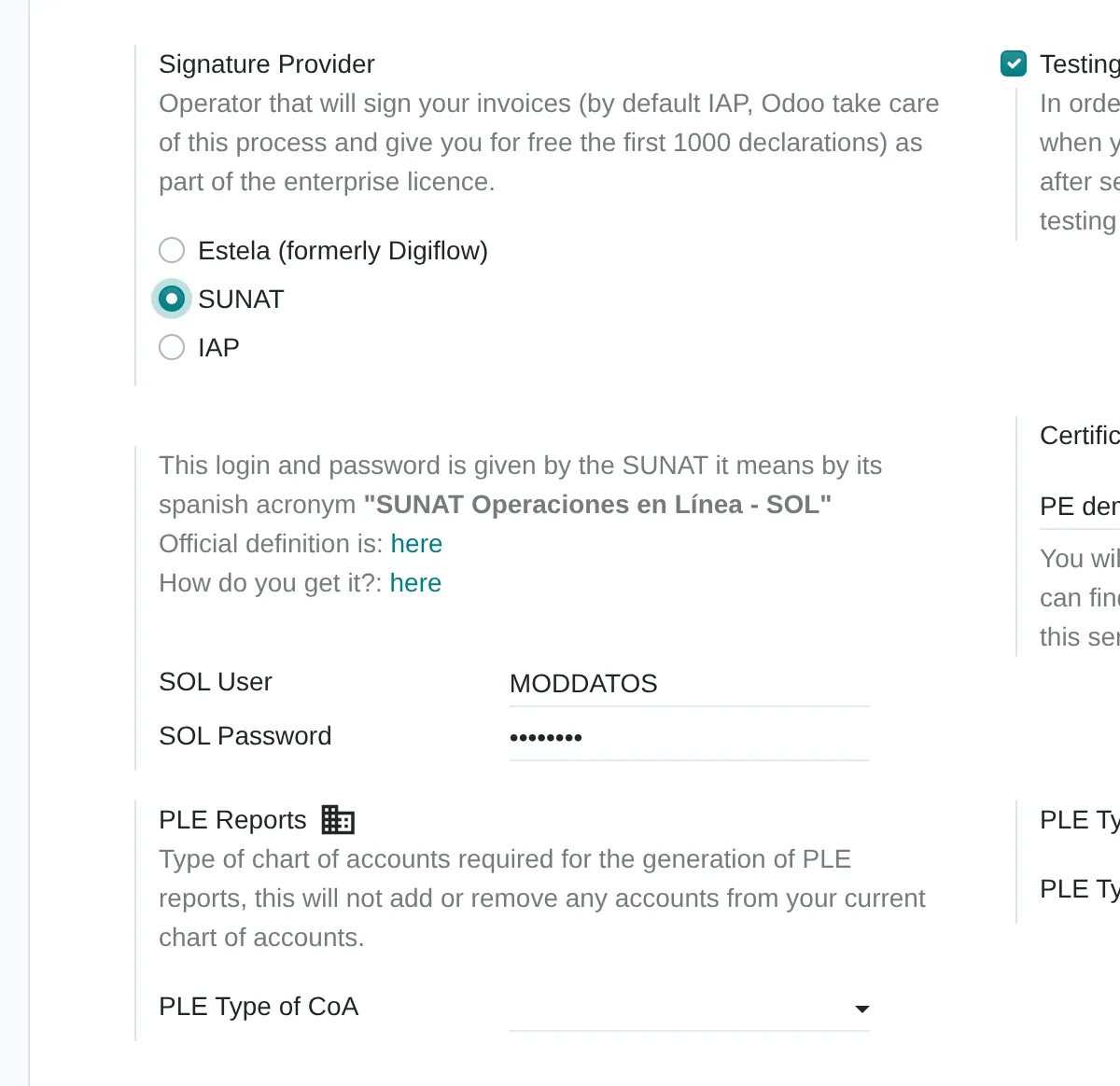
Signing provider
Where Settings › Accounting › Peruvian Electronic Invoicing
Three options: IAP signs on the company’s behalf without its own certificate; SUNAT and Estela (formerly Digiflow) ask for the SOL user and password and a digital certificate.
Test environment
Where Settings › Accounting › Peruvian Electronic Invoicing
Sends to the test service. It is switched on in the test copy before go-live and off in production.
Journals with documents and series
Where Accounting › Configuration › Journals › Use Documents
Each sales journal issues its own invoice, receipt and note series. The document type comes from the customer and the journal.
What almost nobody uses
Standard features that come installed and are rarely configured. Each one shows where it sits in the menu and in the source code.
Catalogue 52 legends
Where Invoice › Legend Code
Free transfer, Amazon region sale, itinerant issuer or operation subject to SPOT are printed and sent in the XML.
Code
l10n_pe_edi/models/account_move.py:130Credit and debit note reasons
Where Note › Credit Reason or Debit Reason
Catalogues 09 and 10 come preloaded. Choosing the right reason avoids rejection for a mistyped note.
Code
l10n_pe_edi/models/account_move.py:78Void reason on the document
Where Invoice › Cancel Reason
The text travels in the voided-documents summary and stays on the document. Audit finds it without searching emails.
Code
l10n_pe_edi/models/account_move.py:86
Assessment dimensions
This analysis reviews the issuing of invoices, receipts, notes and delivery notes, from the order or shipment to the OSE and SUNAT response. The questions describe what the billing area does today with rejections, voids, series, certificate and contingency.
What you receive
When you finish you receive a level per dimension of your electronic issuing and the gaps ordered by priority. Each gap states the first correction you can verify on the following week's documents.
17 scored questions and 12 context questions (type of operation, size, current system). Context questions are not scored: they let us read the result against similar operations.

Market options
Issuing can live in your ERP or with a specialist provider. We choose based on volume, document types and the systems you already have.

Odoo
Odoo with Peruvian localisation connected to an OSE: invoices, receipts, notes, guides, voids and status checks from the sale.
Odoo 20 technical modules
accountl10n_pe_edil10n_pe_edi_stockl10n_pe_edi_pos
We implement it.
Other options
E-invoicing providers and OSEs that connect to the sales system by API, and SUNAT’s free system for low volumes.
- SEE SUNAT (sistema gratuito)
- Nubefact
- Efact
- Bizlinks
- Facturador del contribuyente (SFS)
SUNAT-certified issuers and OSEs; the list implies no preference.
Selection criteria
- OSE certification and CDR response time
- Contingency plan tested with pending documents
- Notes and voids without editing the XML by hand
- Cost per document or per bundle, at your volume
Limits of the standard product
Contingency when the OSE or SUNAT does not respond
How it is handledDocuments stay To Send and are resent; paper contingency issuance is recorded separately
Custom printed layouts
How it is handledThe invoice template is adjusted with Studio or a clean add-on
Issuing from another sales system
How it is handledIt is integrated by API or a single issuer is kept; issuing from two places is not advisable
Peruvian localisation
- Invoice, receipt, credit and debit notes in UBL 2.1
- Legends, SPOT and operation type in the XML
- Shipper electronic delivery guide
- Withholding certificate with the withholding module
From assessment to implementation
Rejection review
Analysis of recent rejections and the data behind them.
Implementation with Odoo
Peruvian localisation, OSE connection, series per issuing point, notes, voids and guides.
Integration with your ERP
If you issue through an external provider, we connect the sale to issuing so nothing is keyed twice.
Testing before a change
Test set to change OSE or version without interrupting issuing.

I implement e-invoicing with Odoo and its Peruvian localisation, connected to an OSE: invoices, receipts, credit and debit notes, dispatch guides, voids and status checks. If your invoicing lives in another system, I assess how to connect it to your ERP.
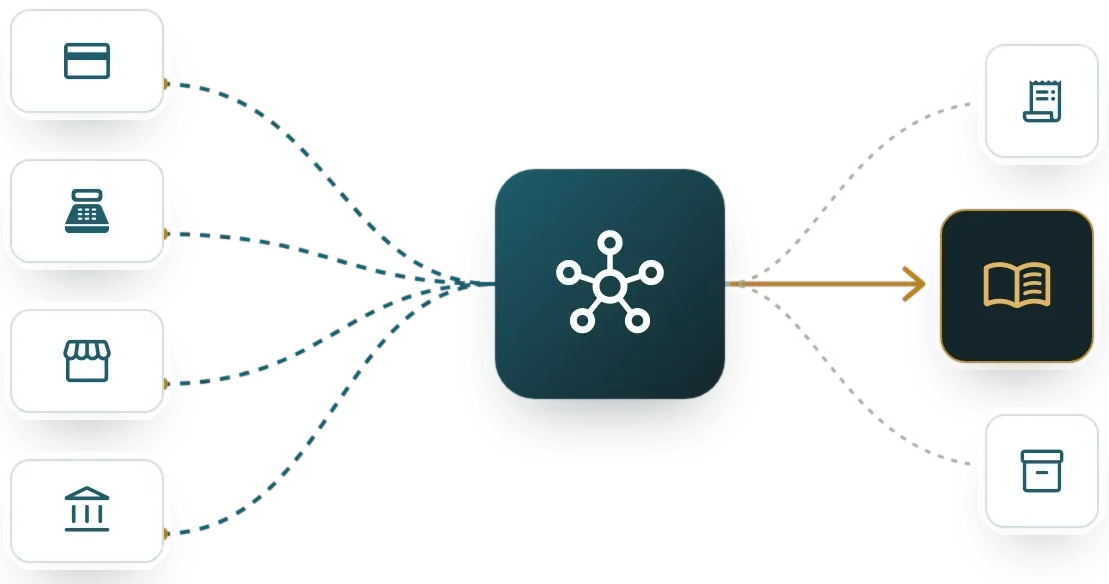
Systems that connect with issuing electronic invoices and receipts
The e-document is built from sales, point of sale or e-commerce data, and its entry flows to accounting and the sales register. The links lead to each system’s assessment.
Before you start
Not necessarily. If the provider works, the job may be to connect it to sales and clean up master data.
The electronic service operator validates each document and reports it to SUNAT. The company contracts one and its system connects to it.
Yes. Changes are tested in a test environment with today’s failing cases before going live.
The online assessment and the 30-minute review are free. Later work is quoted by phase.
Only Diego Muñoz, to prepare the review. They are not shared with third parties.
Start with the online assessment
At the end you see your level and where to start. If you like, we review it in a 30-minute video call with Diego Muñoz.
WhatsApp +51 919 488 260 · damunoz@dmunozgroup.com