Every complaint with a number, an owner and a deadline
We analyze how you serve customers today and implement a help desk with SLAs, hours per customer and a satisfaction survey, connected to your CRM.
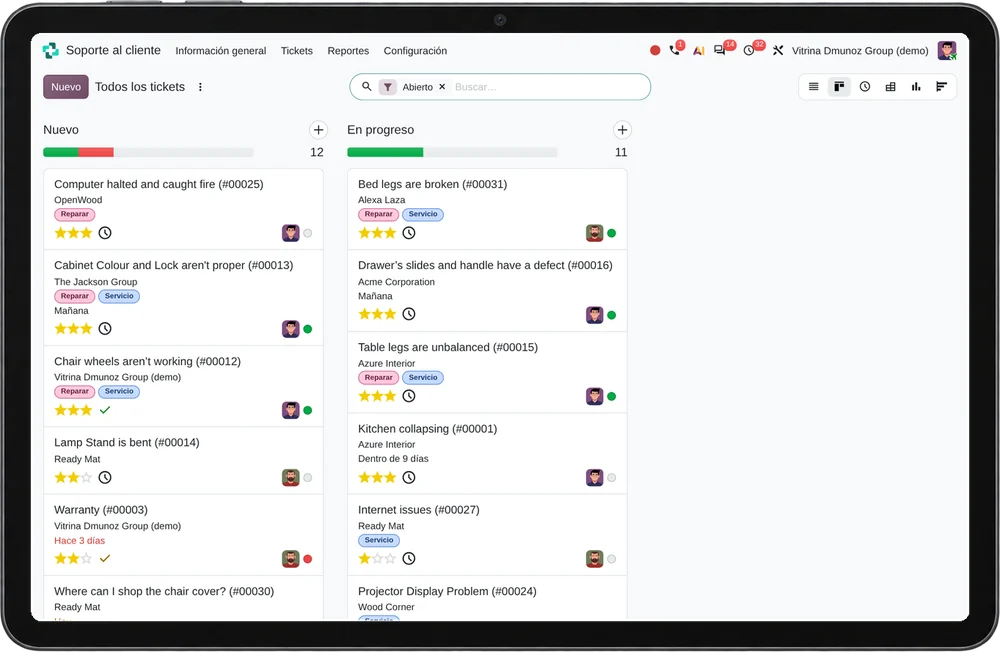
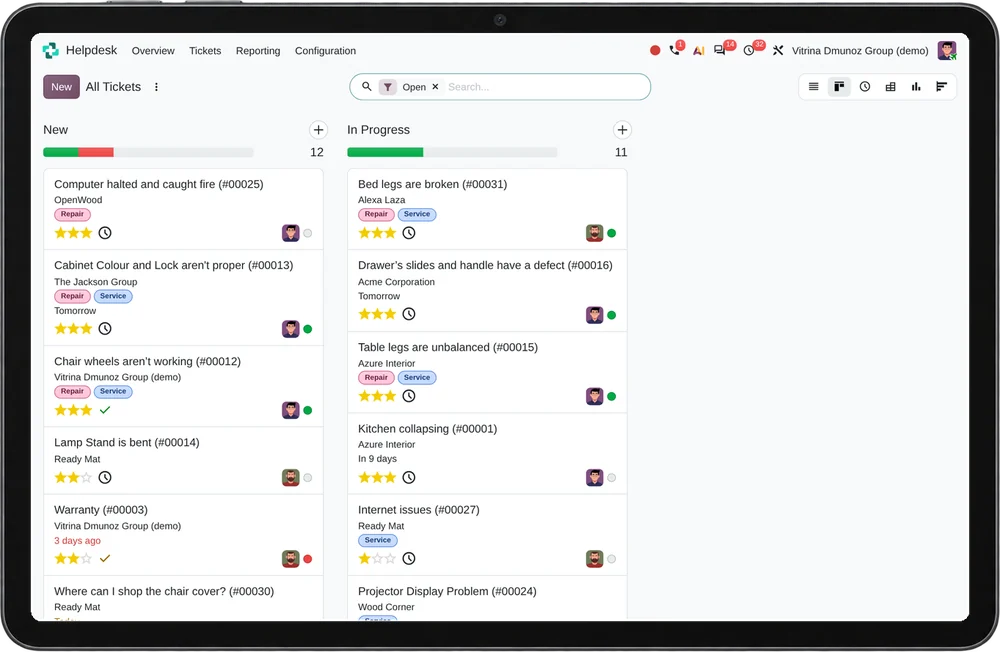
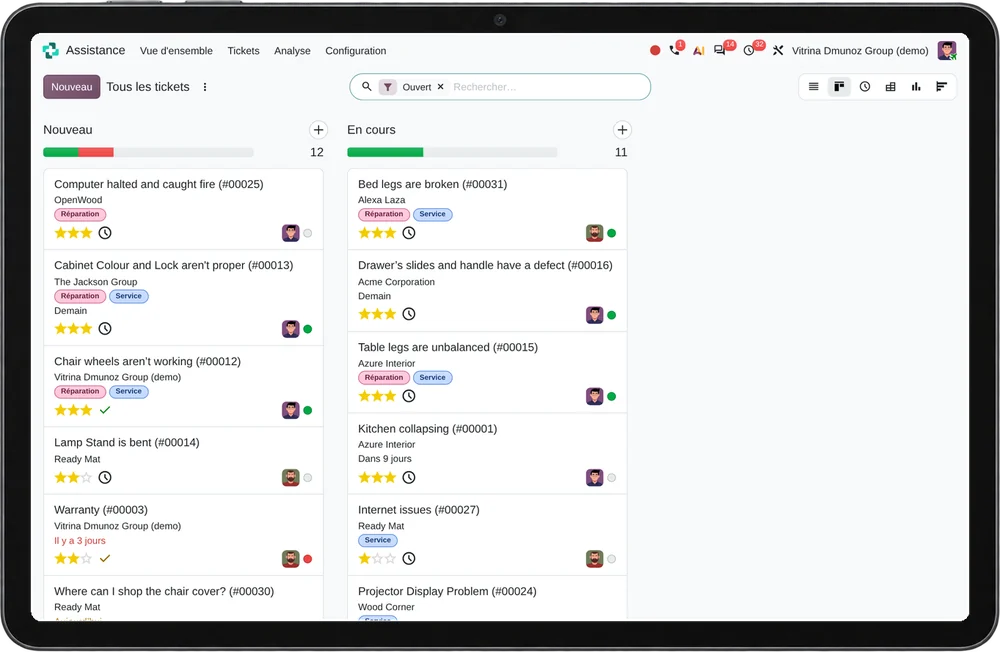
35questions, 9 minutes and your result at the end
Signs your company needs one
- Complaints arrive through several channels with no single register
- Nobody knows how many cases are open or which are overdue
- Service deadlines are not measured
- Hours spent on each customer are not recorded
- The same cases are investigated again and again
- Customers call to ask about the status of their case
Company profile for help desk, and when it is not a fit
Good fit
- You handle requests, warranty claims or complaints that take days to close.
- You have contracts with committed response times.
- You must answer Complaints Book (Libro de Reclamaciones) claims on time.
Poor fit
- Most contacts are solved in one conversation: a contact center fits better.
- Requests are internal project tasks: the Project app is enough.
- Nobody owns case closure: the tool would only record the delay.

The cost of staying as you are
Cases that expire unnoticed
With no deadline or alert, the customer finds out before you do that their case is late.
Hours nobody bills
If hours are not logged per customer, nobody knows which contracts make a margin and which eat it.
Knowledge that walks out
Every solution that lives in someone's head is investigated again when that person is not there.
Help desk analysis in four steps
Process and data first, the tool second. Each step ends in a deliverable you review.

Walk through ten real cases
We follow ten recent requests from arrival to closure: channel, times, owners and rework.
Categories, priorities and SLAs
With your team we define categories customers understand, priorities and deadlines with working hours.
Channels and connections
We bring email, WhatsApp, web and phone into the same register and connect the help desk to your CRM and invoicing.
Go-live with an indicator
We start by measuring overdue tickets and SLA compliance, and review them weekly with the team during follow-up.
Your company's inputs to the help desk project
The list is confirmed at the first meeting and adjusted to your case.
Data
- Request types, priorities and committed deadlines
- Customers with contracts or products under warranty
- Frequent answers for the knowledge base
People
- A support lead who decides teams and escalations
- Two technicians for testing
Access
- Support mailbox and intake channels
- Access to contracts, sales and timesheets
From assessment to help desk implementation
We implement this type of system
Scope
We implement help desks with Odoo Helpdesk, or with Odoo Project when requests are worked as tasks, with SLAs, timesheets and satisfaction surveys. If your case calls for another platform, we compare options against your requirements.
Service design
Categories, priorities, SLAs, escalation and closure survey, written with your team.
Implementation in Odoo
Helpdesk, or Project with tasks as tickets, customer portal, timesheets and invoicing.
Knowledge base and channels
Email, WhatsApp and web form that create tickets automatically, and a knowledge base the team maintains.
Market options for help desk
In no order of preference. The choice comes from your requirements, your budget and the systems you already have.
Odoo Helpdesk
Odoo Helpdesk includes teams, SLAs with working hours, a customer portal, a satisfaction survey and timesheets. When requests are project work, Odoo Project with tasks as tickets solves the same problem.
Other platforms we assess
- Zendesk
- Freshdesk
- Jira Service Management
- Salesforce Service Cloud
- Zoho Desk
- HubSpot Service Hub
Selection criteria
- SLAs with working hours and holidays
- Channels that create tickets automatically: email, WhatsApp, web
- Timesheets connected to invoicing
- A portal where customers see their case
Help desk limits and ways to cover them
A configured SLA does not shorten times by itself
Overdue cases are reviewed every week with their cause.
The customer portal needs up-to-date statuses
Someone is assigned to update statuses and the knowledge base.
The Libro de Reclamaciones has its own formal requirements
The legal deadline is set up as an SLA and the format is reviewed with your legal team.
Connections between help desk and other systems
Customer relationship management
Sales sees open cases before calling the customer.
See the systemOmnichannel contact center
A WhatsApp conversation becomes a ticket without copying it.
See the systemField service management
A case that needs a visit creates the field service order.
See the systemSurveys and voice of the customer
The closure survey measures satisfaction per case.
See the systemArtificial intelligence and agents
An agent answers repeat questions from the knowledge base and escalates the rest.
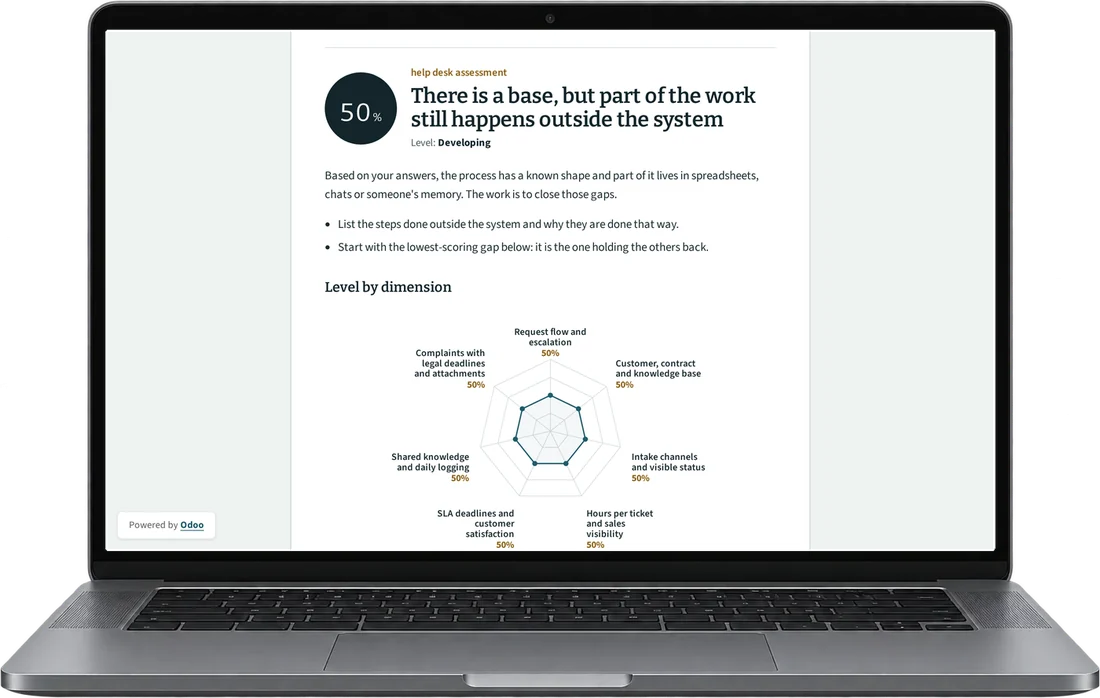
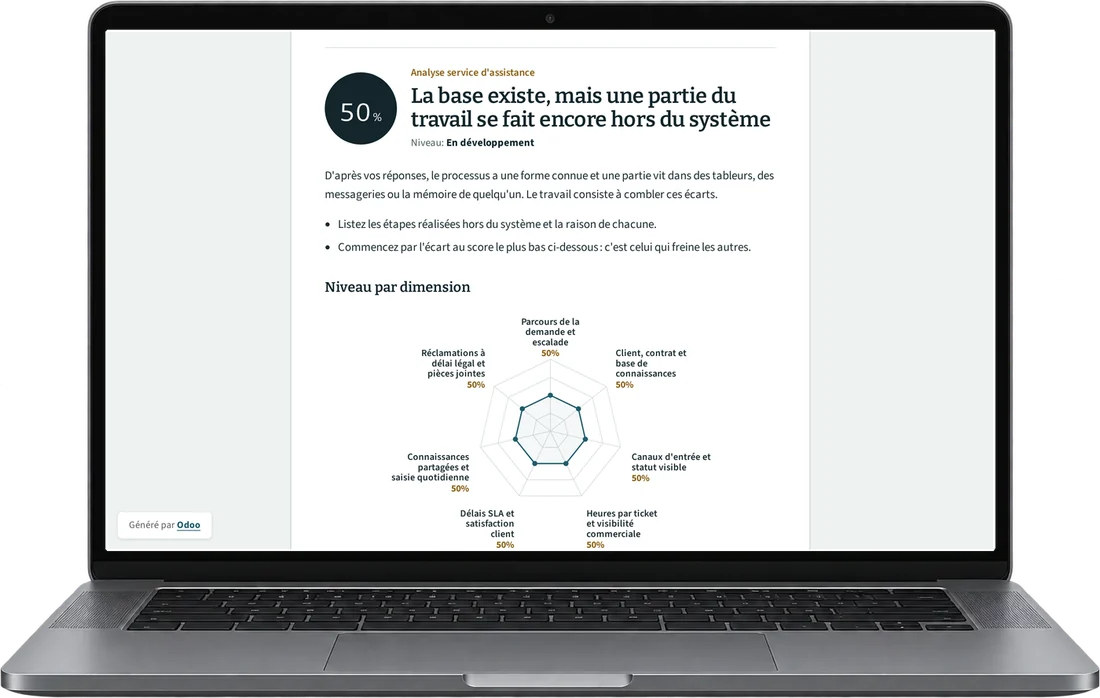
See the systemHelp desk assessment: 35 questions, 9 minutes
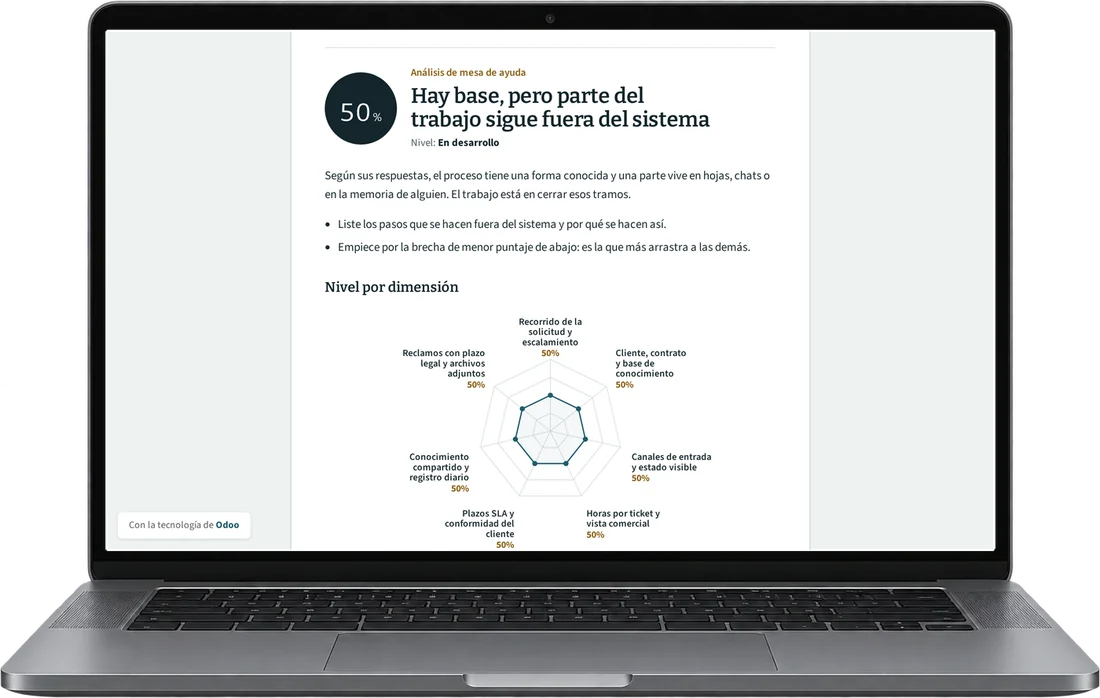
This analysis measures how your company logs, prioritizes and resolves support requests and complaints, and how it links them to contracts, hours and SLAs. The questions describe observable situations at the helpdesk, during field visits and in client reporting.
Scored dimensions
- Logging, priority and escalation. It observes whether each request enters as a ticket with number, category, priority and owner, and whether it escalates when its deadline passes.
- Contract, hours and billing. It observes whether each ticket is linked to the client and its service contract, whether hours are logged per activity and whether they feed the invoice or hour bank.
- SLA, status and acceptance. It observes whether the SLA is measured against the contract calendar, whether the client sees the status of their case and whether acceptance and reopenings are recorded.
- Team knowledge and logging. It observes whether solutions are kept in a knowledge base, whether more than one person covers each case type and whether the team logs hours and notes the same day.
- Statutory complaints and attachments. It observes whether complaints with a statutory response deadline are identified and whether the data and files the client attaches are accessed by role.
What you receive
When you finish, you receive your level in each helpdesk dimension and the gaps ranked by priority. Each gap comes with a first action you can verify in your tickets or service contracts.
17 scored questions and 13 context questions (type of operation, size, current system). Context questions are not scored: they let us read the result against similar operations.
Free of charge. Only Diego Muñoz sees your answers.
Common questions about help desk
If your question is not listed, Diego answers it on WhatsApp during Lima business hours.
It depends on whether you need SLAs, a portal and a survey per ticket. We decide it in the review with your real cases.
Yes, with the official WhatsApp Business API and approved templates. The conversation stays on the customer's ticket.
They are recorded as a ticket type with its own legal deadline and an alert before it expires.
The online assessment and the 30-minute review with Diego are free and carry no commitment.
Only Diego Muñoz sees them, to prepare the review. They are not shared with third parties or used for bulk mailings.
Review your case with Diego in 30 minutes
Diego Muñoz replies in person, on Lima time. If you have taken the assessment, he comes with your answers already read.
WhatsApp +51 919 488 260 · damunoz@dmunozgroup.com