Every partner at their level, with their price, no side spreadsheets
Memberships ranks your members, resellers or affiliates by level (gold, silver, bronze or your own). When the fee is sold, the customer moves up a level on its own and from then on buys at that level's price list.
At the end of the questionnaire you will see the configuration we recommend.
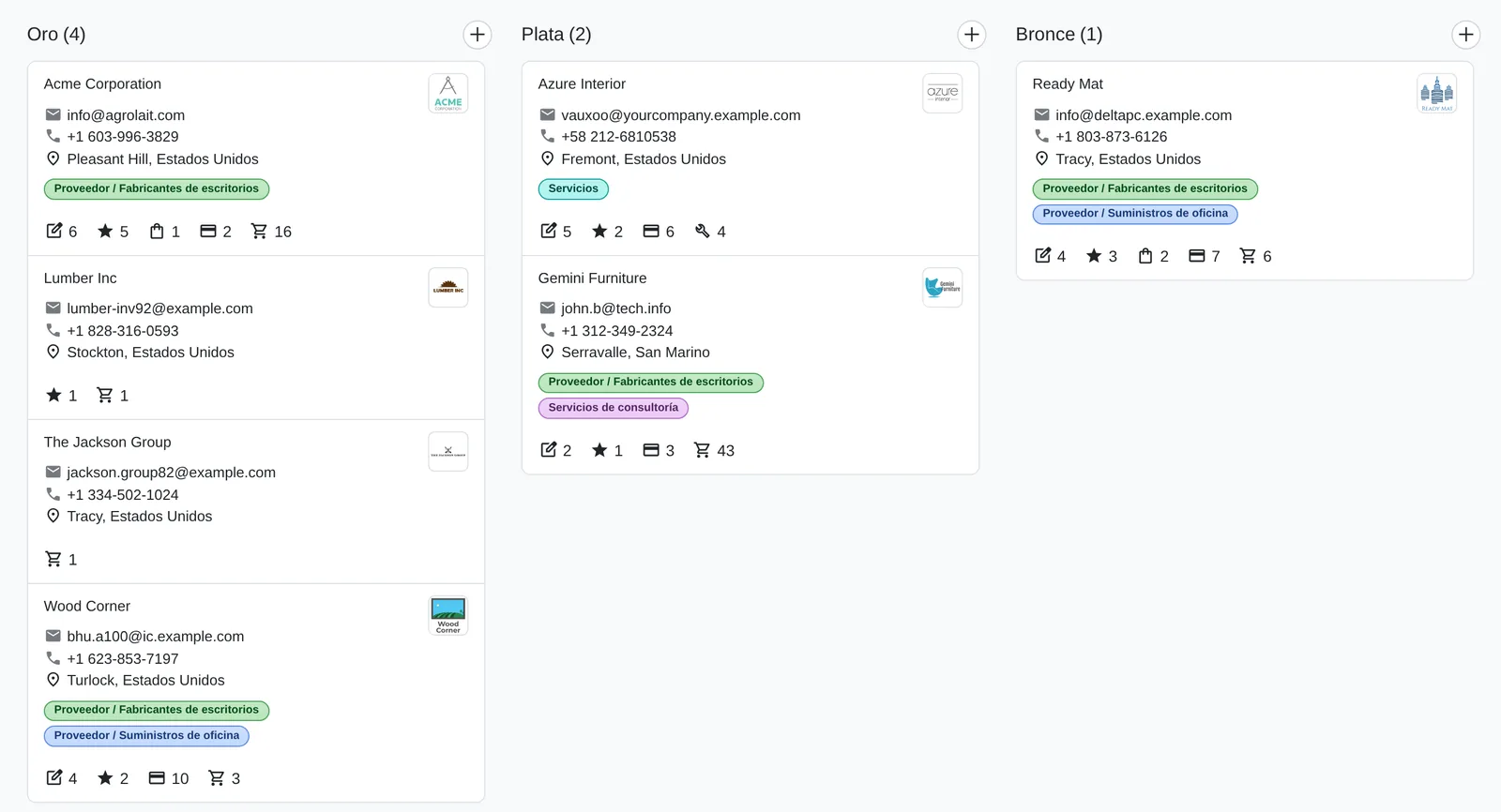
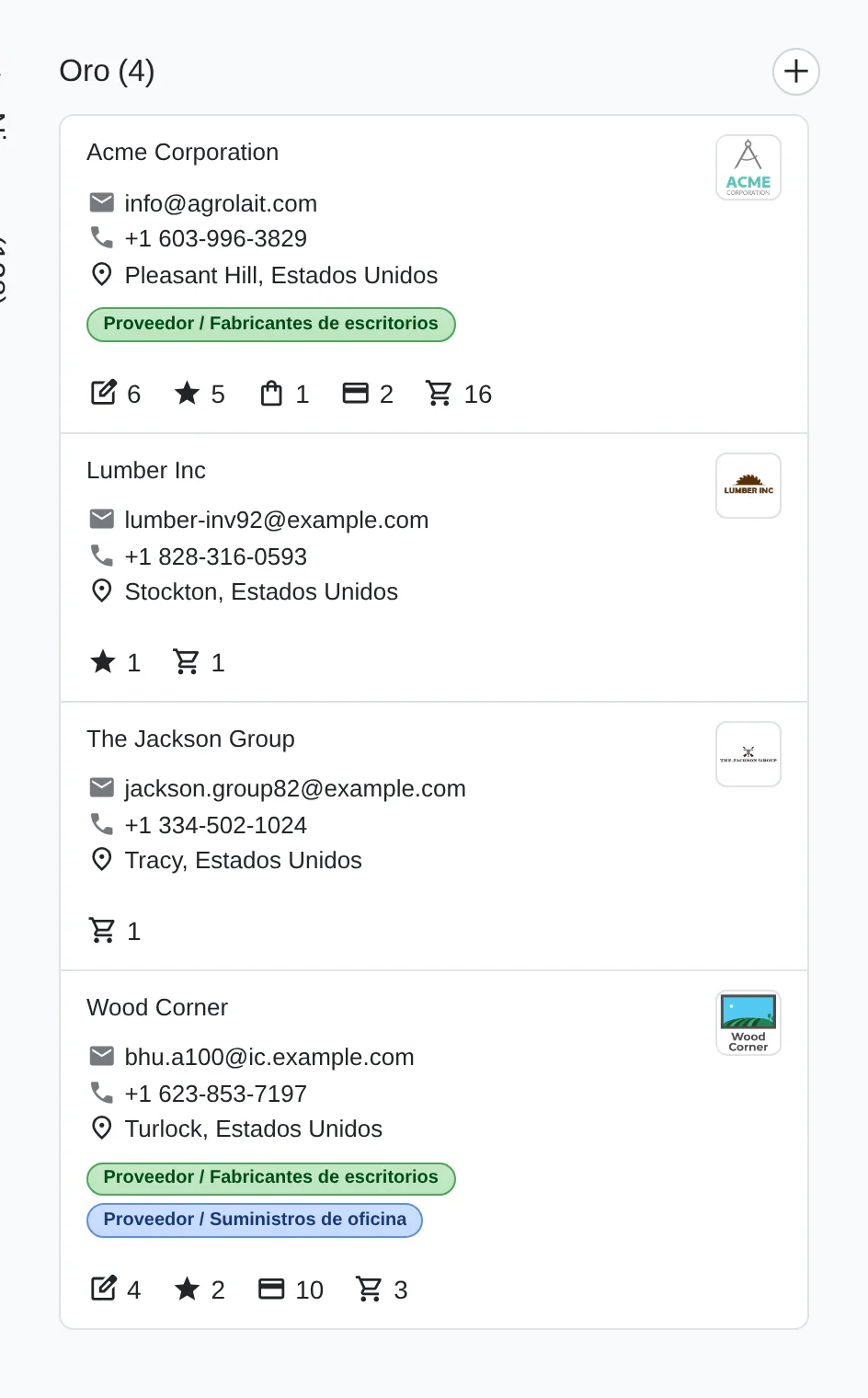
Members grouped by level
- Gold levelOne column per level, with the member count.
- MemberDrag it to another column to change its level.
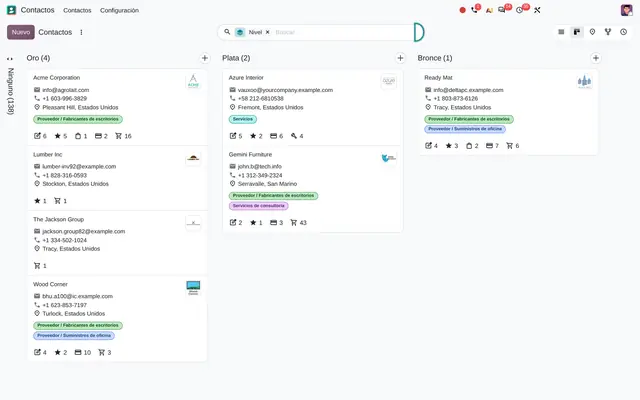 Example in Odoo 20
Partner levels kept in a spreadsheet and prices nobody applies the same way
Trade associations, chambers, reseller networks and partner programmes often keep their member list in a spreadsheet. Sales does not know which price applies to whom, renewing the fee changes nothing in the system and nobody can say how many gold members there are today. In Odoo the level belongs to the contact: it is assigned when the membership is sold, carries its price list and every change is kept in the history.
- Your own levels, ranked by importance, with each level's member count one click away.
- A membership product that assigns the level to the customer company when the sale is confirmed.
- One price list per level, applied automatically on the next orders.
- The programme named your way: partners, members, associates or resellers.


Programme levels
- OrderDrag to decide which level ranks highest.
- LevelThe name the salesperson sees on the customer record.
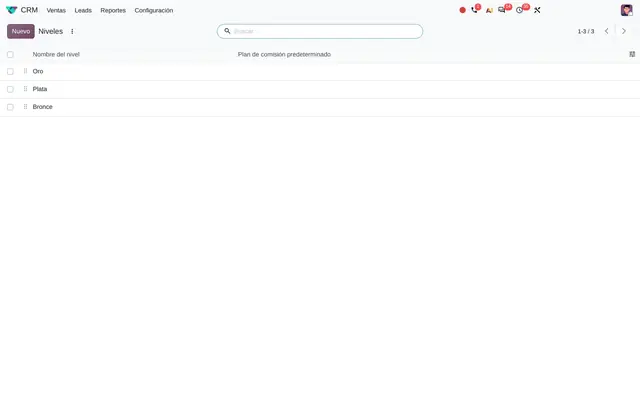 Example in Odoo 20
Who uses Memberships and partners in the company
Trade associations and chambers of commerce, professional bodies, clubs, reseller networks, franchises and software or service companies with a partner programme.
Roles
- Sales or channel manager: defines the levels and each level's price.
- Salesperson: sees the level on the customer record and quotes with the matching price list without asking.
- Association or programme administration: sells and renews fees and checks how many members each level has.
When it is not the right fit
- If you need validity dates, automatic expiry or recurring fee billing, Subscriptions must be added: this module does not expire levels on its own.
- If you only want to reward purchases with points or coupons, Loyalty in Point of Sale and eCommerce fits better.
From the fee sold to the member price
The membership is sold like any service. Confirming the order does the rest.
Membership product
A service flagged as membership, with the level it grants and its price.
Quotation
The salesperson quotes the fee to the customer. One order cannot grant two different levels.
Sales order
On confirmation, the customer's company receives the level and, if the level has a price list, that list too.
Contact with level
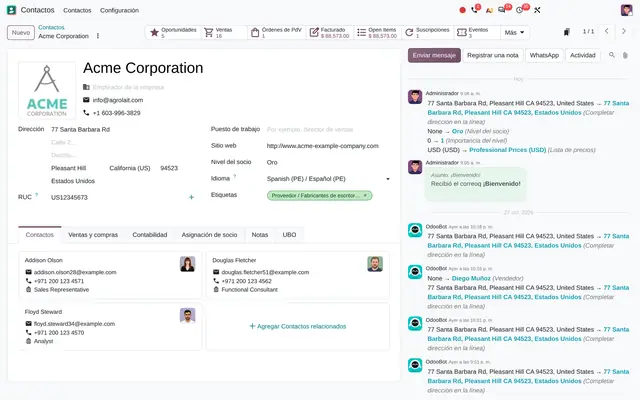
The contact history shows the level and price list change, with date and user. The next orders already use the member price.
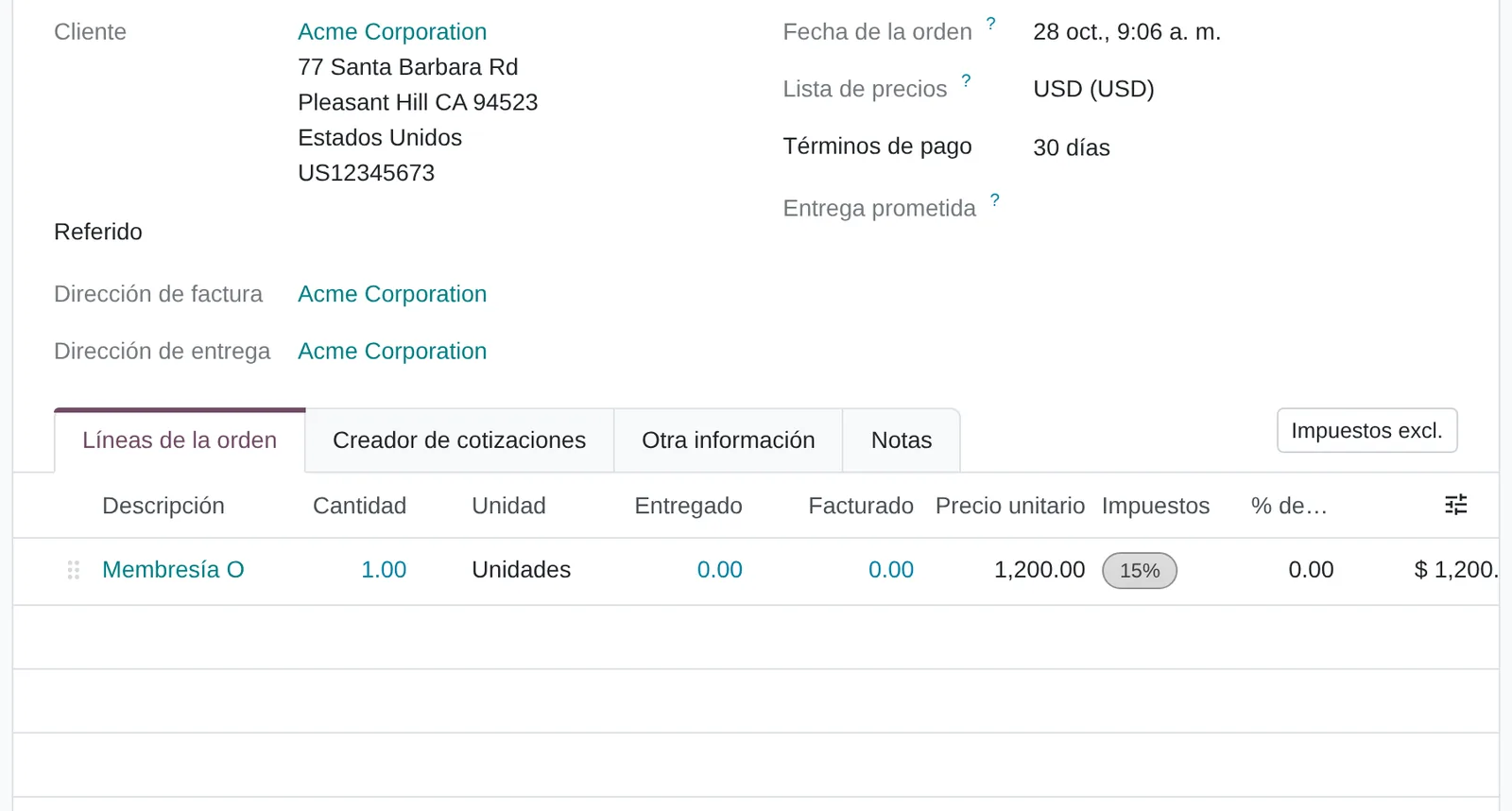
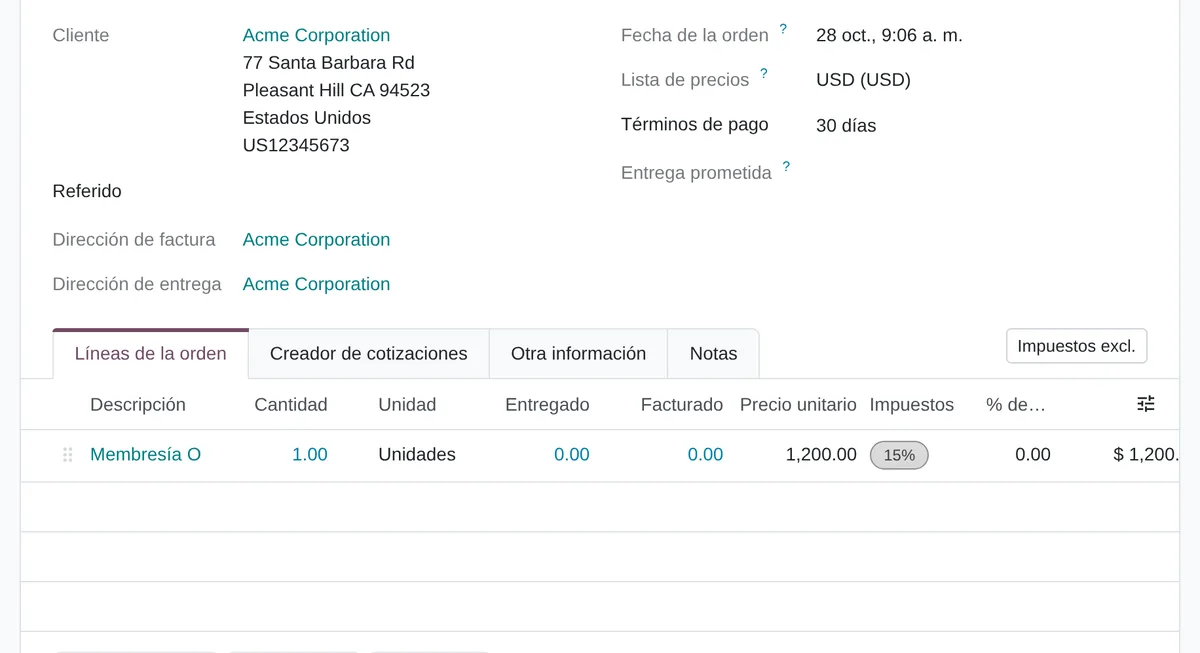
Selling the fee
- CustomerTheir company receives the level on confirmation.
- FeeOnly one level fee per order.
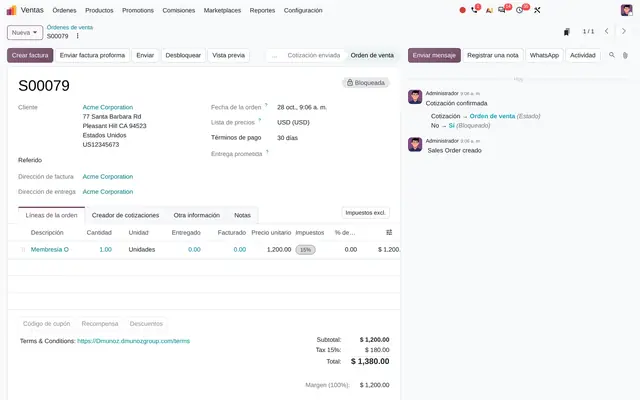 Example in Odoo 20
What Memberships and partners looks like in Odoo 20
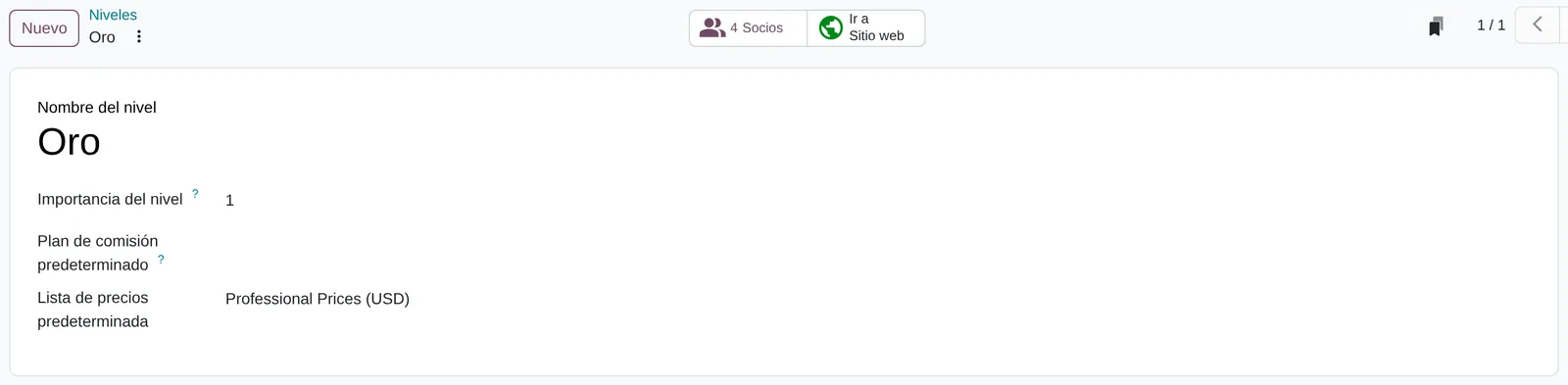
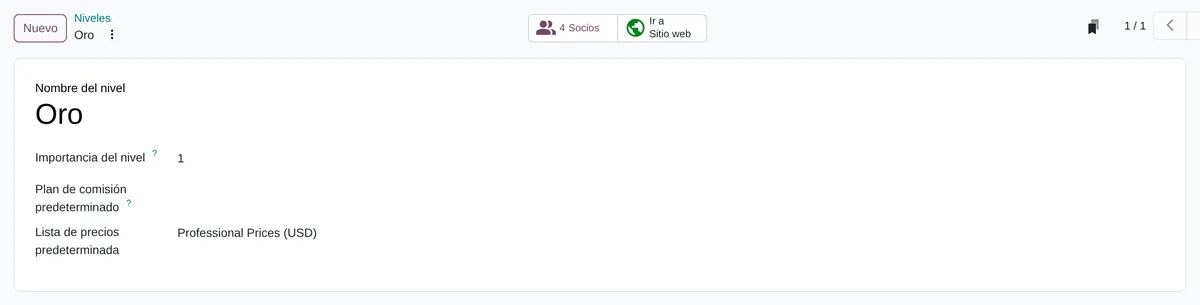
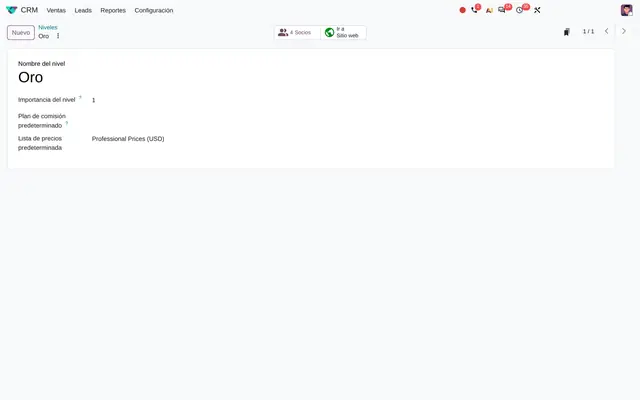
A level with its price list
- Level membersCounts and opens the members at this level.
- Price listPassed on automatically to every member who gets the level.
 Example in Odoo 20
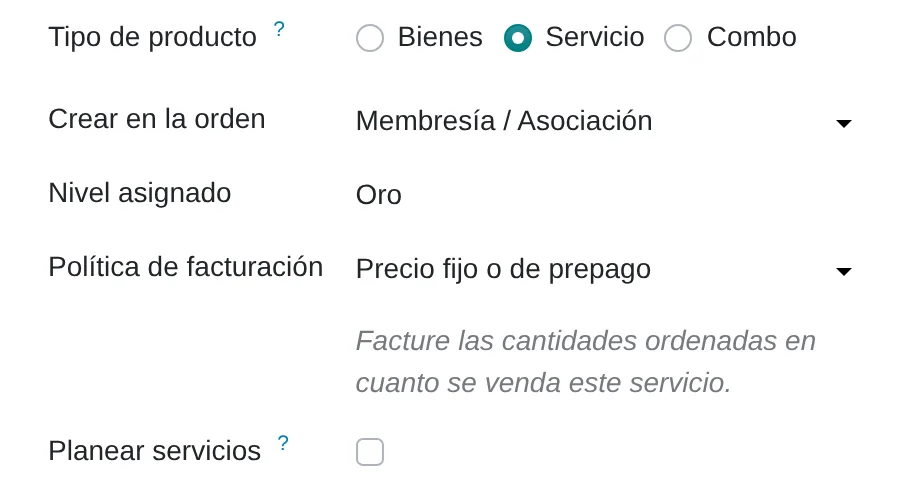
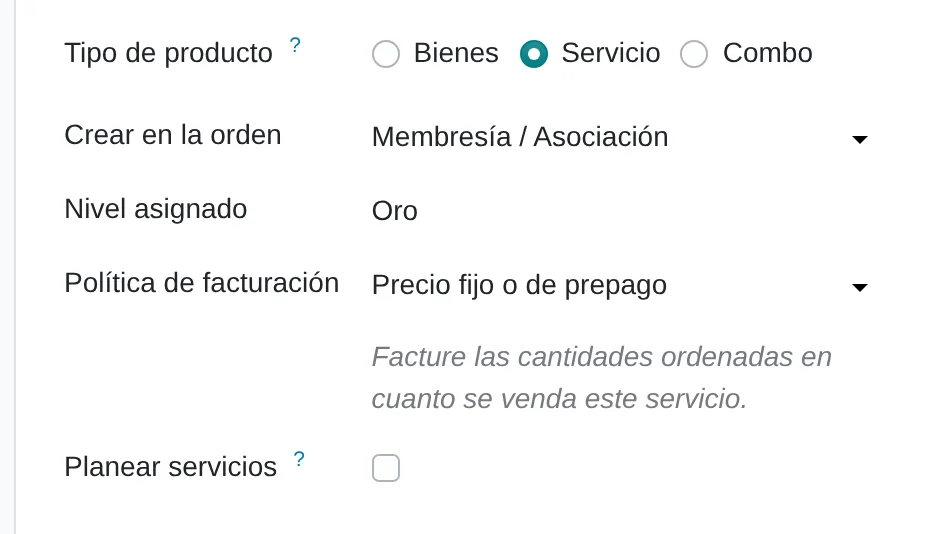
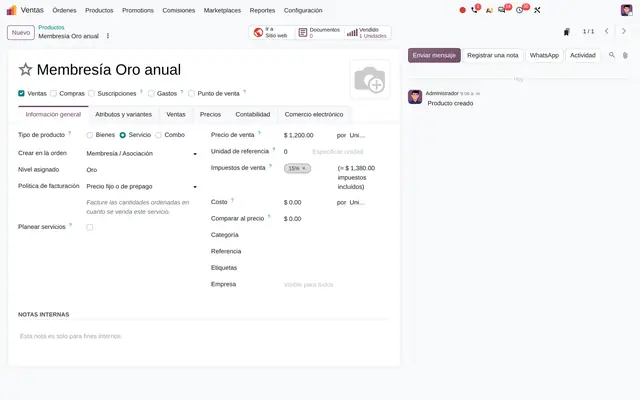
The membership fee as a product
- MembershipFlags the service as a membership fee.
- Level grantedThe level the customer receives when the sale is confirmed.
 Example in Odoo 20
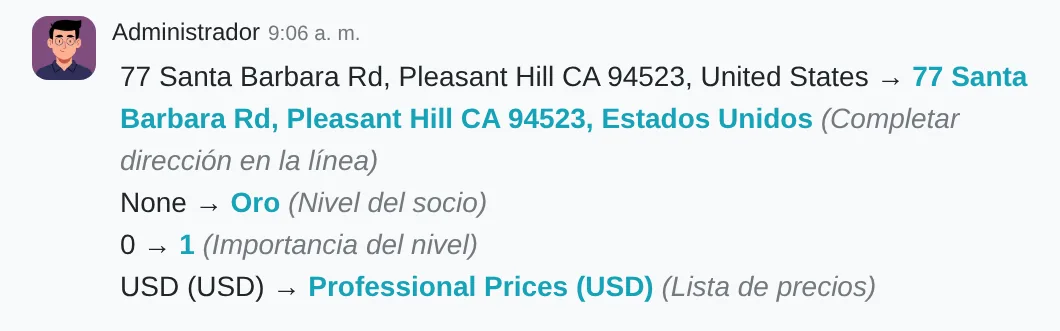
The history keeps every level change
- Level changeNew level and price list, with user and time.
 Example in Odoo 20
What the user sees and touches
Level list
Each row is a level; the handle on the left is dragged to rank them from highest to lowest.
Members button on the level form
Shows how many members the level has and opens their list in one click.
Product form, General Information tab
Create on Order: Membership / Partnership and, below it, the level that product grants.
Contacts grouped by level
One column per level with member cards; drag a card to change the level.
What Memberships and partners needs and what it delivers
What it needs before starting
- The programme levels and their order of importance.
- One price list per level, if each level buys at a different price.
- The fee or membership products, one per level.
- The current member list with their level, to load at the start.
What it produces
- Contacts with their level visible on the record and in the list.
- Orders that apply the customer's level price on their own.
- Members grouped by level or price list for campaigns and reports.
- The history of each level change, with who and when.
Memberships and partners features that already come included
They come with standard Odoo, with no custom development. Most companies do not turn them on or do not know they exist.
Selling the fee upgrades the customer with no manual step
The contact history shows the new level and price list as soon as the order is confirmed.
What you gain: No more double entry between whoever collects the fee and whoever keeps the member list. The level goes to the company, so all its contacts buy the same way.
The level brings its price list along
When the level is assigned, the customer gets the level's price list on their sales tab.
What you gain: The member price is applied automatically on every quotation. If someone tries to set another list by hand in the same change, Odoo stops it with a warning.
One order cannot grant two levels at once
If a salesperson mixes the gold and silver fees on one quotation, Odoo will not let it be confirmed.
What you gain: Avoids members ending up at the wrong level because of a typing error, and the complaint that follows.
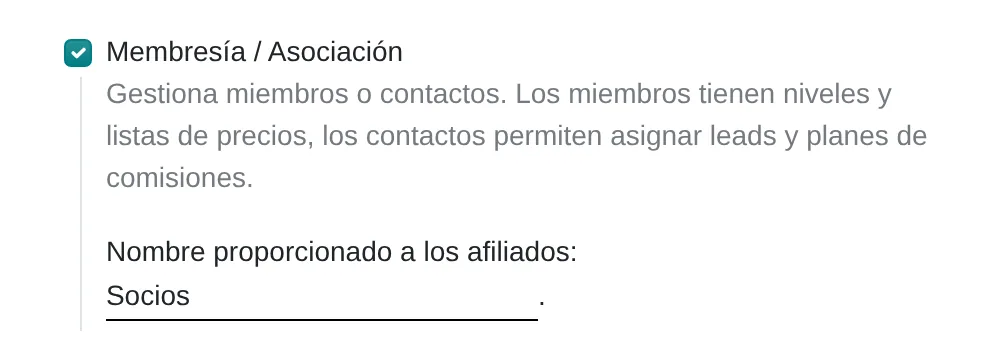
The programme uses your own name
Changing the affiliate name in settings renames the CRM menu and each level counter to Partners, Members or Resellers.
What you gain: The team works with the association's or network's own vocabulary, with nothing else to change.
Members by level or by price list in one click
In Contacts, Group By offers Level and Price list. Every level shows up as a column, even when empty.
What you gain: Member lists for a campaign, an invitation or a price audit without exporting to Excel. Dragging a card to another column changes the level.
What changes how Memberships and partners behaves
Name given to affiliates
Renames the programme in the menu and buttons: Partners, Members, Associates or your choice.
Settings › CRM › Membership / Partnership › Name given to affiliates
Default Pricelist
The level's price list is passed on automatically to every member who receives that level.
CRM › Configuration › Members › Levels › Default Pricelist
Assigned Level
Turns a service into a membership fee: when sold it grants the chosen level.
Sales › Products › Create on Order: Membership / Partnership › Assigned Level
Pricelists
Turns on price lists, needed to give each level a different price.
Settings › Sales › Pricing › Pricelists
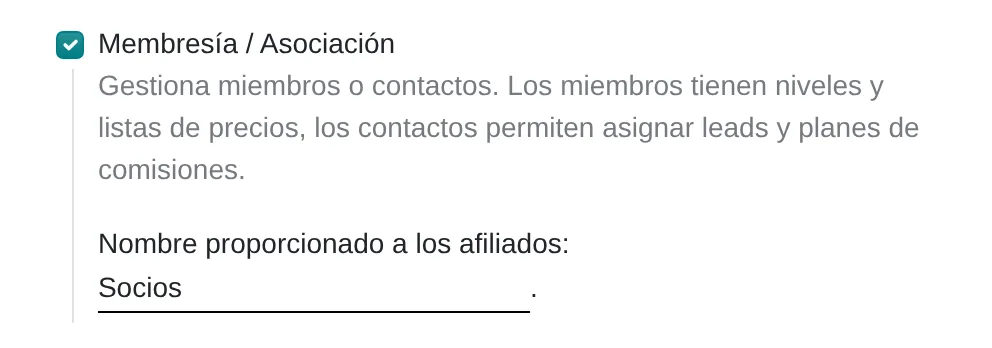
Membership / Partnership in CRM settings
- Programme nameRenames the menu and buttons on save.
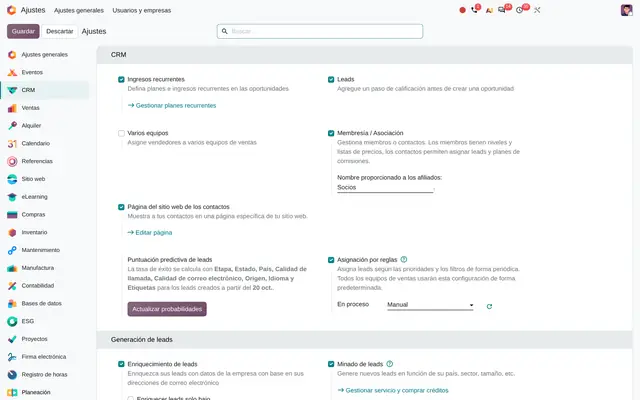 Example in Odoo 20
What Memberships and partners connects with
Sales
Receives: The membership product and the order confirmation.
Delivers: The customer's level and price list for the next orders.
CRM
Receives: The levels menu and the programme name setting.
Delivers: Contacts ranked by level to prioritise opportunities.
Contacts
Receives: Nothing: the level is stored on the company record.
Delivers: List grouping by level and by price list.
Partner directory on the website
Receives: The levels and published members.
Delivers: A public page with members by level and lead assignment among them.
What it does not do and how it is solved
The level does not expire: it stays until someone changes it or another membership is sold.
Subscriptions for the recurring fee and a standard scheduled action that lowers the level when the subscription closes.
The level is assigned to the company, not to each contact person.
For individual members, each member is recorded as an individual contact without a company.
A level carries a single price list and another cannot be set by hand in the same change.
Rules inside that list by product, category or quantity, or one more level.
Peruvian localisation
- Memberships does not depend on the Peruvian localisation. The fee is invoiced like any service, with its SUNAT electronic document if the company uses Invoicing with the localisation.
- For associations with individual members, the DNI goes on the contact record as the identity document.
Memberships and partners layer by layer, with a deliverable for each
The layers follow the answers to the configuration questionnaire.
Settings
Membership / Partnership is turned on in CRM, the programme is named and price lists are enabled if each level buys differently.
Configuration sheet with the programme name and levels.
Master data
Levels in order, one price list per level, the fee products and the load of current members with their level.
Member template reviewed and loaded.
Roles
Salespeople who see the level and quote; sales administrators who create levels and price lists.
User and access matrix.
Automations
Selling the fee assigns the level. If there is an expiry, renewal is added with Subscriptions and a reminder before the end.
Renewal rule tested with a test member.
Reports
Members by level, fees sold per period and sales by price list.
Saved filters for management.
Dashboard
A dashboard with members per level, new members this month and fees to renew.
Dashboard published for programme management.
Testing
One fee of each level is sold and the level, price list and next order price are checked.
Test report with screenshots signed off by the owner.
Typical risks and how they are avoided
A member with a hand-set price list cannot receive a level carrying another list in the same change.
In the initial load, the price list comes from the level and is not set by hand.
Members who do not renew keep their level's price.
Monthly review with the level filter, or renewal with Subscriptions.
Fees for two levels on the same order block the sale.
One order per fee, and salespeople who know it from training.
Frequently asked questions
About Memberships and partners in Odoo 20
It changes when the fee order is confirmed, not on payment. If it should depend on payment, the order is confirmed through online payment on the portal.
Yes. Gold, silver and bronze are only examples; you create, rename and order as many as needed by dragging them in the list.
Yes, with the standard website partner assignment module, which lists members by level and shares leads among them.
Set up Memberships in 3 minutes
Tell us how you work today. At the end you will see the Memberships and partners settings we would turn on and the data to load. Diego receives the specification and reviews it with you.
Assessing the whole system rather than this module? See the system assessment