Expenses approved by amount and charged to the right cost centre
We look at how your company’s expenses are requested, approved and claimed, and what to move into the system first.
34 questions, result at the end, free of charge.
Expense management system: definition and use
It manages employee expenses, travel allowances, petty cash and spending plans by cost centre, with approval by amount and validated receipts.
When it is well connected, the expense is recorded when it happens, approved in the system and reaches accounting with its cost centre, without re-keying.

Who it is for and when it does not fit
A good fit for
- Companies with field staff, travel or petty cash
- Administration teams that receive loose receipts and key them in
- Teams with advances that are not settled on time
- Managers who need spend by cost centre before the plan is exceeded
Not a fit when
- Very few employee expenses a month: a form and a review are enough
- You need corporate card control with the issuer: that is a job for a specialised spend platform
- Travel allowance claims with complex tax rules: they are analysed and the chosen tool is integrated

Cost of checking paper expense claims
Checking receipts, chasing missing data and re-keying every claim adds hours every week. Work out the cost with your own figures.
Example: three administration staff at S/ 20 an hour. Replace the values with yours.
The estimate shows what the manual task costs today. It is not a savings promise.
Expense, approval and posting
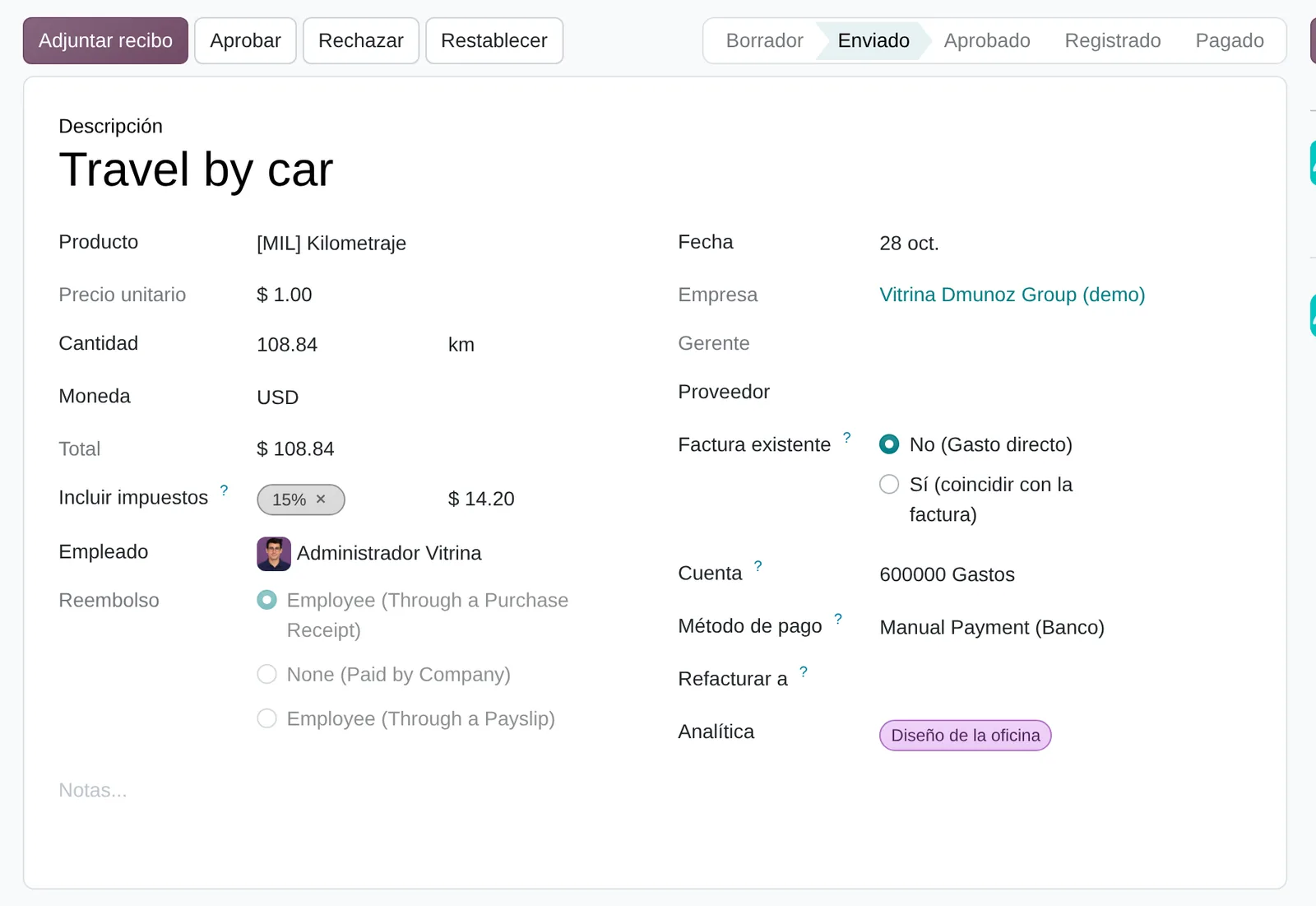
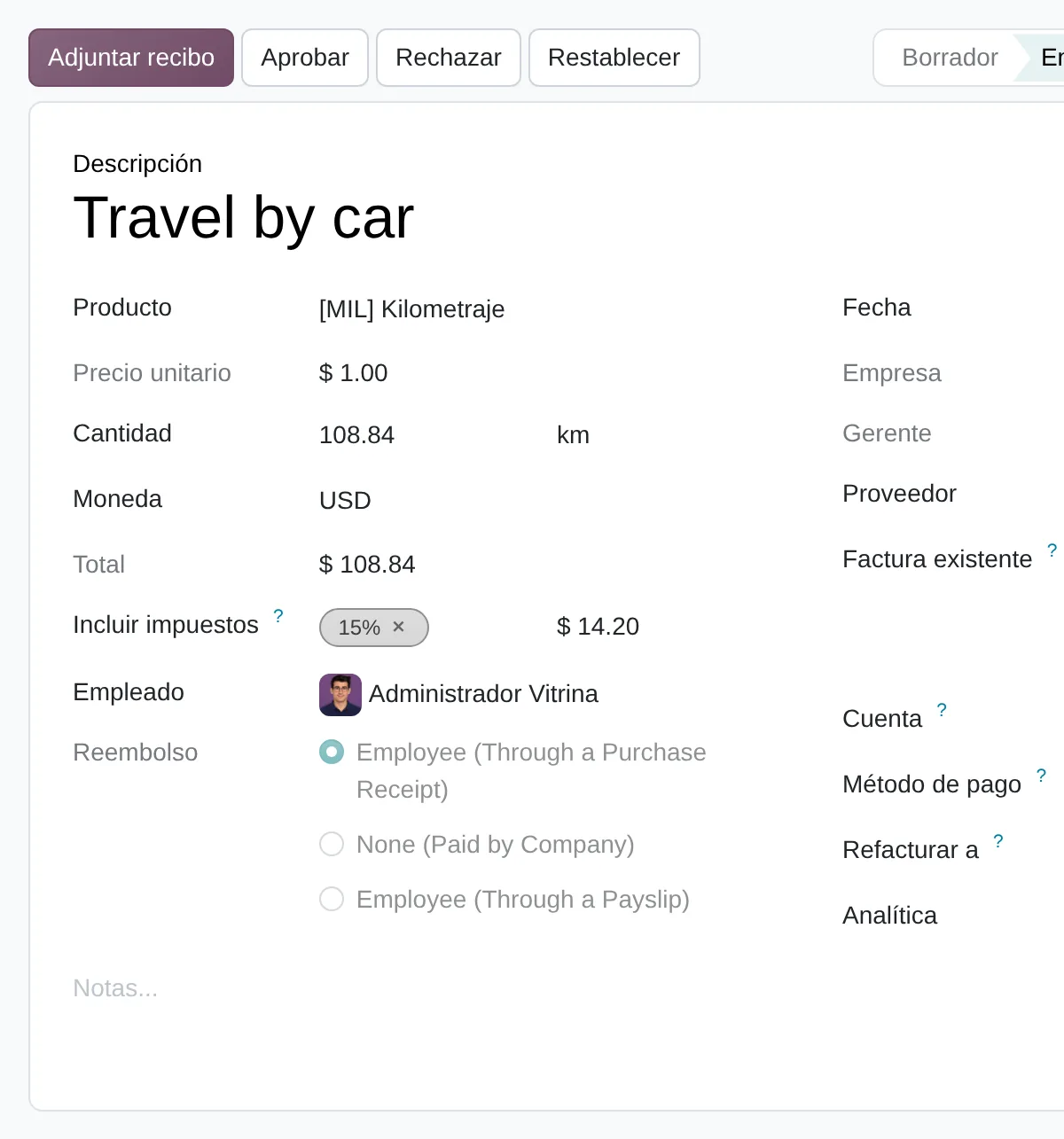
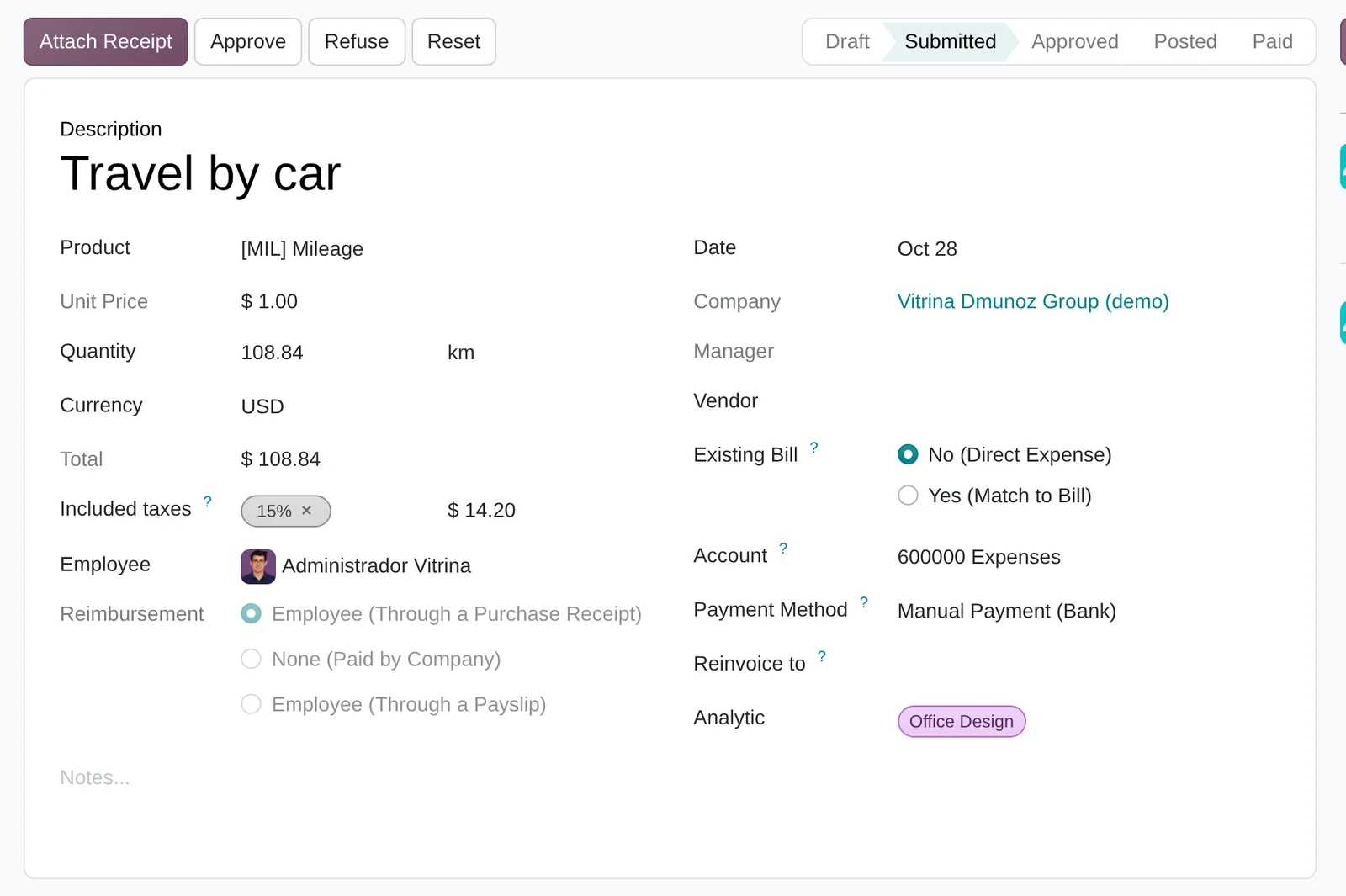
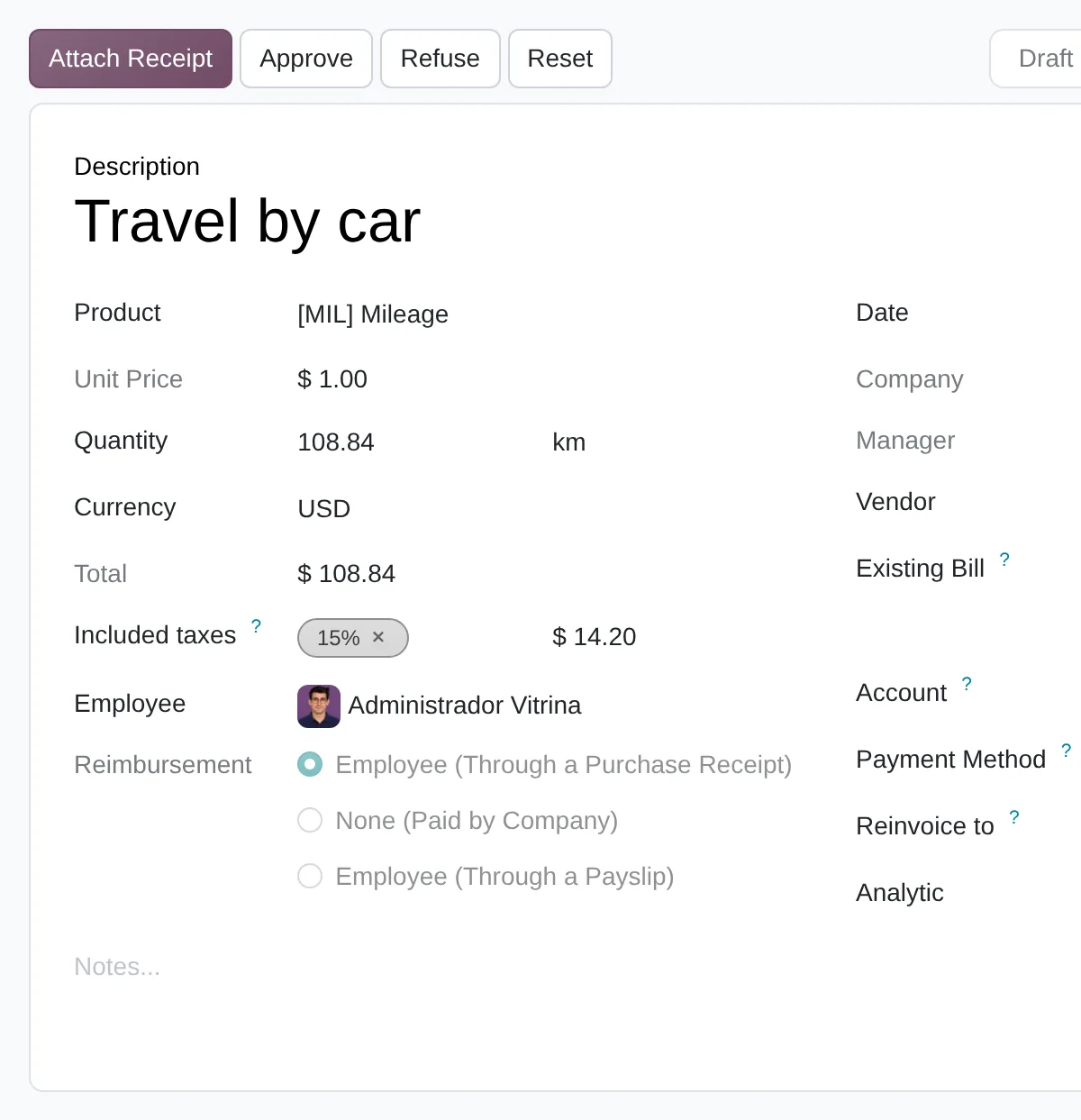
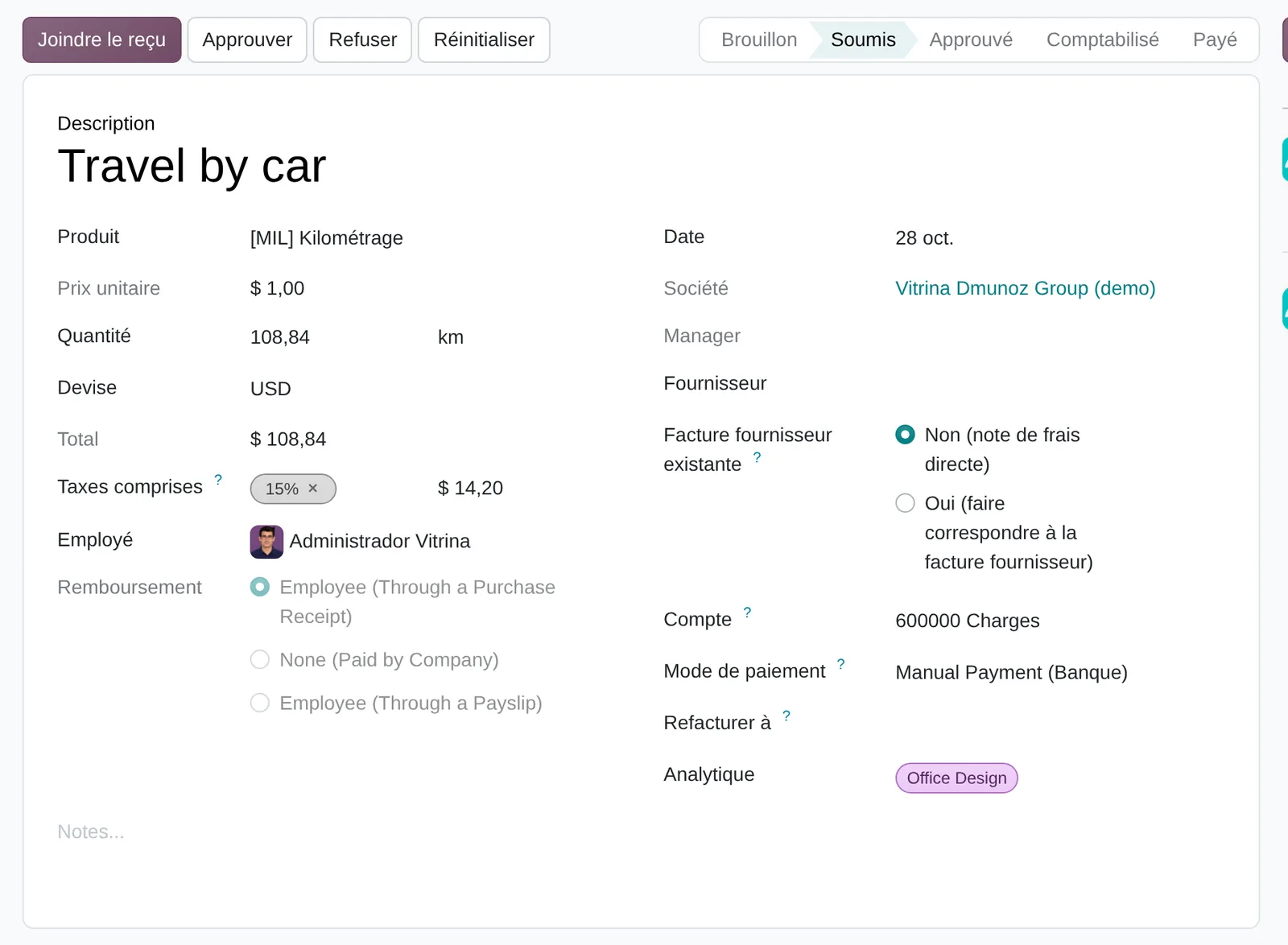
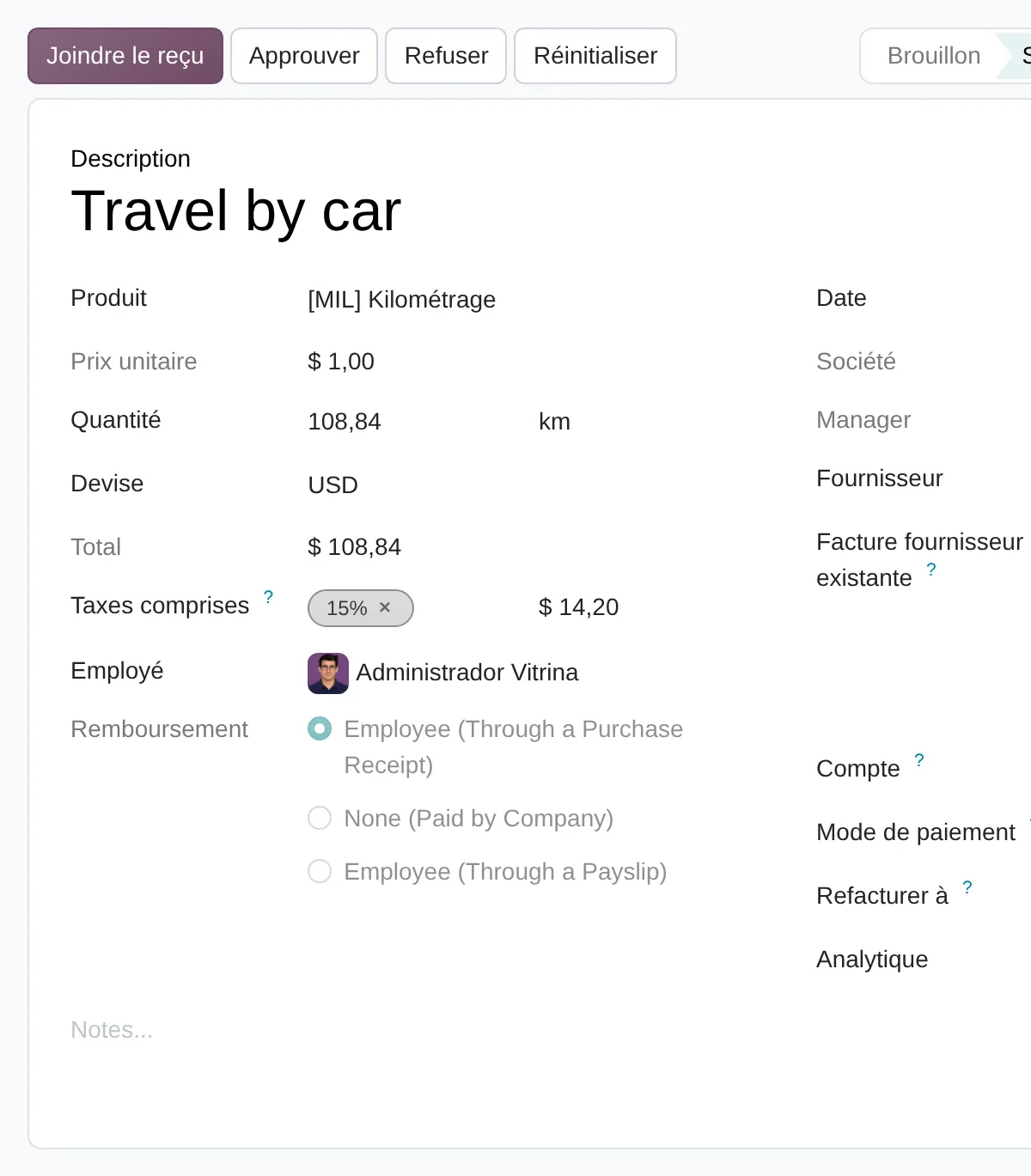
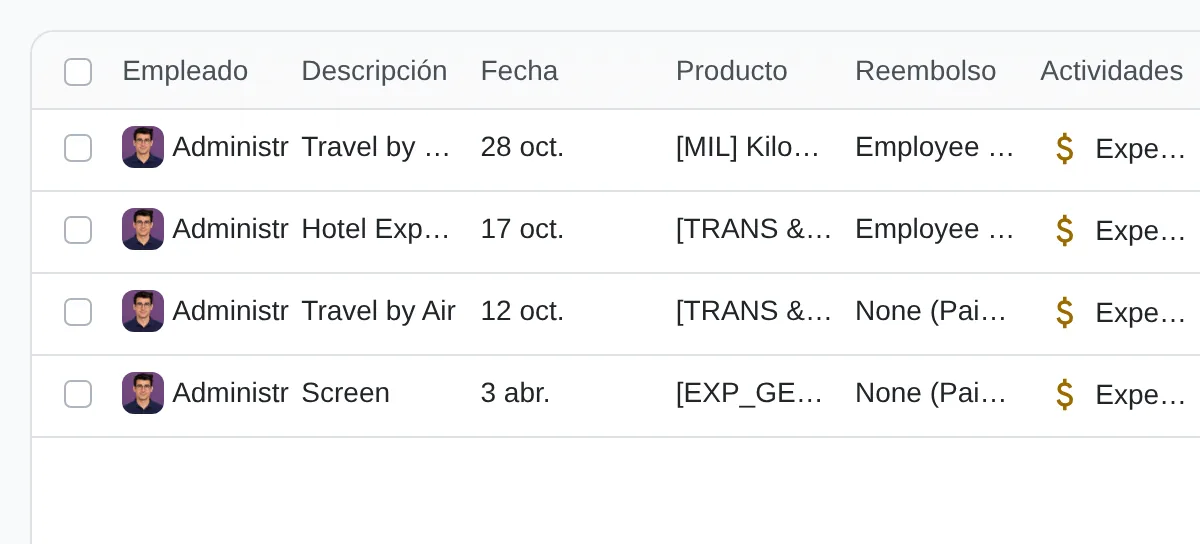
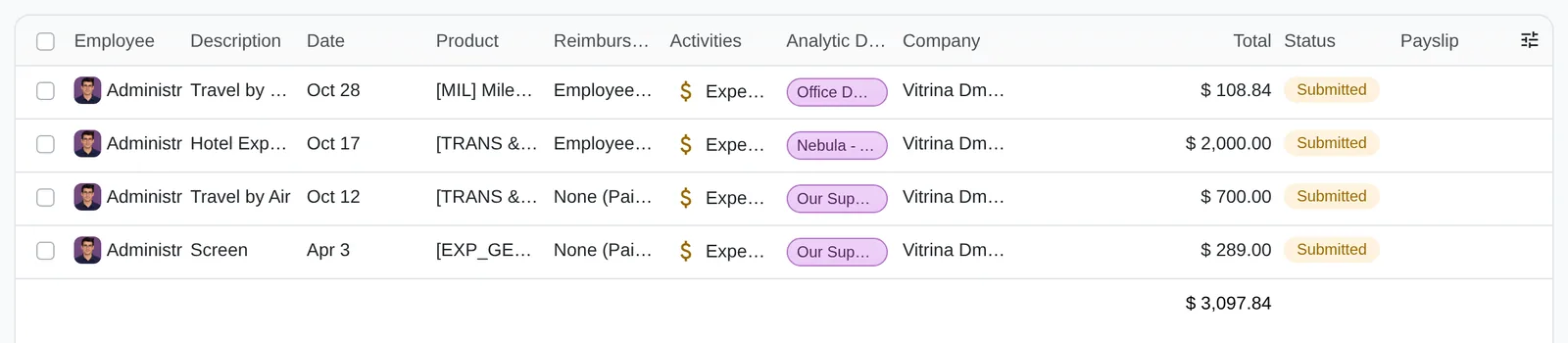
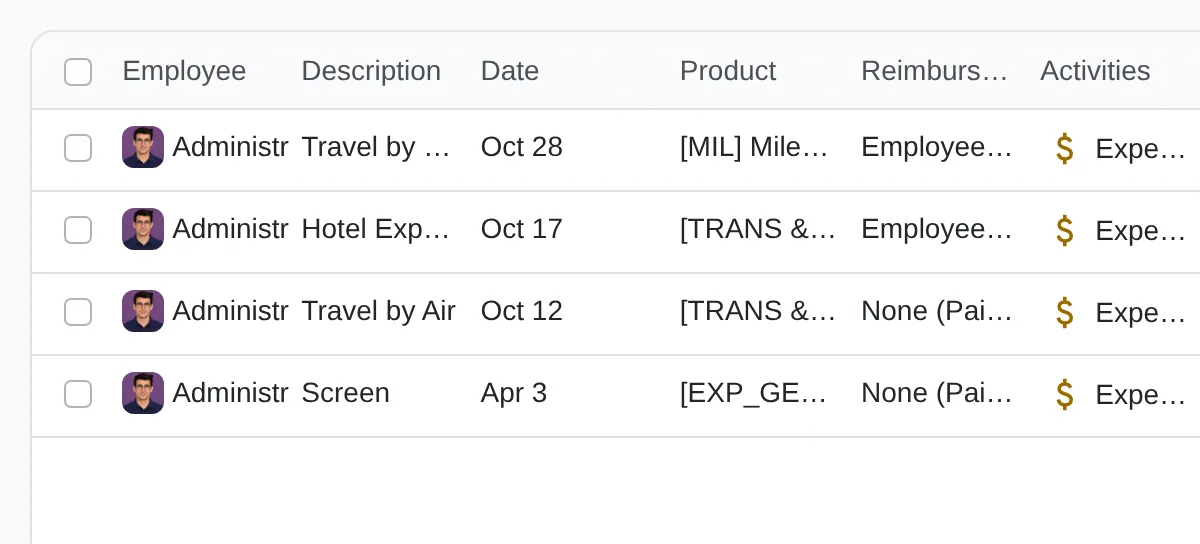
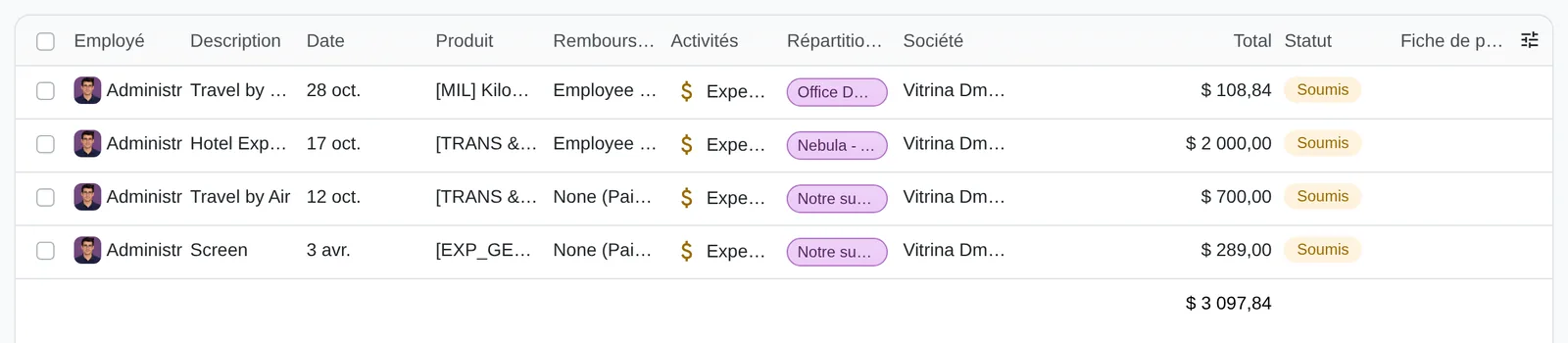
In Odoo 20 every expense is its own record with an expense product, amount, employee, attached receipt and analytic distribution. The employee submits it; the manager approves or refuses it; accounting posts it and it stays In Payment until paid.
Expenses to Process groups what is waiting for review. The Paid By field shows whether the employee is reimbursed or the company paid.
Expense states
- Draft
- Submitted
- Approved
- Posted
- Paid
- Approve or refuse
- Current status
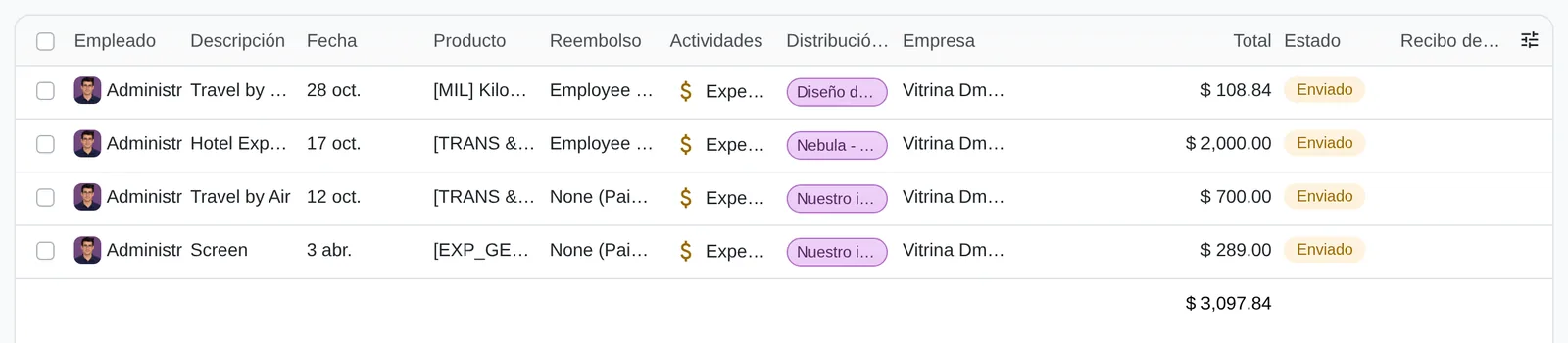
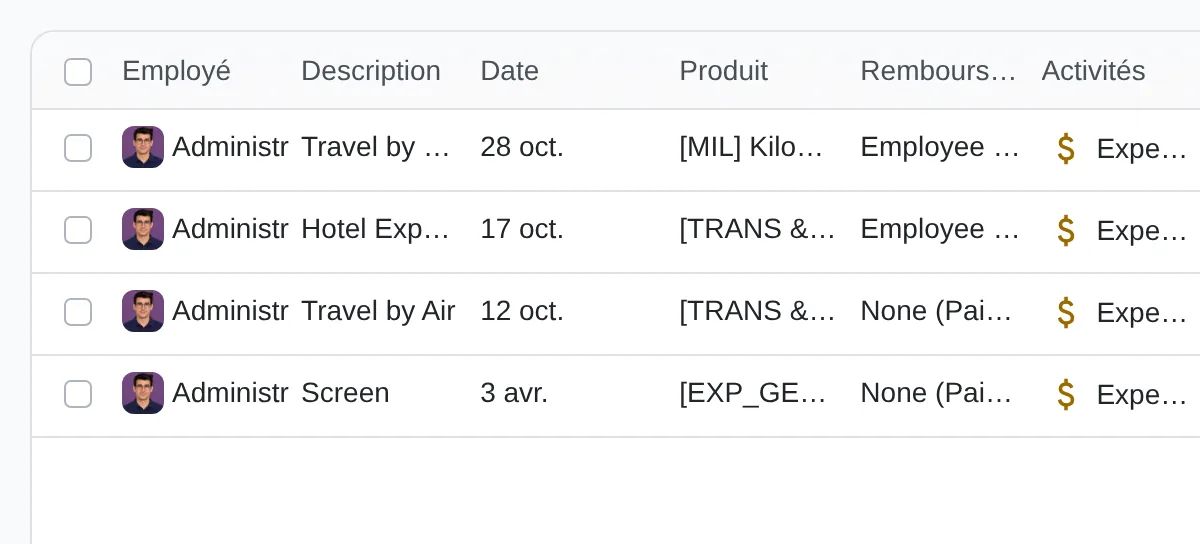
- Filter by status
- Status column
The method applied to expenses and expense claims
Diego Muñoz leads every assessment: process and data first, then the tool, in short phases you approve.
Following a claim
We follow an expense from the moment it happens until it is reimbursed and posted, with who handles it at each step.
Policy and approvals
We write the expense policy and the approval matrix by amount and cost centre with you.
Spending plan by department
We define cost centres with owners and the spending plan each one will see in the system.
Tool and phases
We propose phases: first approval and the cost centre plan; then claim capture, comparing options before choosing.
Deliverables
- Written expense policy with amounts and valid receipts
- Approval matrix by amount and cost centre
- Spending plan per cost centre with owners
- Comparison of options for claim capture
Prerequisites and outputs
Prerequisites
- Expense products with their account and tax
- Employees with a direct manager and bank account
- Analytic plan of cost centres
- Expense policy with limits by type
- Employee expenses journal
Outputs: approved claims, entries and reimbursements
- Entry per expense with the payable to the employee
- Reimbursement included in Batch Payments
- Expense analysis by employee, product and cost centre
- Digital receipt attached to every record
Key settings
Standard Odoo 20 settings that change how the process behaves. They are set during the configuration phase, based on the assessment answers.
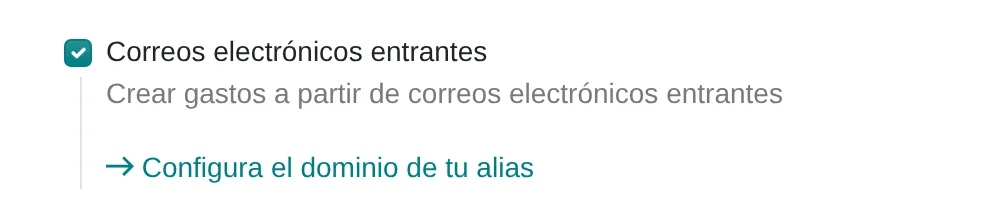
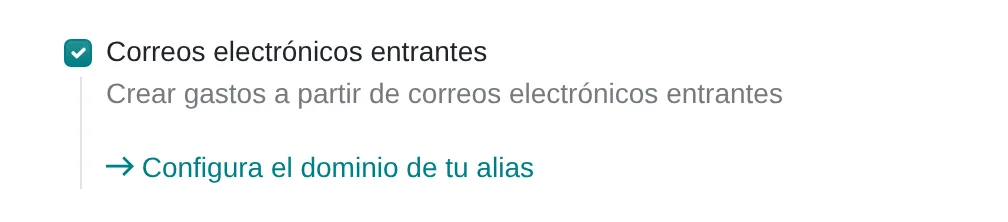
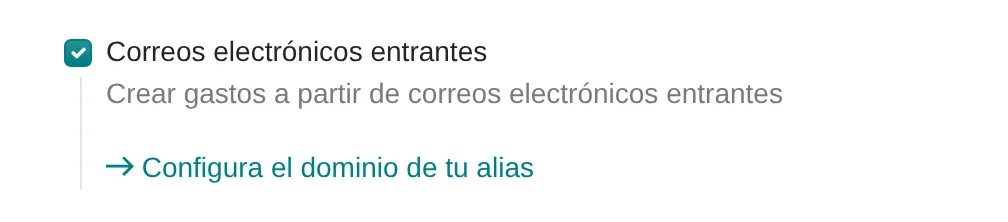
Incoming emails
Where Settings › Expenses › Incoming Emails
Enables an email alias: the employee sends the receipt photo and the expense is created in their name. When switched on, Odoo asks for the alias domain if none exists yet.
Journal and payment methods
Where Settings › Expenses › Accounting
Sets the journal for expenses paid by the employee and the methods the company uses to reimburse.
Expense product with account and tax
Where Expenses › Configuration › Expense Categories
Local transport, meals or lodging carry their account, VAT and a fixed cost when it applies. The employee never picks accounts.








What almost nobody uses
Standard features that come installed and are rarely configured. Each one shows where it sits in the menu and in the source code.
Product code in the email subject
Where Email to the expense alias, first word of the subject
If the subject starts with the product’s internal reference, such as MOV, the expense is created with that category and the amount in the subject.
Code
hr_expense/models/hr_expense.py:1068Expense without reimbursement
Where Expense › Reimbursement › None (Paid by Company)
For corporate card purchases: the expense is approved and posted but creates no reimbursement to the employee.
Code
hr_expense/models/hr_expense.py:287Analytic distribution per expense
Where Expense › Analytic Distribution
One expense can be split by percentage across projects or cost centres, and the expense report groups it that way.
Code
hr_expense/models/hr_expense.py
Assessment dimensions
This analysis reviews how your staff's per diems, advances and petty cash are issued, reported and settled. The questions describe observable situations, from the receipt in an envelope to the entry by cost center.
What you receive
When you finish, you receive your level in five expense control dimensions and the gaps ranked by weight. Each gap comes with a first action your team can verify.
17 scored questions and 12 context questions (type of operation, size, current system). Context questions are not scored: they let us read the result against similar operations.

Market options
Spending control by cost centre usually lives in the ERP. Mobile claim capture can be handled in the ERP or with a specialist app.
Odoo
Odoo with analytic budgets by cost centre and approvals by amount. Odoo also has an expenses app, assessed alongside the other options.
Odoo 20 technical modules
hr_expenseanalyticapprovals
We implement it.
Other options
Expense and travel apps with mobile receipt capture and corporate cards, integrated with the ERP.
- SAP Concur
- Expensify
- Navan
- Rydoo
- Coupa Expenses
Spend platforms and ERP modules; in no order of preference.
Selection criteria
- Receipt photo from the phone with voucher reading
- Advance settlement with balance either way
- Mandatory cost centre before approval
- RUC validation on the voucher
Limits of the standard product
Settling advances and travel allowances with a balance to return
How it is handledIt is not complete in the standard product: it is analysed and handled with configuration, an integrated tool or a clean add-on
Petty cash with cash count
How it is handledIt is kept as a cash journal with a statement; the count is a procedure
Approval by amount levels
How it is handledCovered by the employee’s manager and with Approvals for large amounts
Peruvian localisation
- Expense voucher with RUC, series and number
- Expense supported by receipt or invoice for tax credit
- Local transport with the mobility sheet
- Travel allowances within income tax limits
From assessment to implementation
Expense assessment
Walk-through of claims, advances and petty cash, with times and controls.
Spending plan and approvals in Odoo
Cost centres, departmental spending plans and approval by amount, configured and tested.
Selection for expense claims
Comparison of options for mobile claim capture, Odoo included.
Integration with accounting
Connection of the chosen tool to accounting and the payment batch.

I implement spending plans by cost centre and approvals by amount with Odoo. For employee expense claims captured on mobile, I assess the process and compare options, Odoo included, before recommending one.
Systems that connect with expenses and expense claims
The expense takes the employee and manager from the HR system, is charged to the cost centre and is paid by treasury. The links lead to each system’s assessment.
Before you start

Only to record their expense, ideally from their phone. Review and posting are done by administration.
Yes. It is the phase that shows results fastest: each owner sees their spending against plan.
They are photographed when the expense is recorded. The original is kept according to company policy and SUNAT requirements.
The online assessment and the 30-minute review are free. Later work is quoted by phase.
Only Diego Muñoz, to prepare the review. They are not shared with third parties.
Start with the online assessment
At the end you see your level and where to start. If you like, we review it in a 30-minute video call with Diego Muñoz.
WhatsApp +51 919 488 260 · damunoz@dmunozgroup.com