An IT service desk that records the cause of every incident
I help you choose the ITSM tool and connect it to your ERP, user directory and monitoring.
34questions, 8 minutes and your level across five dimensions at the end

Signs your IT desk needs ITSM
- IT incidents are reported by chat and never recorded
- Production changes skip approval and testing
- The same incidents keep recurring with no root-cause analysis
- There is no inventory of devices or licences
- Users report outages because there is no monitoring
- Backups are never tested
The cost of an IT desk with no records
Invisible work
Without records nobody knows how many requests IT handles or how long each takes, and the team cannot justify resources.
Repeat outages
The same incident gets fixed again and again because nobody looks for the cause; each repeat stops the business again.
Continuity risk
Access nobody removes and untested backups are discovered on the day they are needed.
ITSM: who it serves and when it does not fit
Who it serves
- In-house IT teams serving several sites, shifts or legal entities
- Managed support providers that must prove SLAs to their customers
- Companies facing IT audits, ISO 27001 or change control required by a parent company
- IT managers who need volume data to justify staff or budget
When it does not fit
- If the problem is external customer support: a customer helpdesk fits better than ITSM.
- If IT is one person with few requests: a shared log, an inventory and tested backups are enough.
- If the company already runs Odoo and only needs tickets and SLAs: Odoo Helpdesk can be enough without another platform.
How I assess ITSM in four steps
I start from the requests IT handled last quarter, not from an ideal catalogue. The deliverables are the channel inventory, the incident and change flow, the tool matrix and the integration plan.

I map the current operation
Intake channels, volume, request types, critical systems and who knows them.
I design the minimum process
Categories, priorities, SLAs and change flow, sized to your team and without the full ITIL.
I choose the tool with you
I compare two to four options against your requirements and a demo using your own cases.
I connect and measure
I integrate monitoring, directory and ERP, and set up the resolution-time dashboard.
Inputs from your IT team
I ask for what already exists, even if incomplete. Anything missing is logged as a gap in the assessment.

- Data
- Last quarter’s requests exported from email, chat or the current tool, even as a spreadsheet.
- Master data
- Users with department and site, the device and licence inventory if any, and critical systems with their owner.
- Access
- Read access to the monitoring console, the directory (Active Directory, Entra ID or Google Workspace) and the ERP.
- People
- The IT lead and a first-line technician during discovery, and one user per department to test the catalogue.
Assessment, selection and integration of your ITSM
I integrate the chosen platform with your ERP and other systems
Service desk assessment
Map of the current process, real volume and gaps against ITSM practice.
Tool selection
Requirements, decision matrix and three-year cost of each option.
Integration
Joiners and leavers from HR, monitoring that opens tickets and asset data into the ERP.
Diego Muñoz. I do not implement ITSM platforms. I assess your service desk, help you choose between options such as Jira Service Management, Freshservice or GLPI, and connect the tool to your ERP, user directory and monitoring.
ITSM platforms
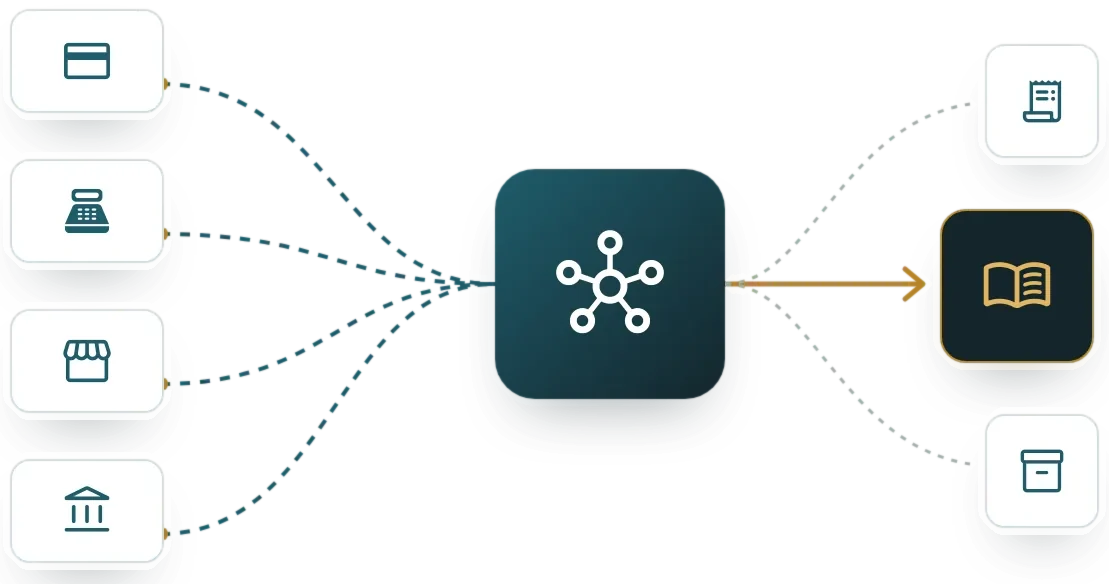
Platforms differ in how many ITIL processes they include, cost per agent and integration with monitoring and directory. The list is in no order of preference.
Odoo Helpdesk
Odoo's Helpdesk app covers tickets, SLAs and a portal. It does not include every ITIL process (changes, problems, configuration inventory), so I recommend it when the desk is small and already runs on Odoo.
Other ITSM platforms I assess
- ServiceNow ITSM
- Jira Service Management
- Freshservice
- ManageEngine ServiceDesk Plus
- GLPI
Limits of the ITSM service
- I do not run the desk or provide first-line support to your users.
- The chosen platform is configured by the vendor or your team; I design the process and the integrations.
- Odoo Helpdesk has no change, problem or configuration database (CMDB) processes. If you need them, the recommendation is another platform.
Criteria for choosing the ITSM tool
- Processes you need today: incidents and requests, or changes and problems too
- Number of agents, which drives licence cost
- User portal and knowledge base
- Connection to your monitoring, directory and ERP
- Cloud or on-premises, and a Spanish-language interface

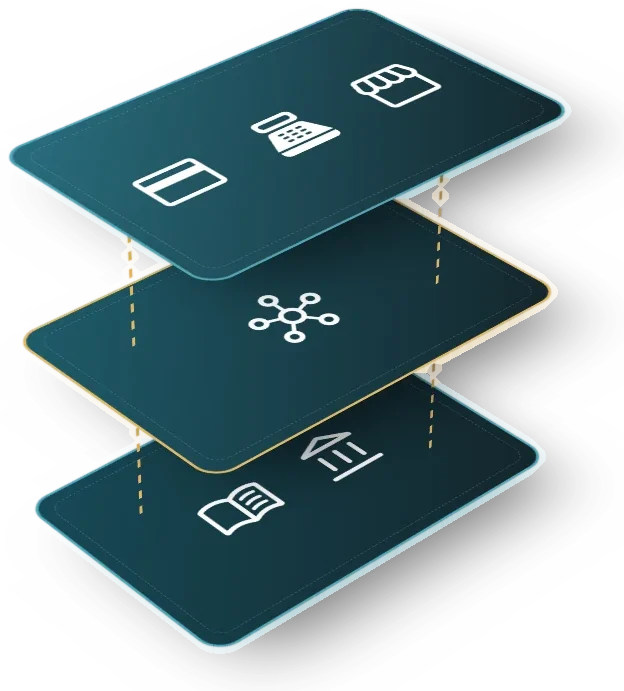
IT service desk integrations
Help desk and customer support
Keeps external customer support apart from the internal IT desk, with hand-off rules between them.
See the systemObservability and monitoring
Monitoring alerts open incidents and notify the on-call owner.
See the systemIdentity and access management (SSO)
Joiners, leavers and permissions come from the identity directory, with a record of who approved.
See the systemDocument and enterprise content management
Procedures, support contracts and evidence live in the document management system.
See the system34 questions on your IT desk, in 8 minutes
This assessment reviews how IT logs incidents and requests, how it authorizes changes and how it controls staff devices, licenses and access. The questions describe observable situations of the service desk, monitoring and backups.
Scored dimensions
- Case logging and classification. It looks at whether every IT incident and request ends up in a ticket with its type, its user and its intake channel.
- Changes and root cause. It looks at whether changes to systems and configurations are authorized by risk and whether repeated incidents become problems with a cause and an action.
- Devices, licenses and access. It looks at whether the company knows which device, license and access each person holds, and whether provisioning and removal follow staff onboarding and exit.
- Service times and measurement. It looks at whether there are response times per request type, whether monitoring detects outages before users do and whether resolution time is calculated from a written definition.
- Continuity and technical knowledge. It looks at whether support keeps working when one person is absent and whether backups are restored with a recorded result.
What you receive
At the end you receive your level per dimension and the gaps ranked by priority. Each gap comes with a first verifiable action for your IT team.
16 scored questions and 13 context questions (type of operation, size, current system). Context questions are not scored: they let us read the result against similar operations.
Free of charge. Only Diego Muñoz sees your answers.

No. I assess the operation, help you choose the tool and integrate it with your other systems. Platform configuration is done by the vendor or your team; I design the process with them.
No. Rolling out all of ITIL at once is one of the best-known risks. I recommend starting with incidents and requests and a short catalogue, then adding processes once those work.
Yes, at a different scale. A simple log, an inventory and tested backups reduce dependence on one person. The tool can be one the company already uses.
The online assessment and the 30-minute review with me are free and carry no commitment.
Only I, Diego Muñoz, read them, to prepare the review. I do not share them with third parties or use them for bulk mailings.
Review your IT service desk with Diego
Twenty minutes with a recent incident and the list of tools IT uses. I reply in person, on Lima time.
WhatsApp +51 919 488 260 · damunoz@dmunozgroup.com