Skip to Content
Resources · Demos and guides

See the process running before you buy

Site purchase order in Odoo on a laptop

Four videos of one construction project, recorded in our Odoo test environment from purchase to invoice, plus three PDF guides to close the month, choose an ERP and start with AI.

Download the guidesWatch the demos

Site purchase order in Odoo on a laptop
One project, four stages

The whole project, from purchase to invoice, in two minutes of video

Four silent videos of Constructora Andina Demo S.A.C., a fictitious company: 2 min 3 s in total. Pick a stage to watch its video and the steps it covers.

Odoo test environment, demo data.

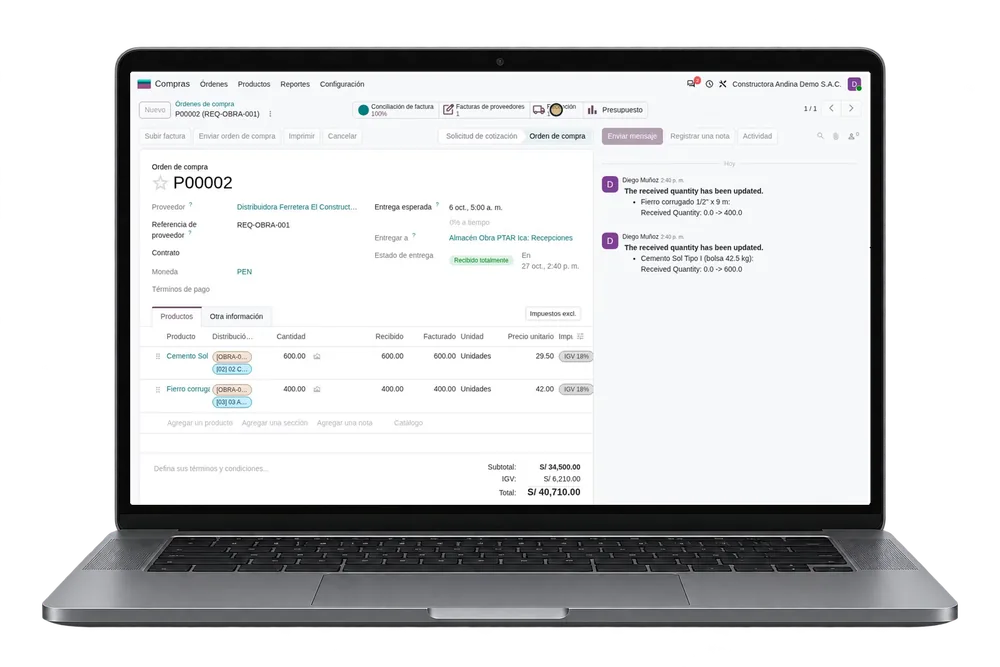
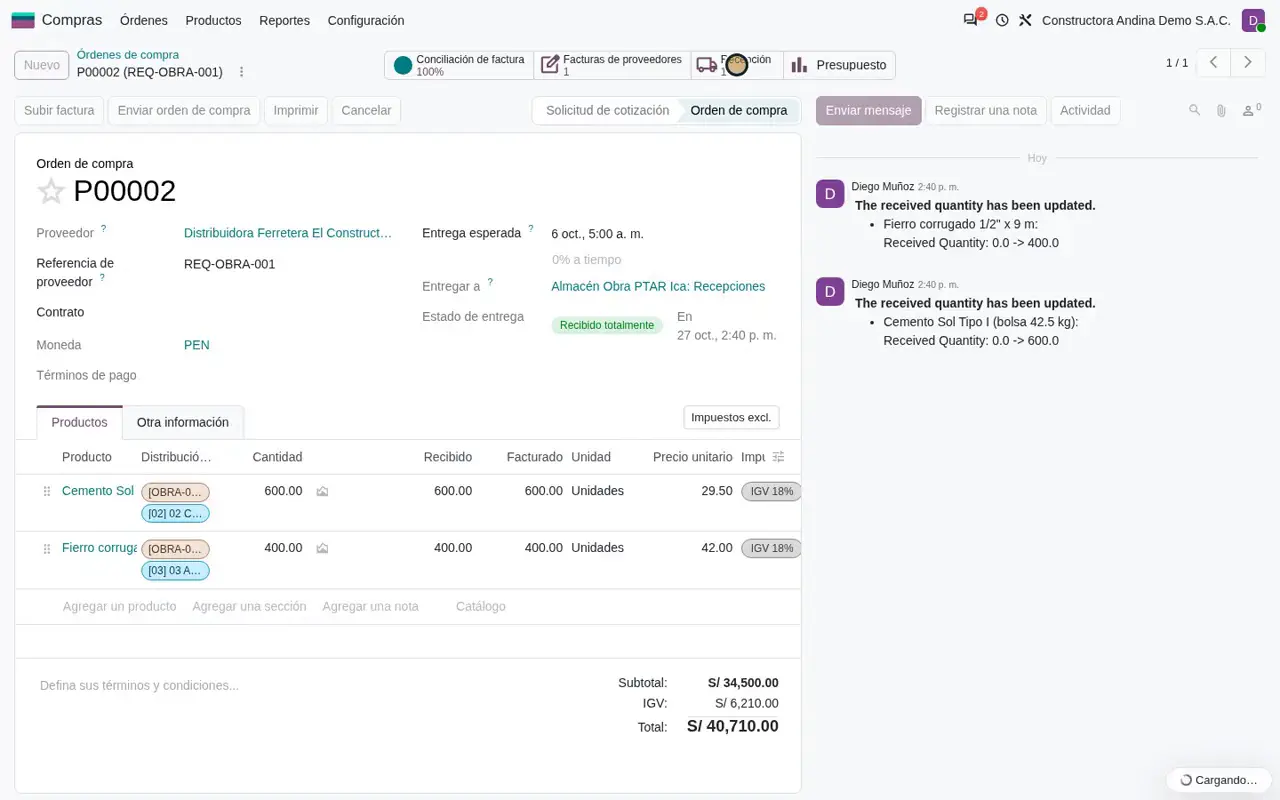
From site requisition to issue slip

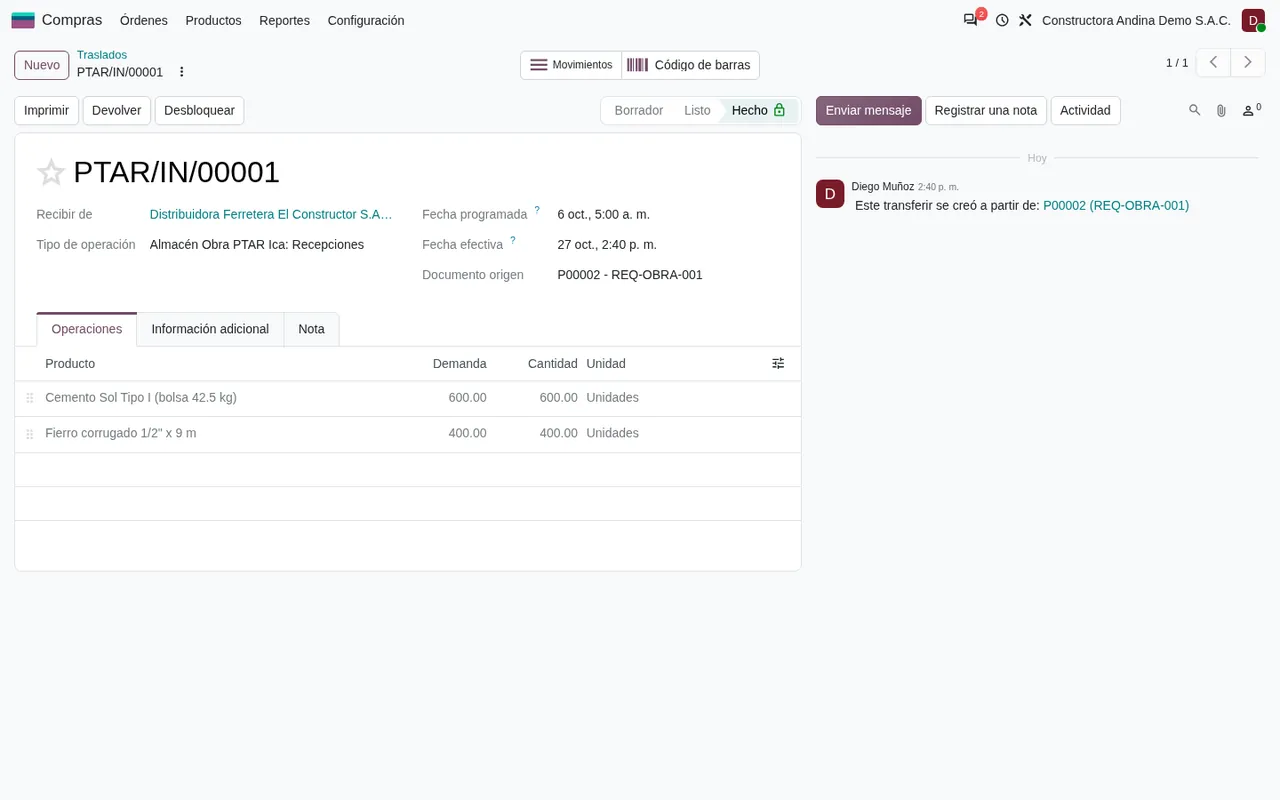
The purchase starts as a requisition, is confirmed with the budget line on every order line and is received into the site warehouse before it goes out to the work front.

What it shows
  1. Site requisitions in the request-for-quotation list.
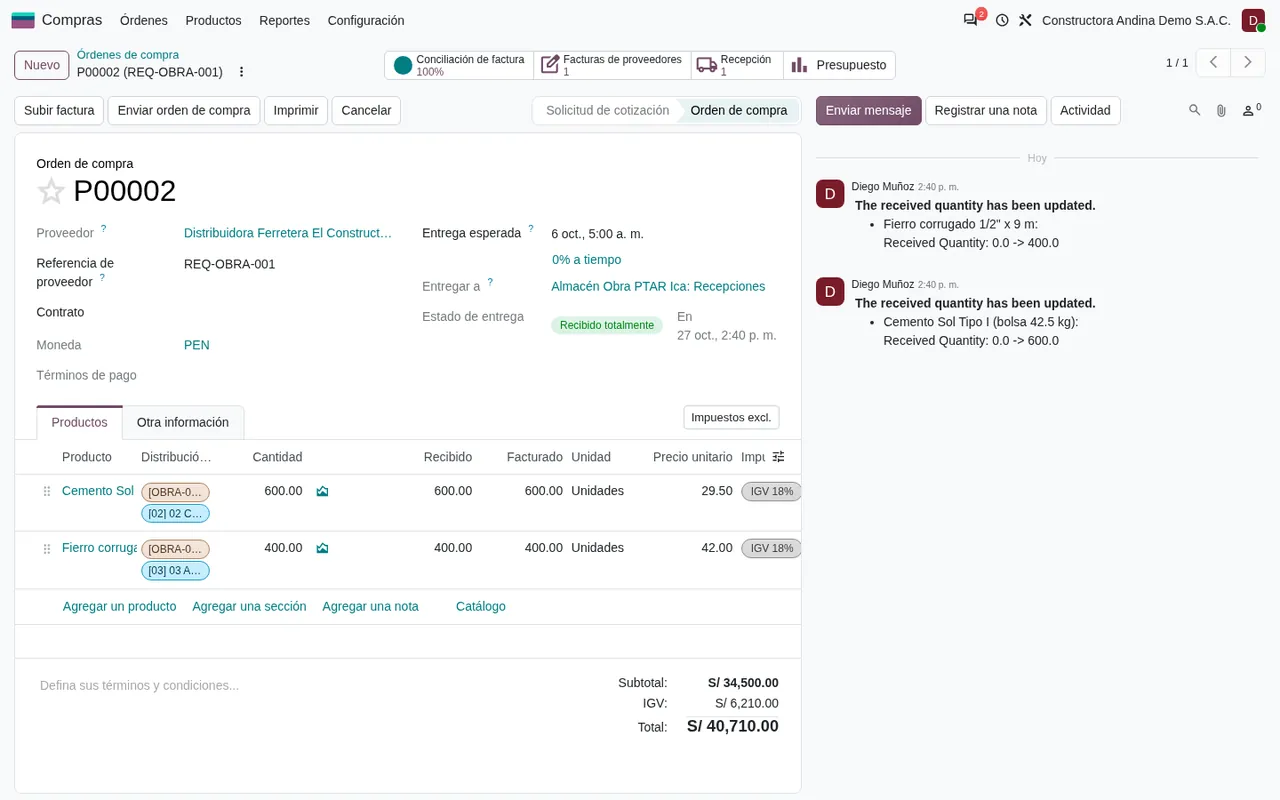
  2. Purchase order with the budget line on each line.
  3. Receipt into the site warehouse.
  4. Issue slip to the work front.

Ask for this walkthrough with my data

Odoo test environment, demo data.

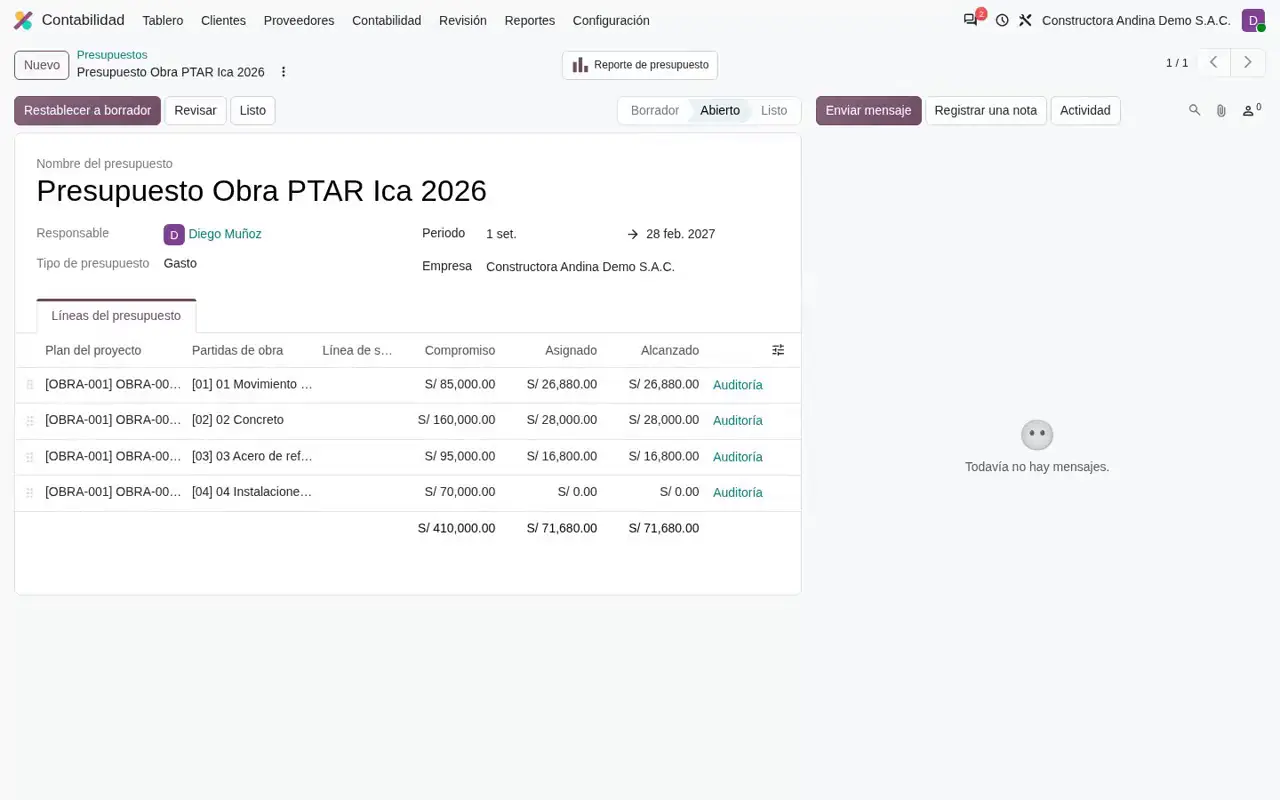
Budget by line item against actual spend

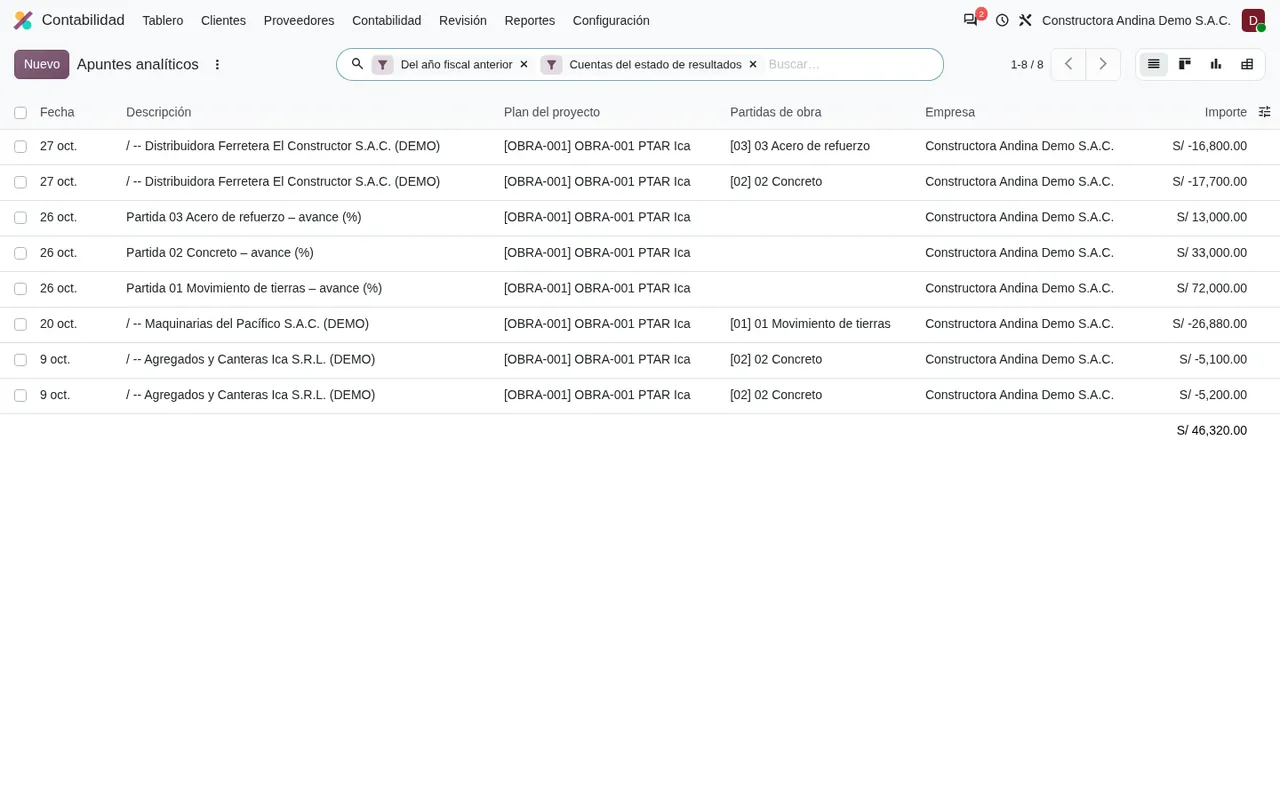
The site budget is loaded by line item and compared with committed and actual spend, without exporting to Excel.

What it shows
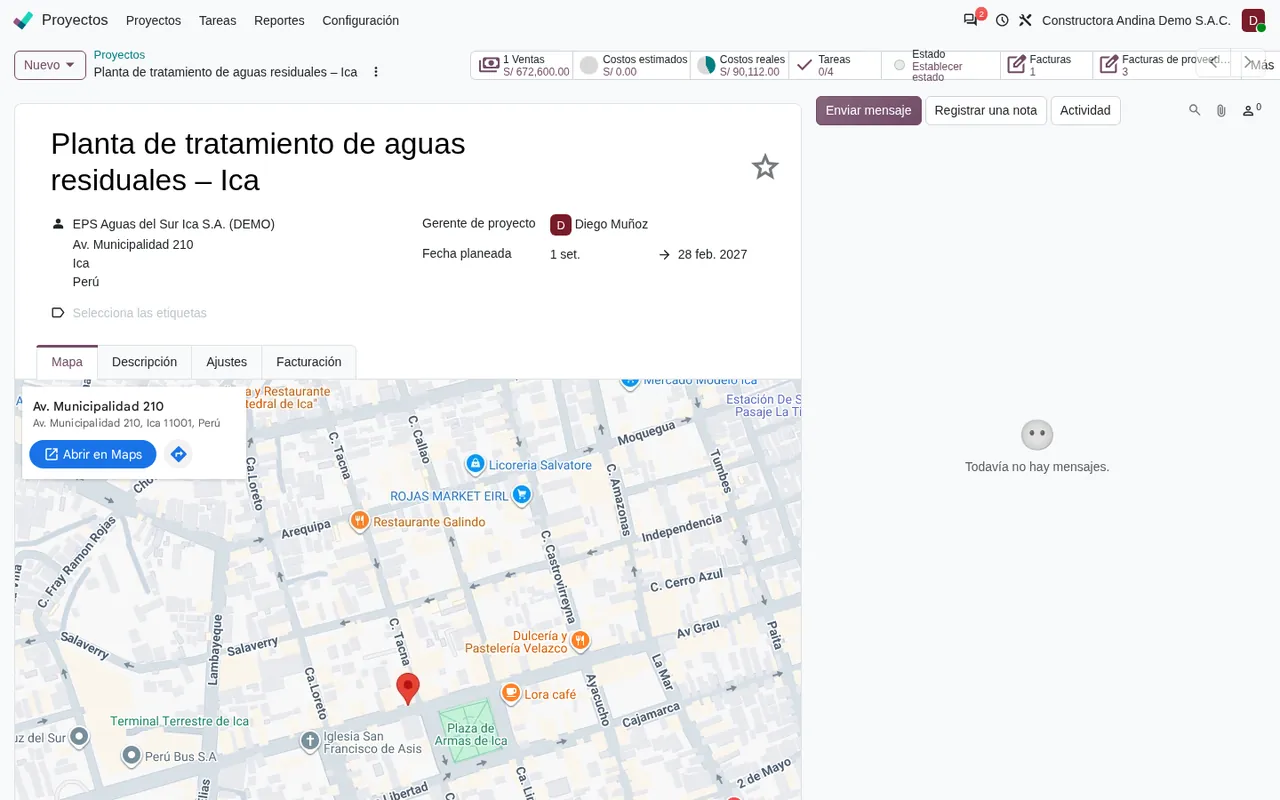
  1. Project record with client and dates.
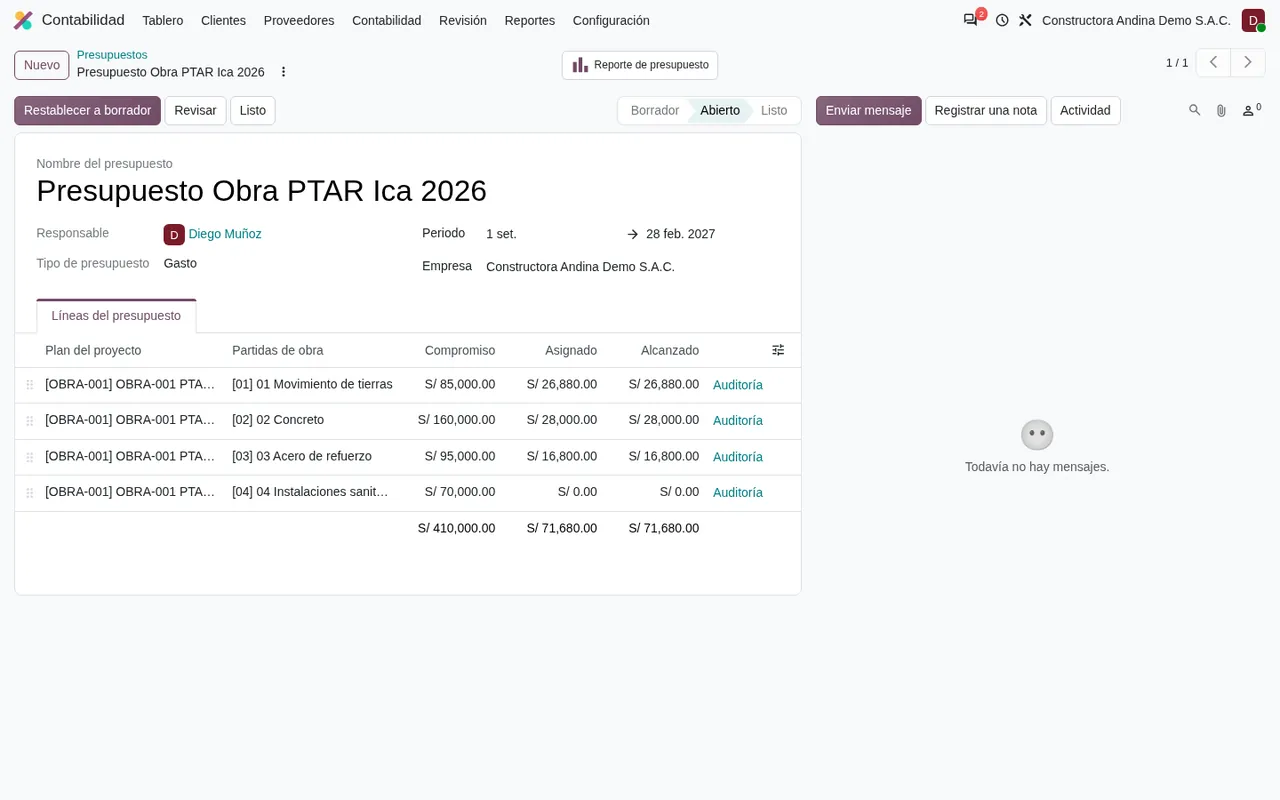
  2. Budget by line item: committed, allocated and achieved.
  3. Budget report across every line item.
  4. Actual cost by line item in a pivot view.

Ask for this walkthrough with my data

Odoo test environment, demo data.

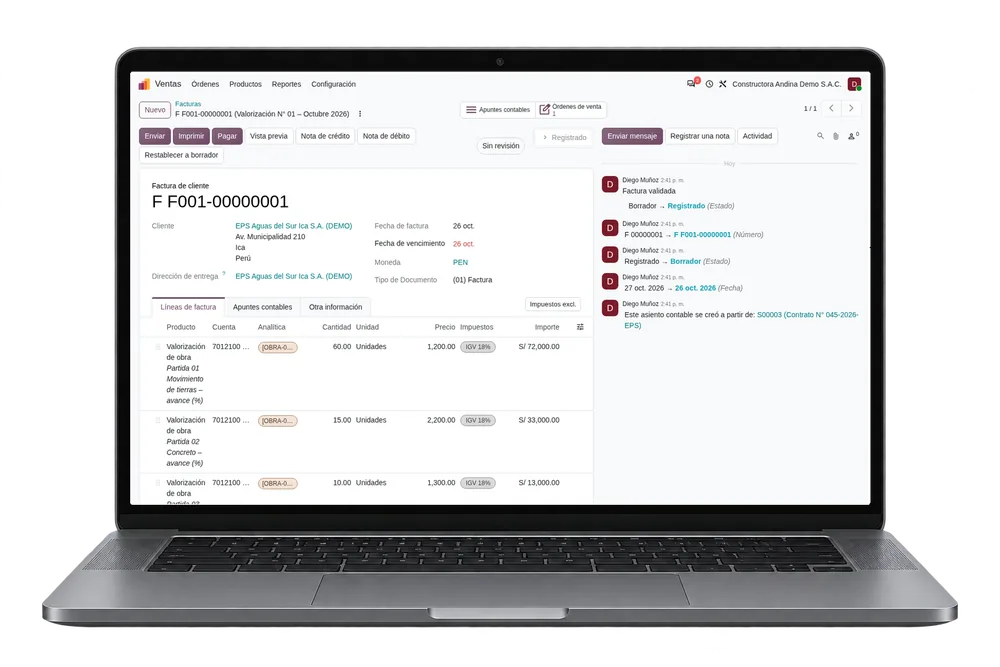
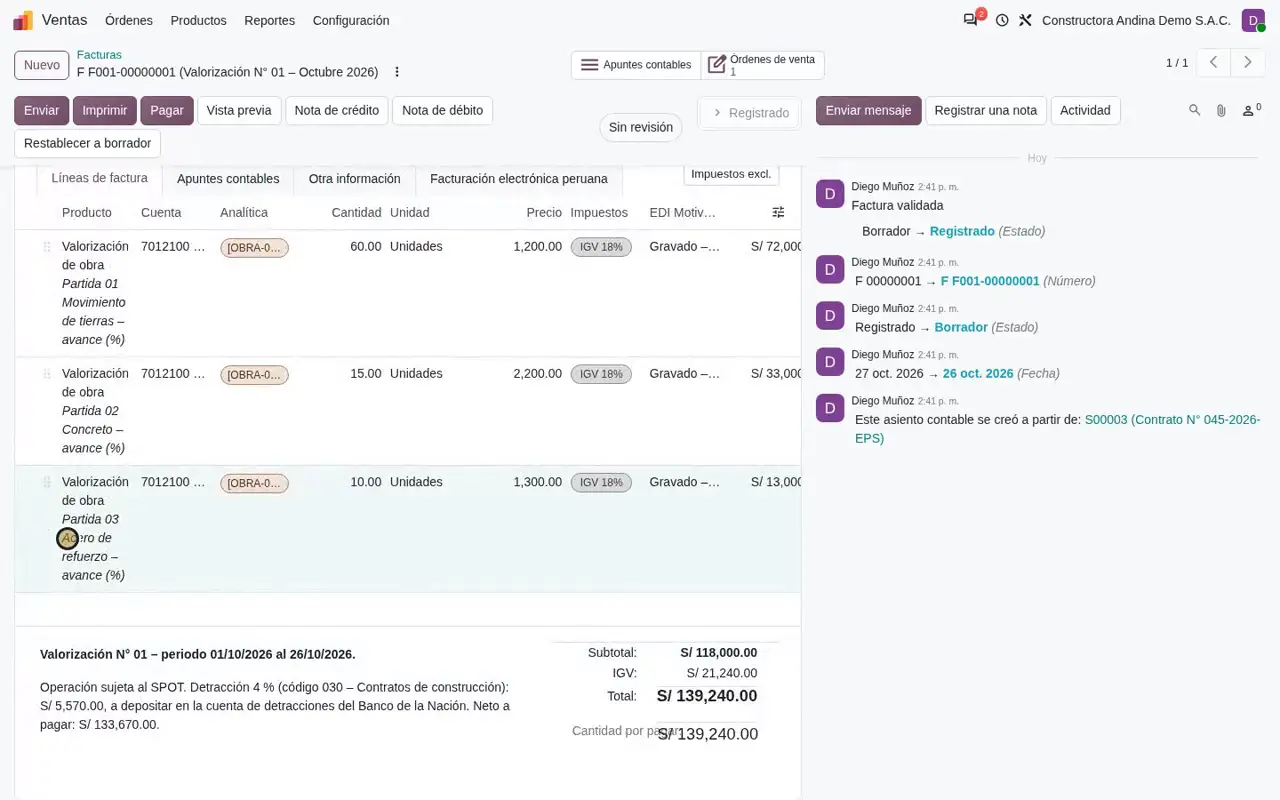
From contract progress to an invoice with detracción (Peru's tax withholding on invoices)

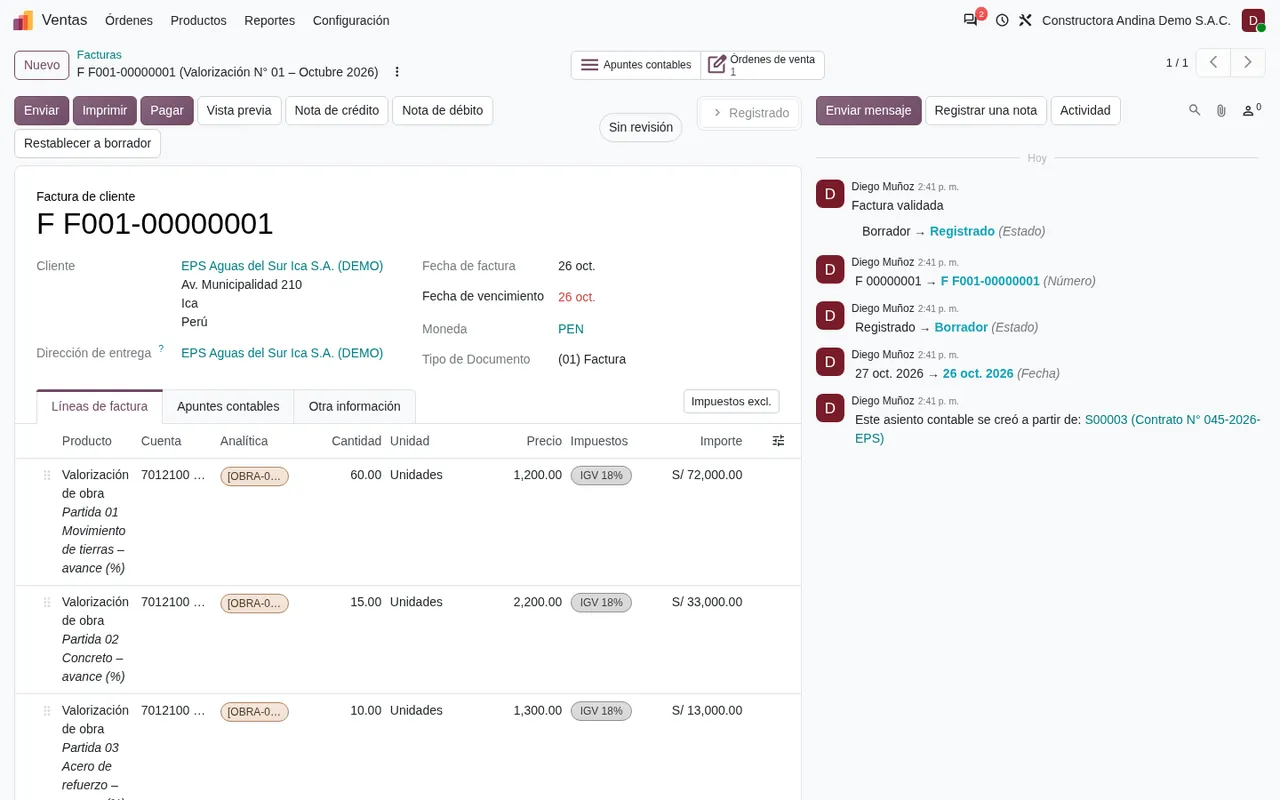
Each contract line records its progress. The period's valuation is invoiced with the detracción note that SUNAT, the Peruvian tax authority, requires.

What it shows
  1. Sales contract with one line per budget item.
  2. Progress delivered and invoiced on each line.
  3. Progress invoice with the site analytics.
  4. Detracción note at the foot of the invoice.

Ask for this walkthrough with my data

Odoo test environment, demo data.

Daily timesheets by line item and plant maintenance

Staff and machine hours are charged to the budget line. Each machine has its own record with preventive and corrective maintenance.

What it shows
  1. Hours logged by project, line item and person.
  2. Excavator record with its category.
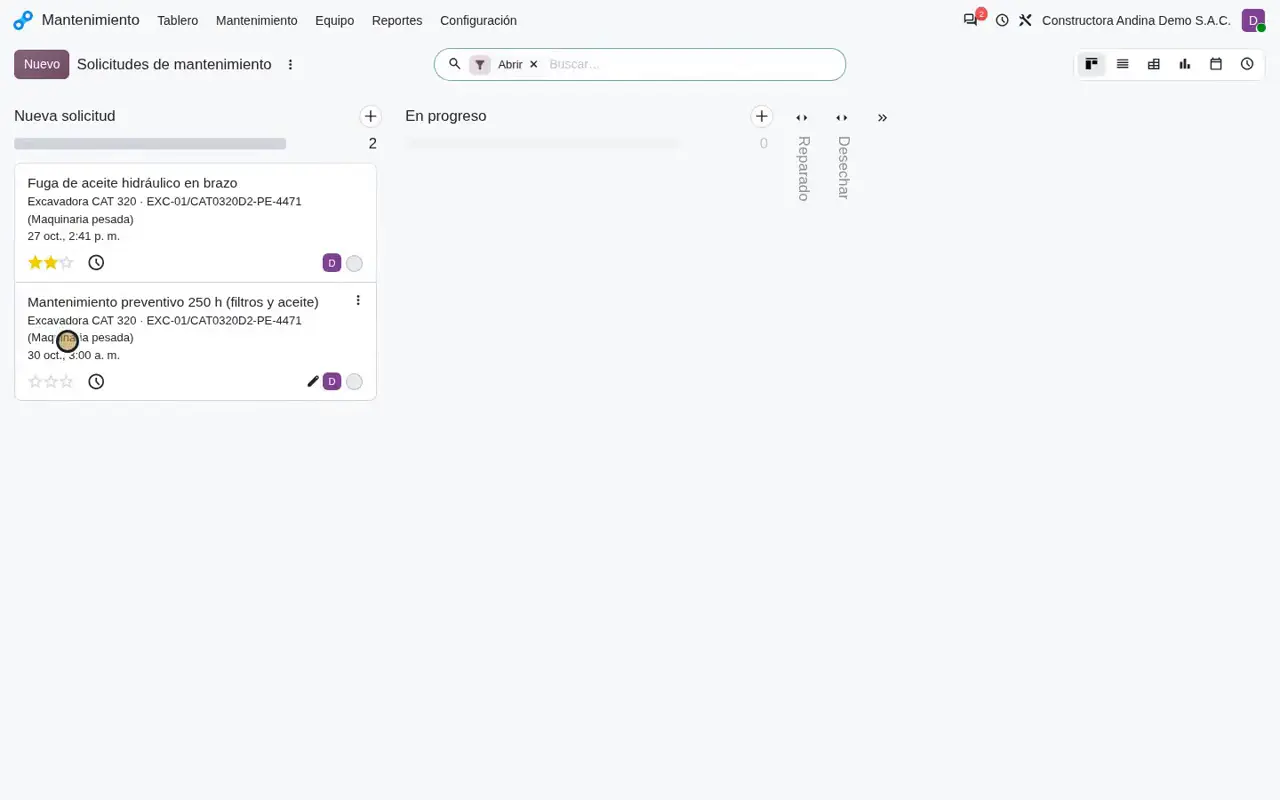
  3. Maintenance requests on a kanban board.

Ask for this walkthrough with my data

PDF guides

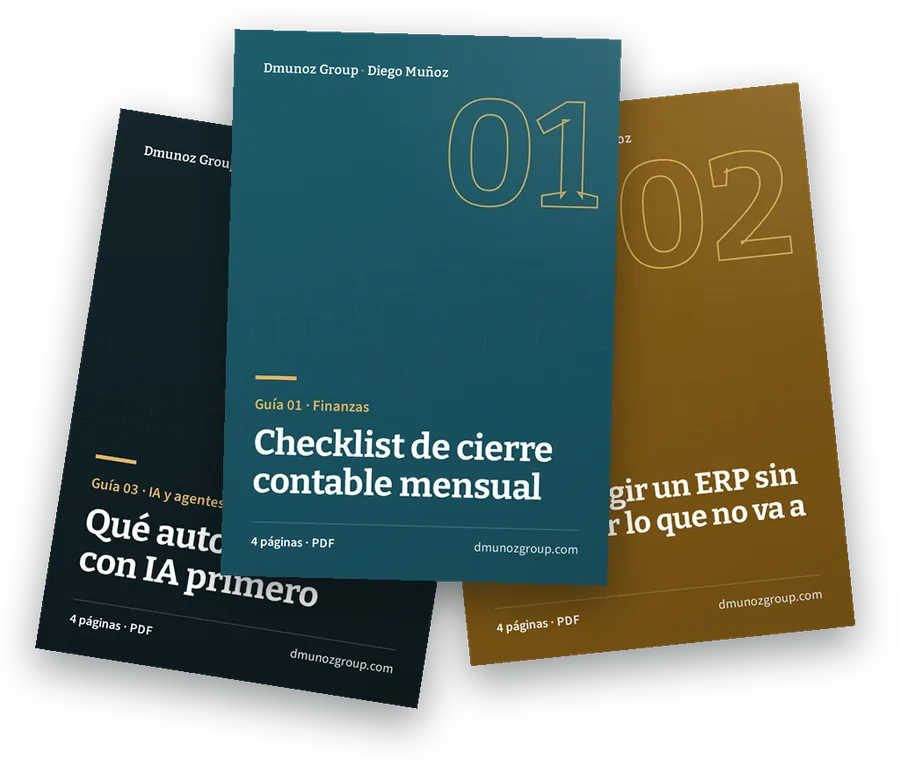
Three guides to close the month, choose an ERP and start with AI without overpaying

Four pages each, ready to print and take into a management meeting. Leave your email to download them.

Swipe to see all three guides

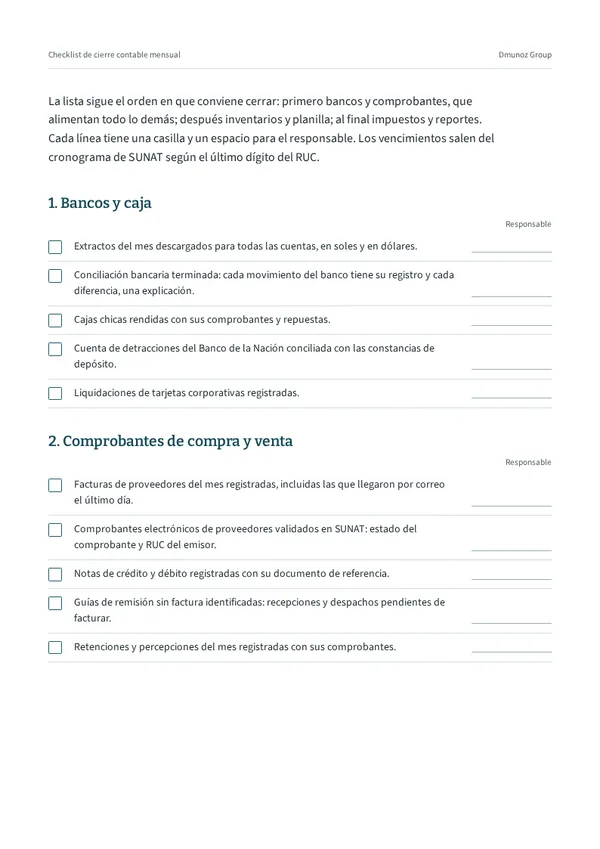
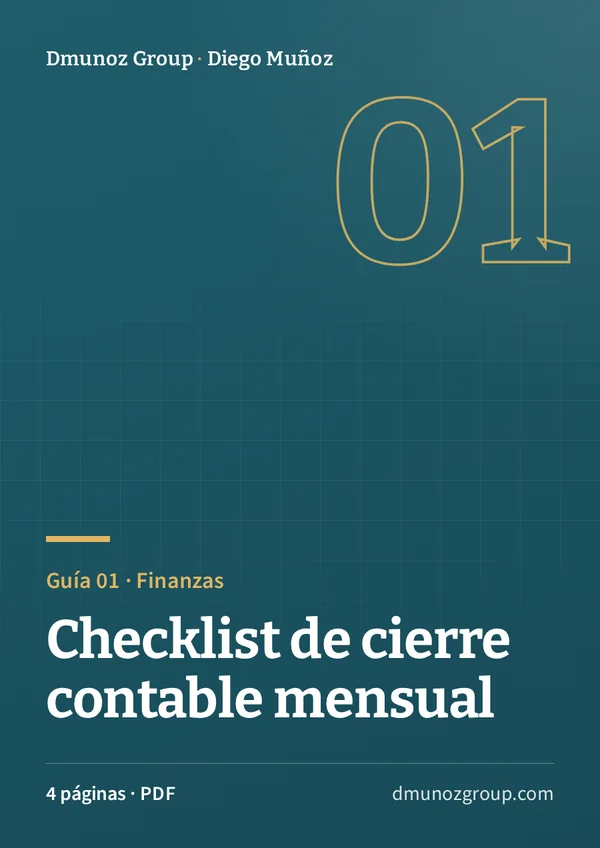
Inside page: checklist with a tick box and an owner per line Month-end close checklist
Guide 01 · Finance

Month-end close checklist

Seven blocks, in the order a close works best, with a tick box and an owner for every line.

  • Banks, documents and inventory
  • Payroll, accruals and exchange differences
  • VAT, income tax and the SIRE or PLE e-ledgers filed with SUNAT

4 pages · PDF

I want this guide
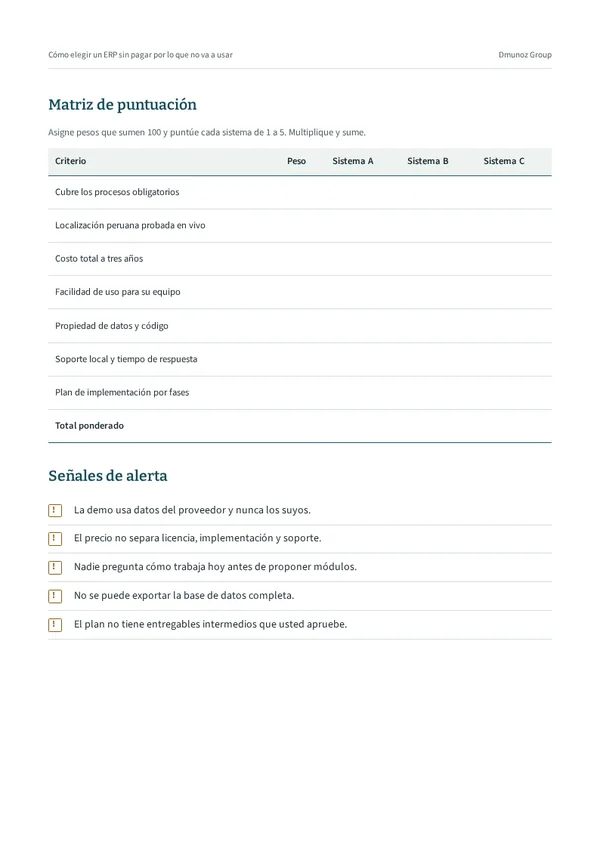
Inside page: scoring matrix and warning signs How to choose an ERP without paying for what you won't use
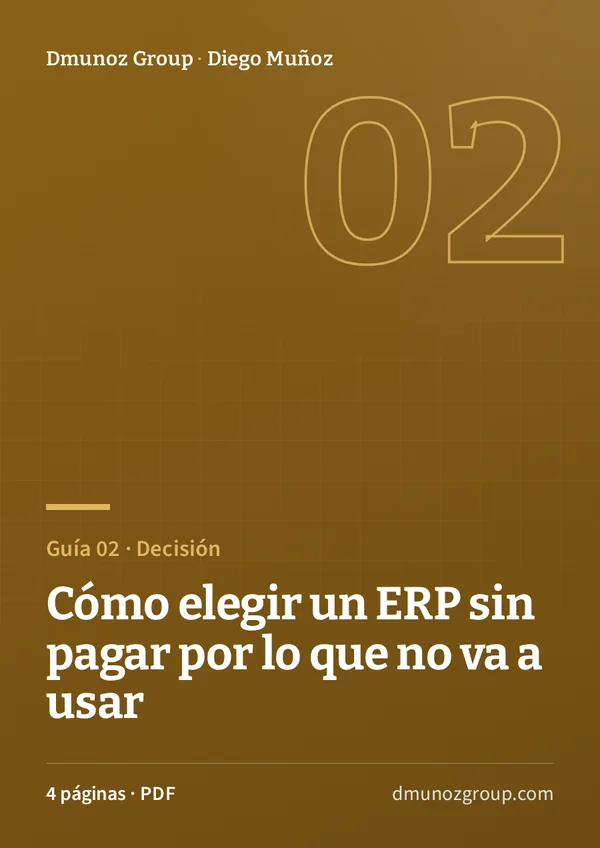
Guide 02 · Decision

How to choose an ERP without paying for what you won't use

Eight steps to compare systems against your own process before you sign a licence.

  • A demo script with three real transactions
  • Three-year total cost
  • Scoring matrix and warning signs

4 pages · PDF

I want this guide
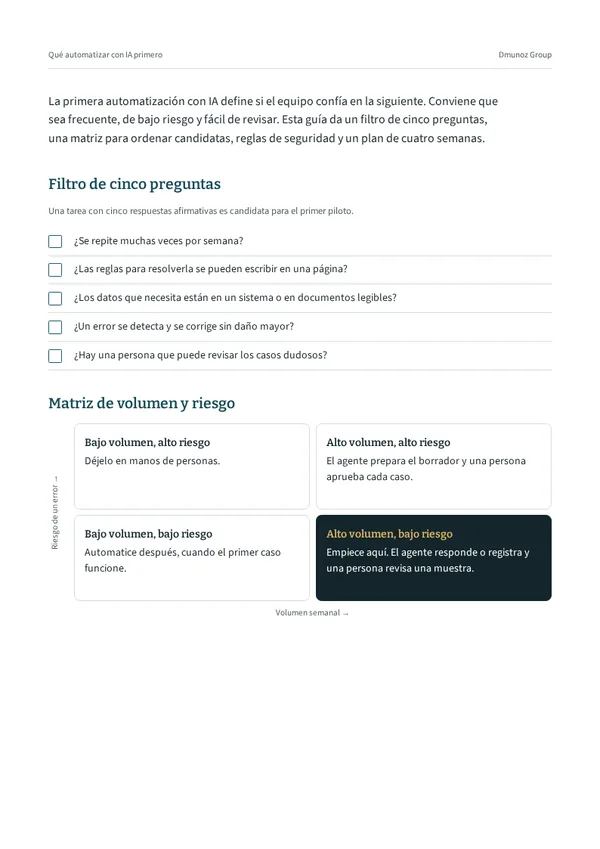
Inside page: five-question filter and volume–risk matrix What to automate with AI first
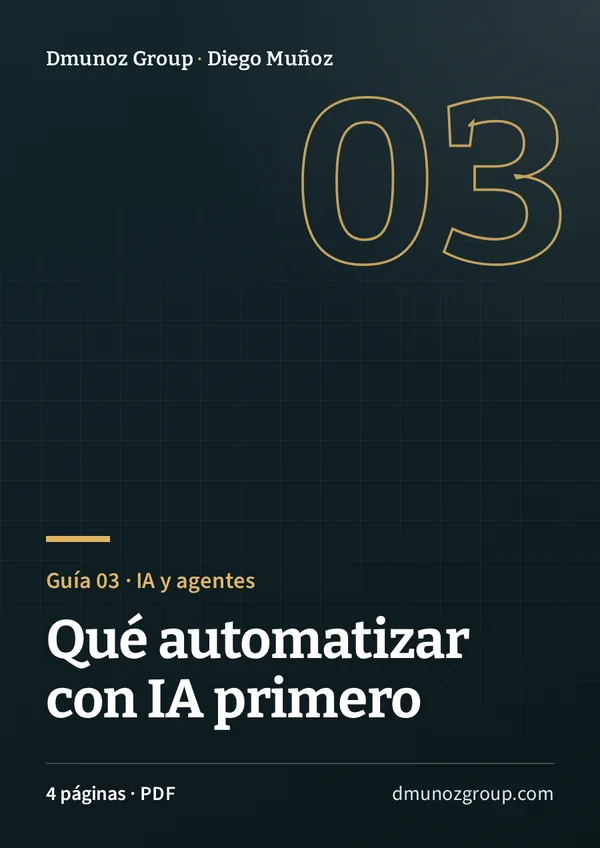
Guide 03 · AI and agents

What to automate with AI first

A method for choosing the first task, measuring it and setting limits before you hand it to an agent.

  • Five-question filter
  • Volume and risk matrix
  • Four-week plan

4 pages · PDF

I want this guide
Instant download

Get all three guides now

Enter your name and email. When you send the form, the download links appear in the language of this page.

  • Diego Muñoz replies personally if you leave a question.
  • We do not share your details with third parties.
  • You can ask us to delete them at any time.
Covers of the three PDF guides

When you send the form, Diego Muñoz receives your details in order to reply. Data handled under Peru's Personal Data Protection Law 29733.

Ready to download

Your guides are ready

Open each one in a new tab or save it to your device.

If you would like to go through your case, message Diego on WhatsApp.

Message on WhatsApp

Frequently asked questions

About the demos, the guides and your data.

No. It belongs to Constructora Andina Demo S.A.C., a fictitious company set up in our Odoo test environment. Suppliers and customers carry “(DEMO)” in their names.

Yes. In a 30-minute call we look at how you work today and agree which flow to show, with data similar to yours.

Yes. The close checklist and the AI guide work with any system. The ERP guide helps you compare any system, Odoo included.

Your name and email create a record in our CRM so we can reply. We do not share them with third parties. To have them deleted, write to damunoz@dmunozgroup.com.

So you can watch them anywhere and they work in all three languages of the site. The steps for each video are written alongside, in the language of this page.

Odoo 20 Enterprise with Peruvian localisation: e-invoicing, detracciones (tax withholdings on invoices) and the Peruvian chart of accounts.

Progress invoice in Odoo on a laptop
Next step

Request a diagnosis of your process

Diego replies with a walkthrough of your process in our Odoo test environment, using data similar to yours.

Diagnose my processMessage on WhatsApp

A 17-question online questionnaire. If you would rather talk, the call takes 30 minutes.